

Account credit
On this page
The account credit feature allows you to apply credits to customer accounts that they can then use to pay or contribute to payment at checkout. How you use this feature is entirely up to you but here are some ways it can be utilised:
- Offer a line of credit with selected accounts
- Store Credits for returned goods
- Loyalty discounts earned based on previous purchases
Account Credits can be created from the Account Credit tab via the App Launcher or from an accounts related list.
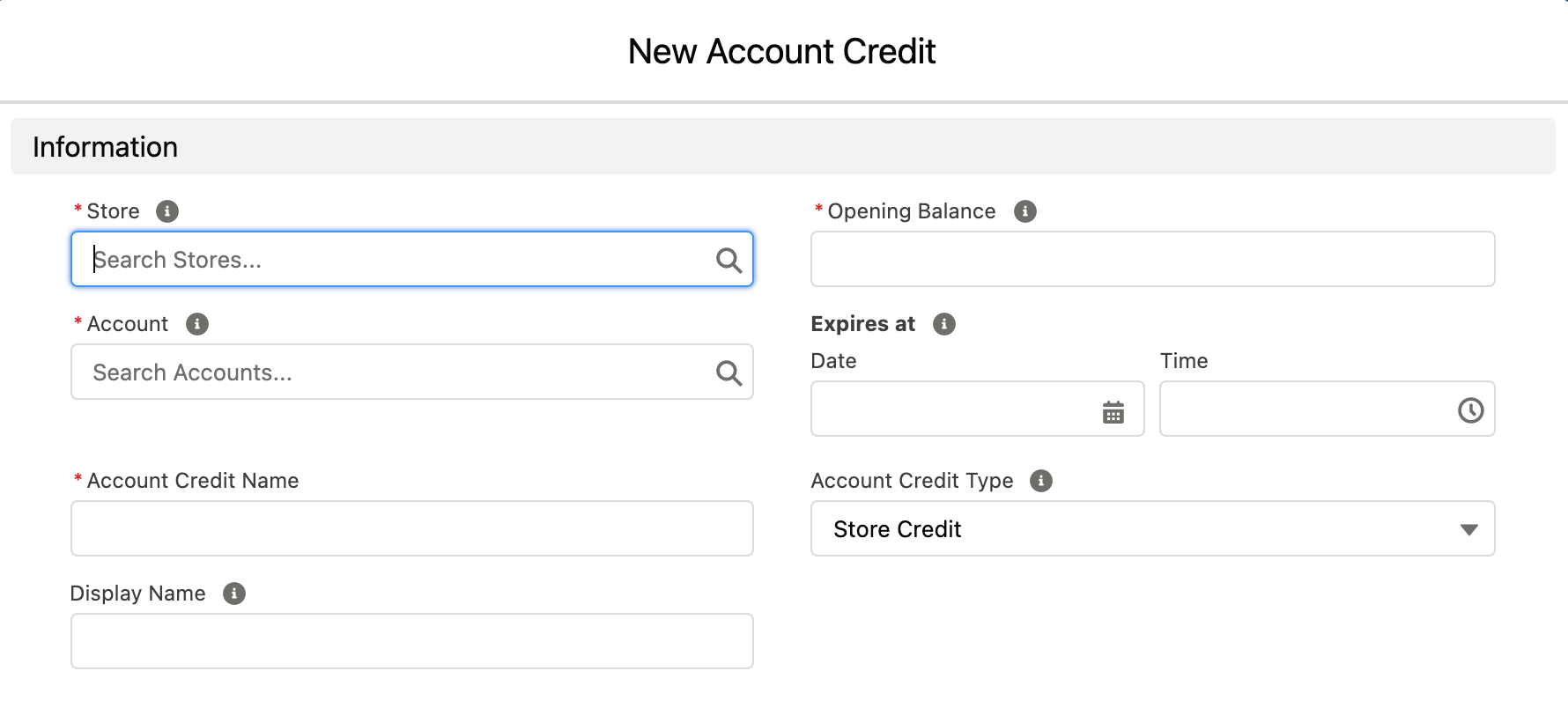
You need to specify what contacts within the account are authorised to spend the credit. Simply check the Can Use Account Credit checkbox for each authorised contact.
Each time a credit is created or debited; an entry is added to the Account Credit Ledger which is visible from the Account Credits related list.
When a customer has credit and is authorised to spend it, an Account Credit component will show up on the checkout payment page where they can choose to apply a portion or all available credit to their order. If other payments options are available, like credit card, they can split the payment between account credits and another payment option.
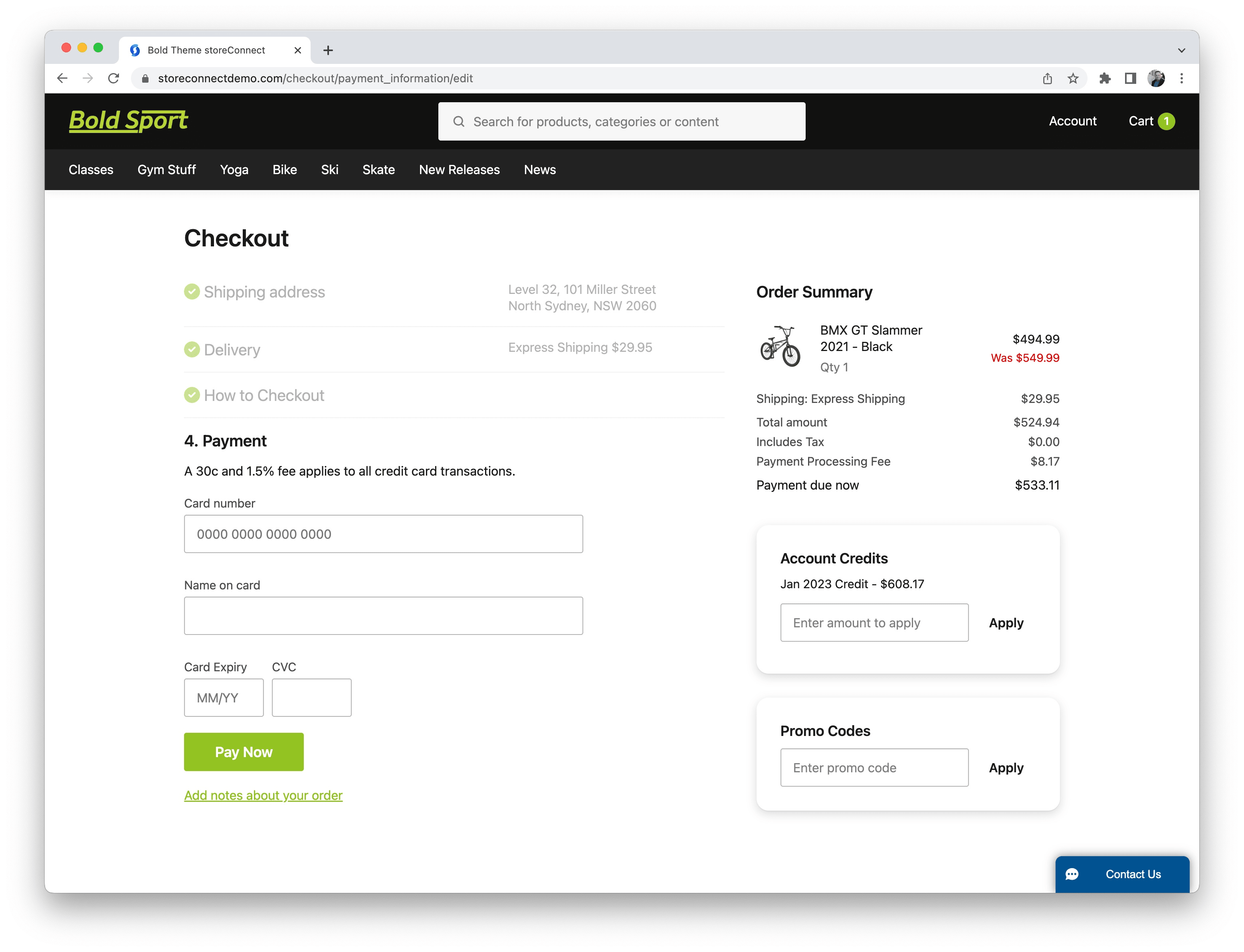
Which they can then apply as much or as little as they want to pay. In this example, we will pay the full amount.
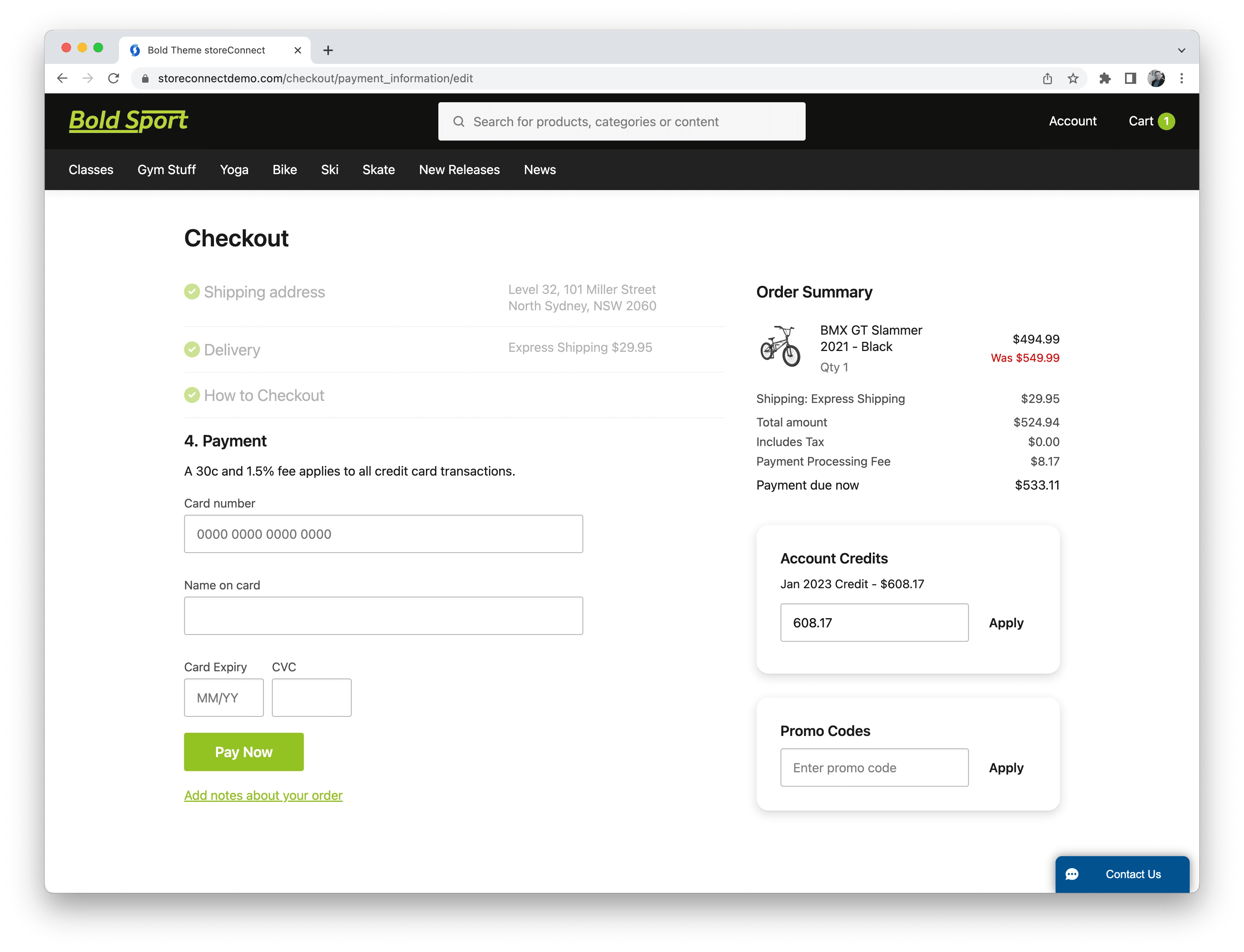
Once the shopper enters the value they want to use and clicks Apply, the account credit is applied to the cart and if the full amount is paid, the shopper is presented with “Paying with Account Credit” and a Purchase button.
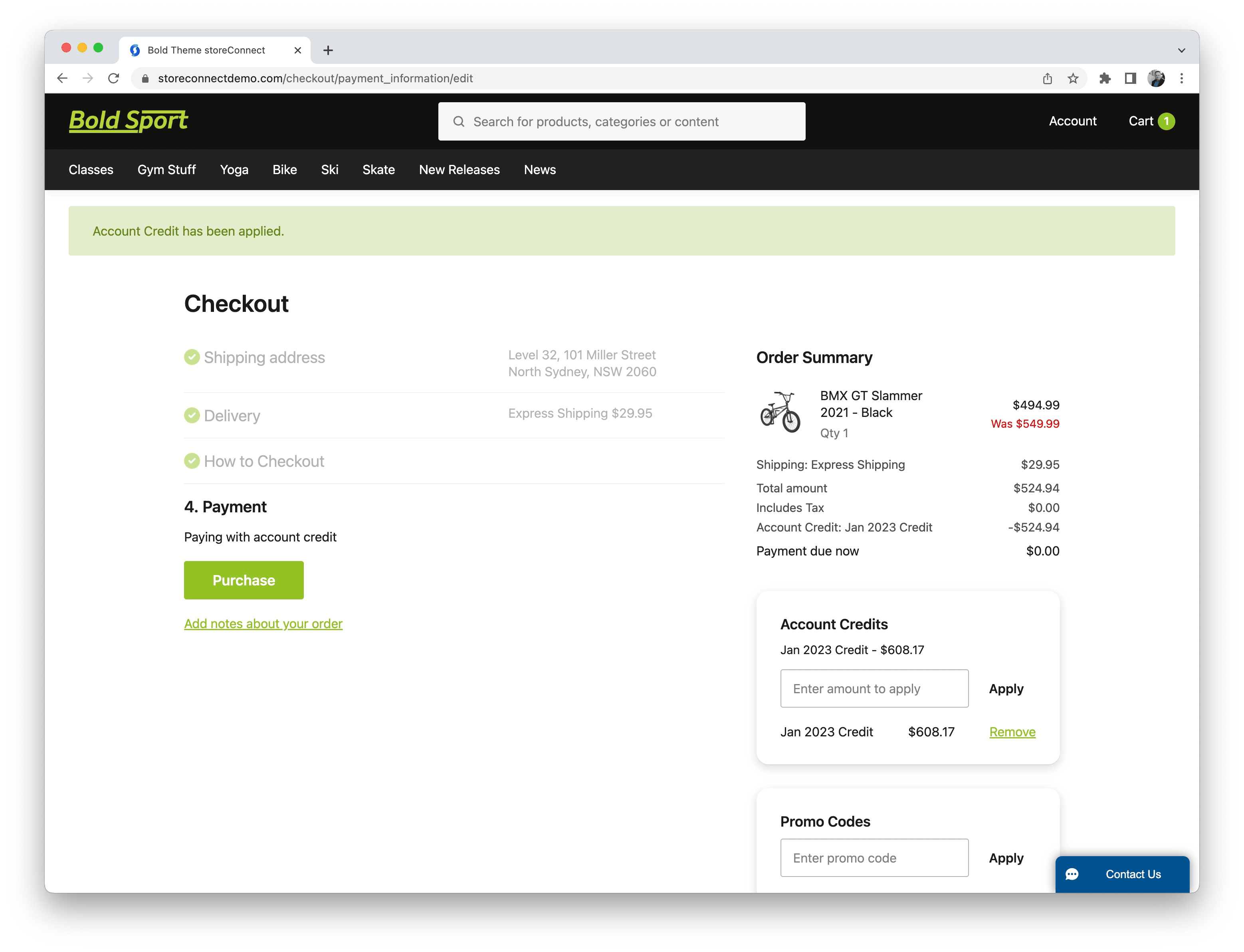
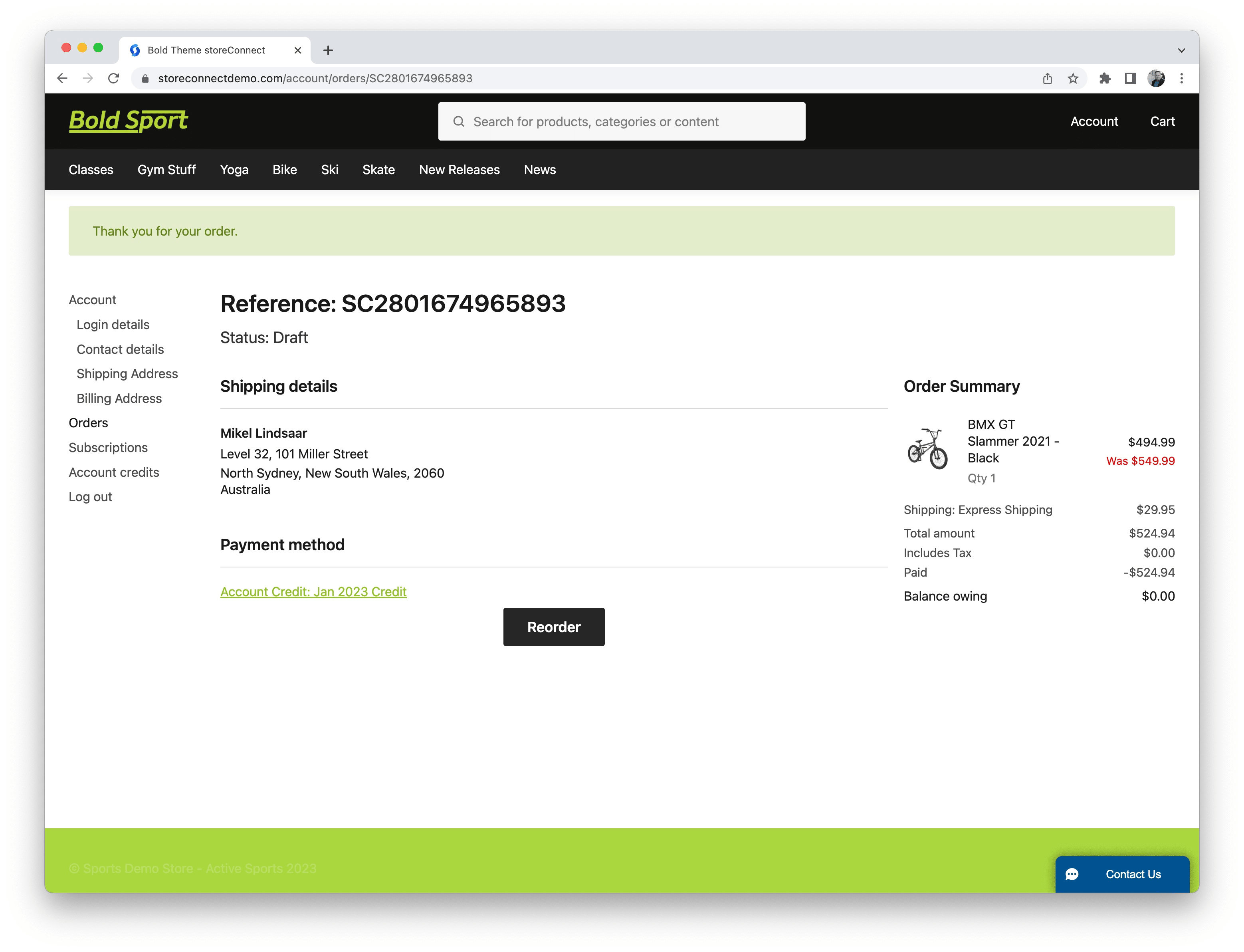
Once purchased, the shopper is presented with their order summary screen, showing that the cart was paid with account credit.
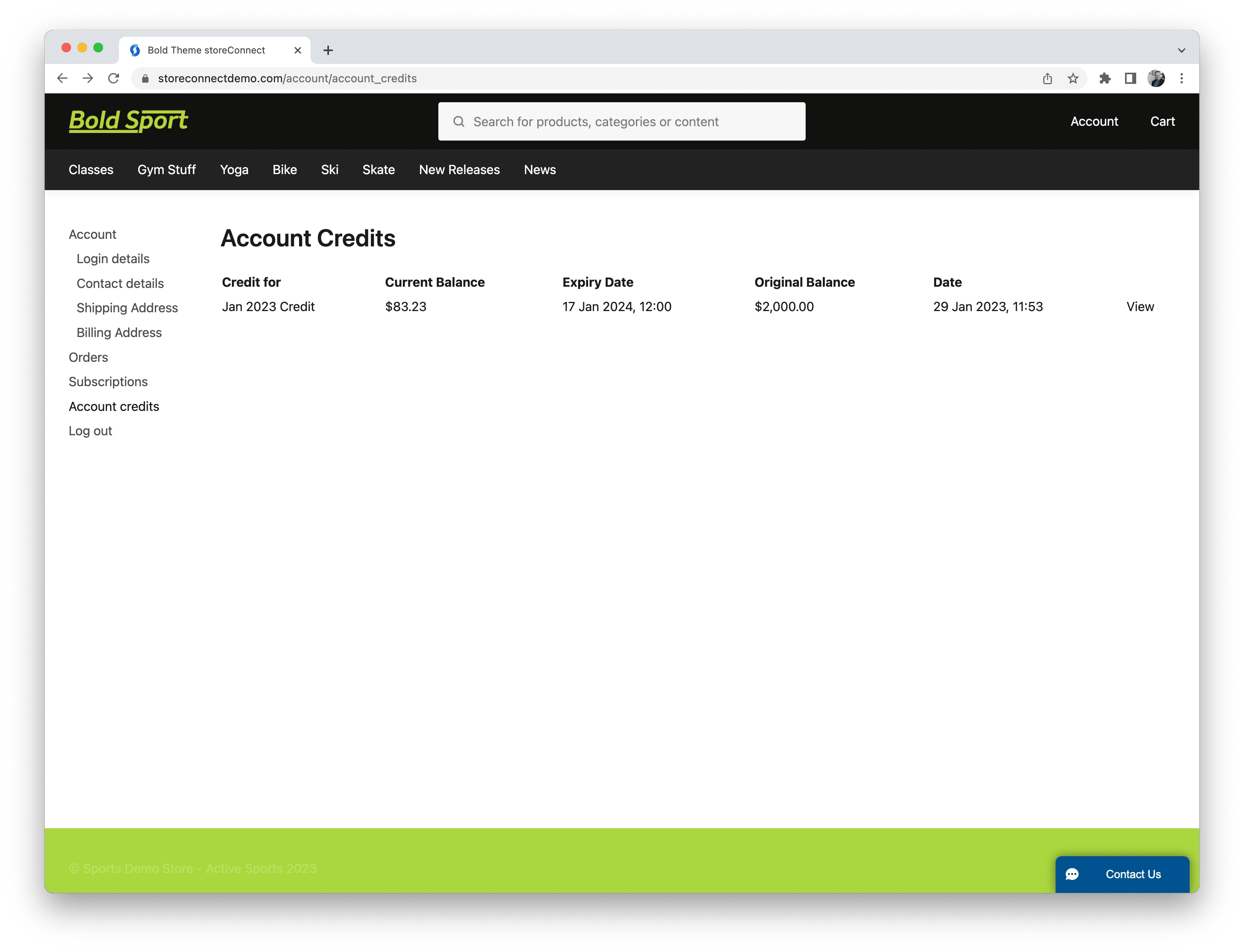
The shopper can then visit their Account Credit page within their profile to see all of the account credits they have and their current available balance.
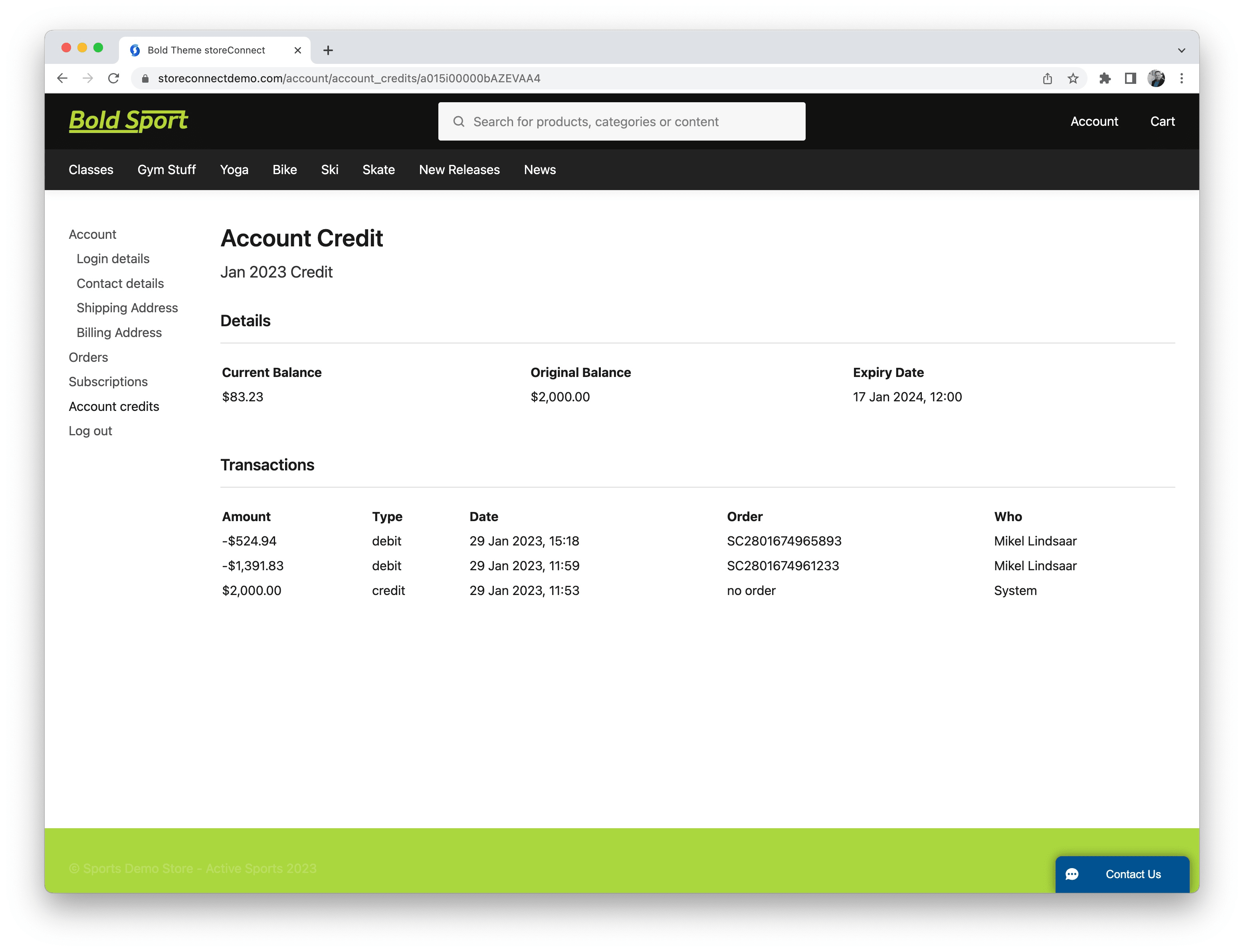
They can then click on any specific account credit to see how the balance has been utilised via a transaction summary and who used it.
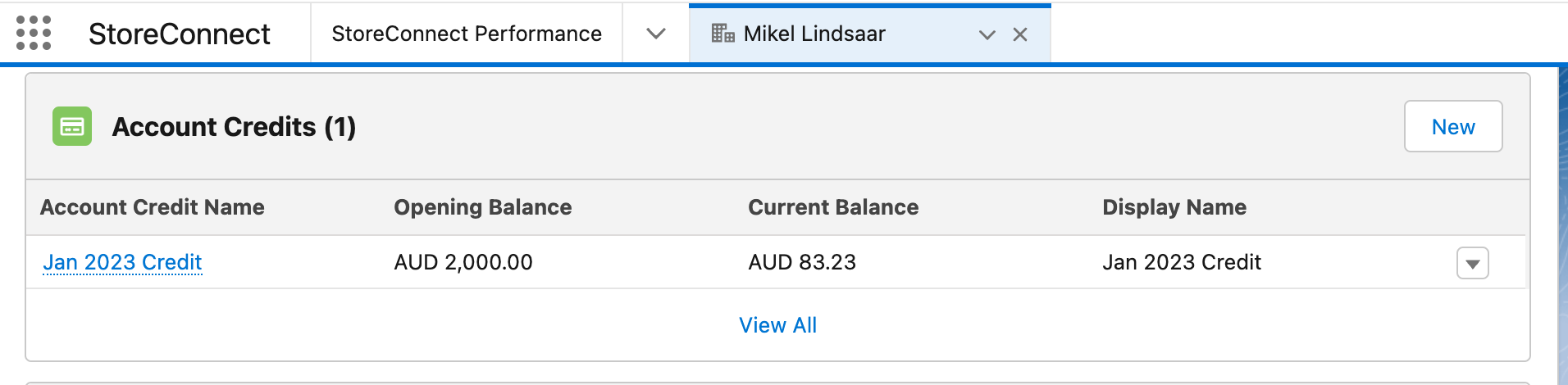
Then at any time, within Salesforce, you can open the account and see the same list of Account Credits listed as a related list on the account record.
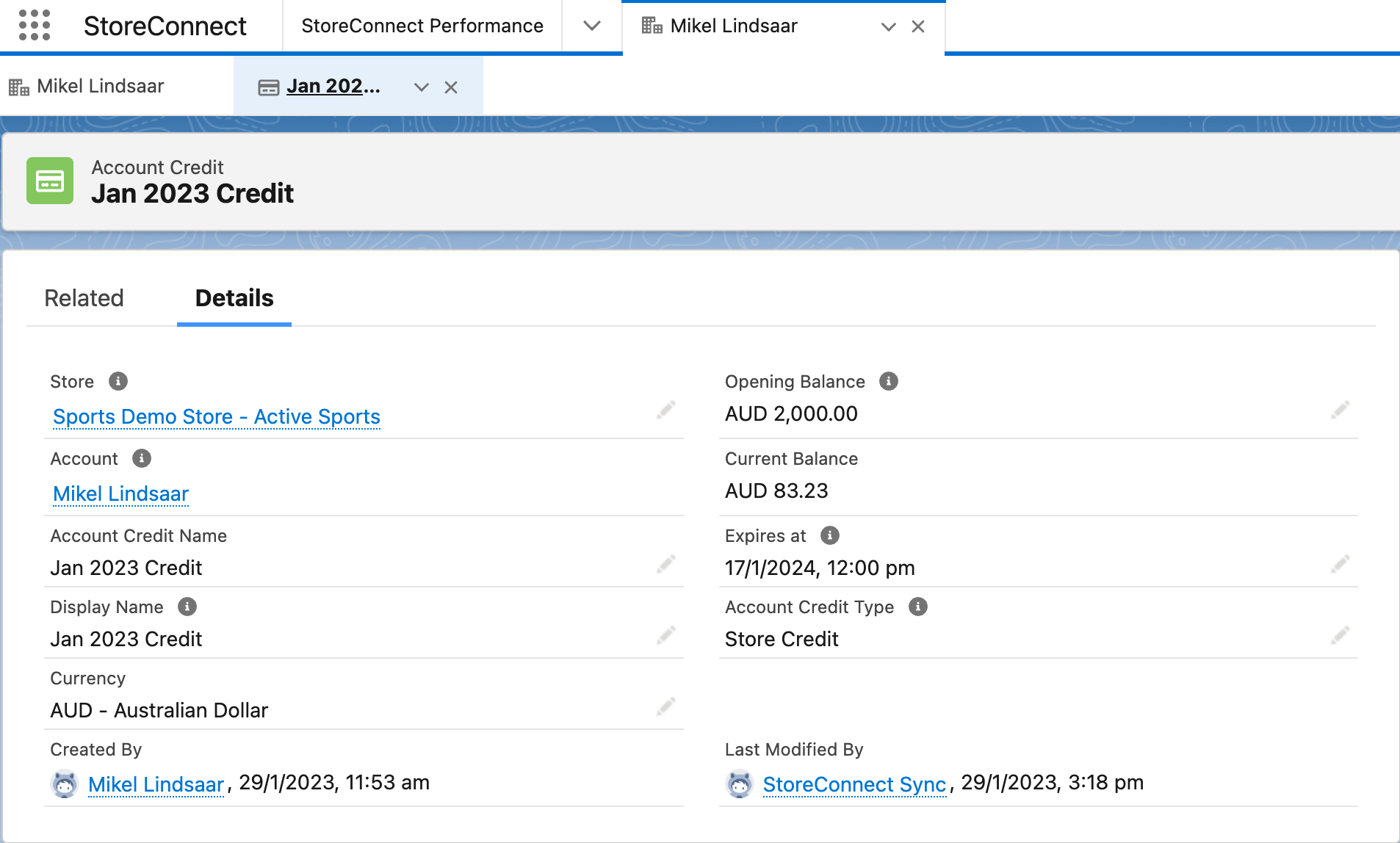
Clicking into this will show you more details about the account credit, including the expiry date.
Then, going to the related list of the specific Account Credit gives you a full transaciton list of all Account Credit Ledger Entries, the same that are seen by the shopper above.

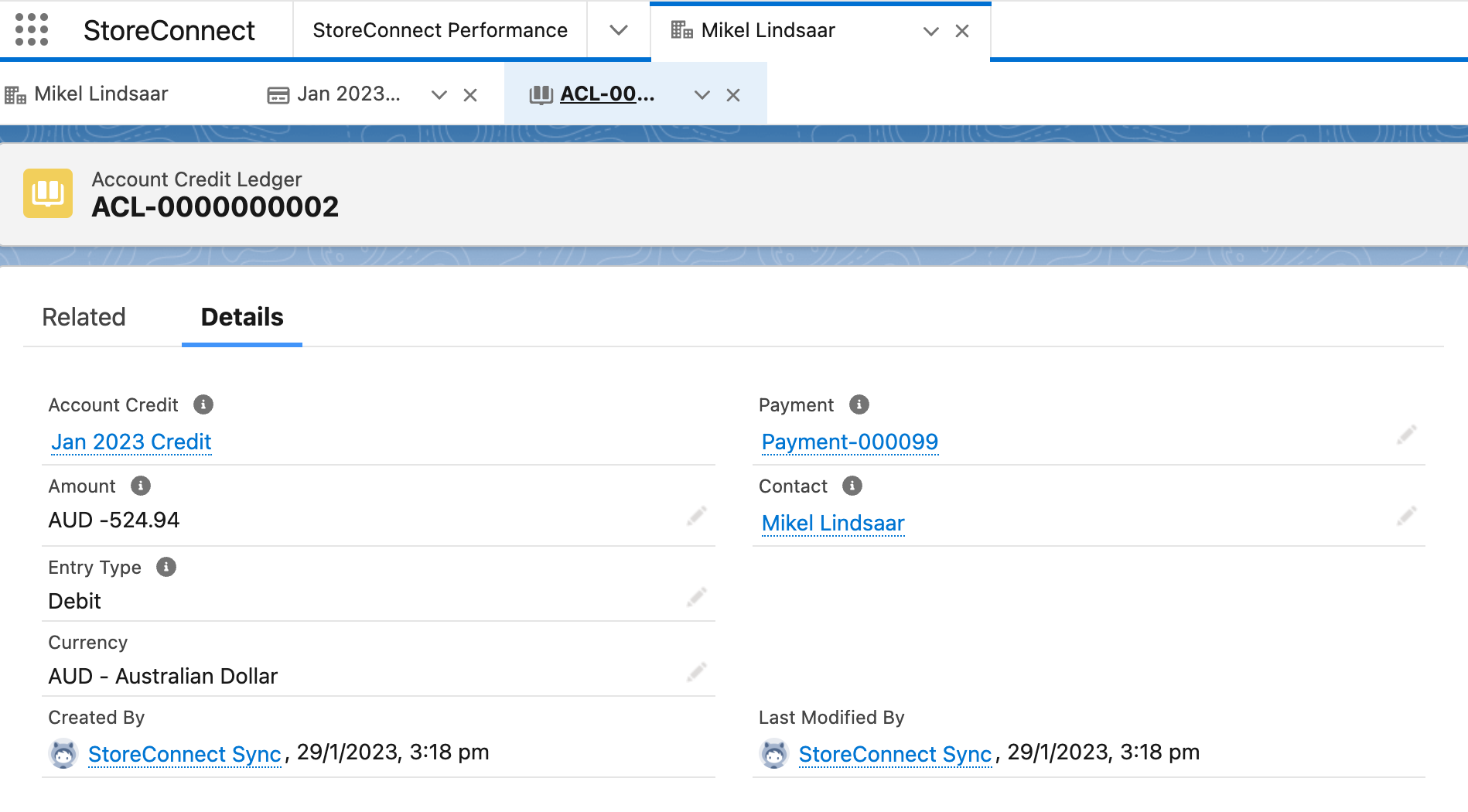
And finally, clicking on a specific account credit ledger entry, shows you the specific details as well as the payment record it is associated with which will give you the order it was applied to.
Was this article helpful?
Thanks for your feedback! It helps us improve our docs.