
Allow any pre-authorised Account and Contact to complete a checkout using a Purchase Order Number. No immediate payment is required to complete the checkout. Depending on if you have offered a line of credit or not, you can then fulfil the order or wait for payment before fulfilling.
To authorise a customer to be able to use this feature:
- Enable Pay By Account on the Account record.
- On the Contact record, check the Authorised to Purchase for Account checkbox.
Using the power of Salesforce you can automate this within your onboarding process.
Contacts authorised to use this feature will see the option to pay on account at checkout when logged in.
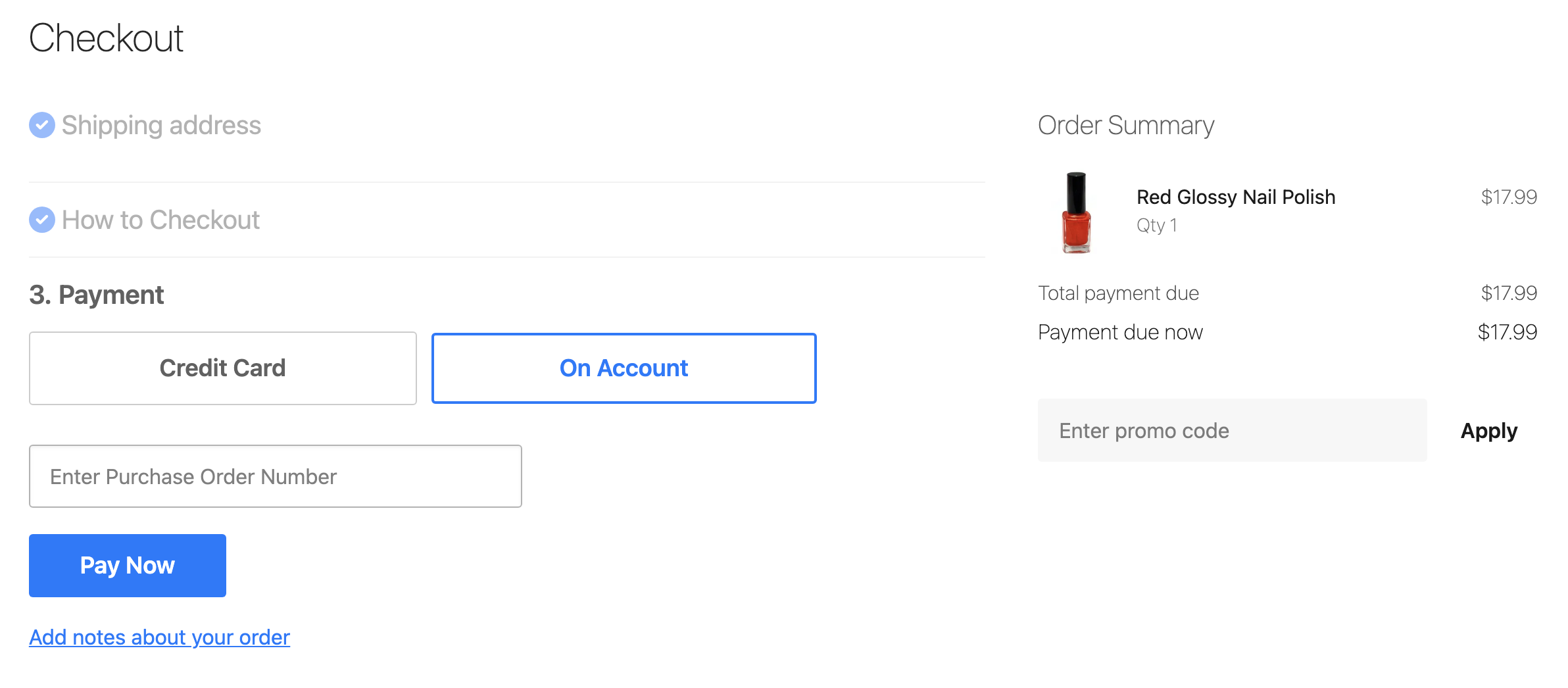
Purchase order number
When a customer chooses to Pay On Account, they are asked to enter a PO number. The value they enter is stored in Salesforce in the Transaction Number field for the order's payment record.
By default, the PO number field is a required field using the HTML attribute required="true" on the input field. To remove the required attribute you will need to add a theme variable with the key checkout.pay_by_account.require_po_number and a value of false.
Supported features
| Feature | Supported |
|---|---|
| Standard Checkout | 🟢 |
| Subscriptions | 🟢 |
| Update Subscription | |
| Additional Payment | |
| Salesforce Payment | 🟢 |
| GooglePay | |
| ApplePay | |
| Express Checkout | |
| Preauthorization |
Payment provider configuration options
| StoreConnect Field | Usage | Input |
|---|---|---|
| Provider | Picklist Value API Name = PayByAccount | Picklist |
| Display Name | Purchase Order or Charge to My Account, etc. | Plain Text |
| Description | Terms are Strictly 30 days, etc. | Plain Text, Markdown, HTML |
| Payment Information | e.g: Statements are sent at the end of each month and payment is due by the end of the following month. | Plain Text, Markdown, HTML |
| API Mode | Live / Testing, etc. | Plain Text |
| API Key | ||
| API Secret | x | Plain Text |
| API Options |
Pay on Account does not use an API Secret but since it is a required field, you need to give it a value. For simplicity you could just mark it with an x.