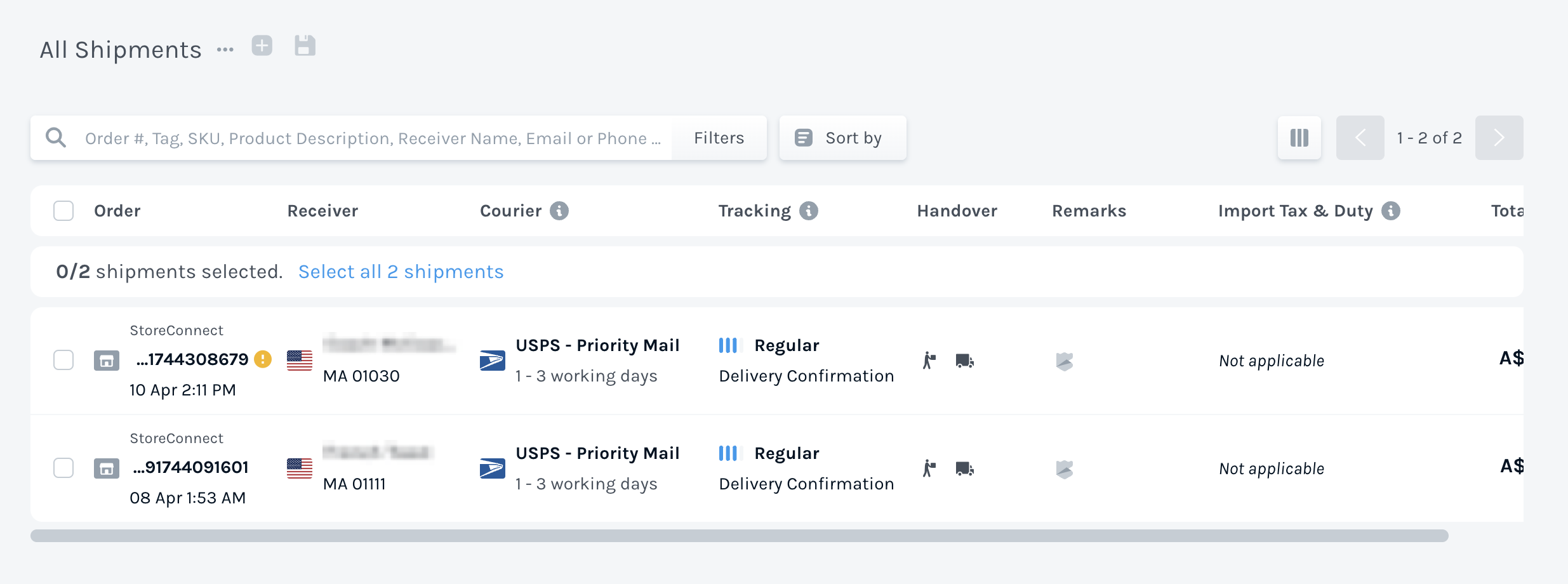
EasyShip is an ecommerce shipping provider who support 550+ carriers Internationally. At checkout, StoreConnect can retrieve shipping prices from these carriers, via EasyShip, for each order based on the cart weight, the Stock Location and the address being shipped to. StoreConnect can produce shipment records in the EasyShip system where you can then have your carrier notified to come collect the order and deliver it to the customer.
Shipping provider configuration options
To sign up for an account or to retrieve your credentials, go to https://www.easyship.com.
| StoreConnect Field | Usage |
|---|---|
| Provider | Picklist Value API Name = Easyship |
| API URL | api.easyship.com |
| API Environment | |
| API Key | Access Token from EasyShip |
| API Secret | x |
Generating your API key
From your EasyShip Account Page:
- Connect > New Integration > API Integration
- Platform Type: 'My platform isn't listed'
- Platform Name: StoreConnect
- Integration Name: StoreConnect
Once the integration exists, navigate to the Integration under the 'Connect' menu.
Grab the Access Token value to store into the Shipping Provider record per above.
Allow products to be shipped with easyship
Each product that you allow to be shipped by an EasyShip carrier must be configured for this. It is recommended to do this in mass where you have many products. The product has a Shipping Methods multi-select picklist field. For each product, in this picklist, add EasyShip.
If EasyShip does not appear in the picklist, you need to add EasyShip as a new picklist value to the Shipping Methods field using the API Name of Easyship.
Inform your Carrier to collect and Deliver the Order
You need to send to EasyShip the shipment details including the order products, the pick up location and deliver address, plus other information. StoreConnect does this for you when you have the shipment data ready. Once you have confirmed the shipment is ready, configure it with the following:
| StoreConnect Field | Usage |
|---|---|
| Provider | Easyship |
| Provider Service | The name or code for the service you are requesting, i.e. "USPS - Ground Advantage" |
| Status | Ready to Ship |
The details will be passed to EasyShip within 15 minutes, once you have configured the shipment record as above.
EasyShip will send back a Shipment ID and store it in the Provider Shipment ID field or if an error occurs, the error message will be saved in the Error field.
To complete the shipment request from the carrier to have the carrier come to pick it up, you will need to log into EasyShip and complete the process. From EasyShip, you can print packing slips, labels and schedule pickup. You may do this once or several times per day.