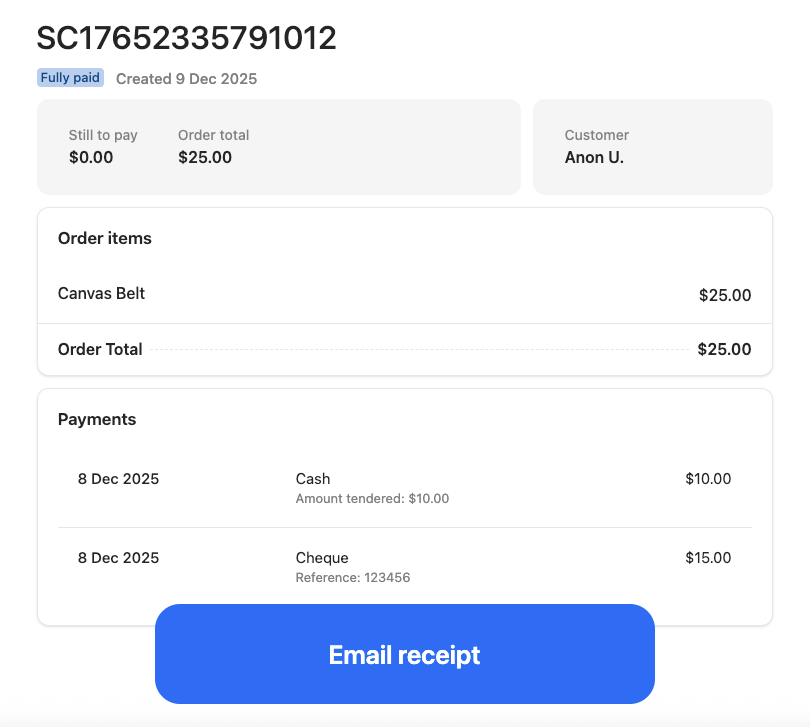
Customers can use any combination of payment options, and can use a payment option more than once.
Process a split payment at POS checkout
- Select Pay [Amount] on the transaction.
- Select the payment method and enter the amount being paid using that method.
- Select Take [Amount]. The total of the transaction will reduce by the amount entered.
- Select another payment method and enter the amount being paid using that method.
- Select Take [Amount].
- Repeat from step 3 until the transaction balance reaches 0.00.
- If the cash drawer opens, insert the cash or cheque/check provided by the customer.
- Complete the transaction and issue a receipt.