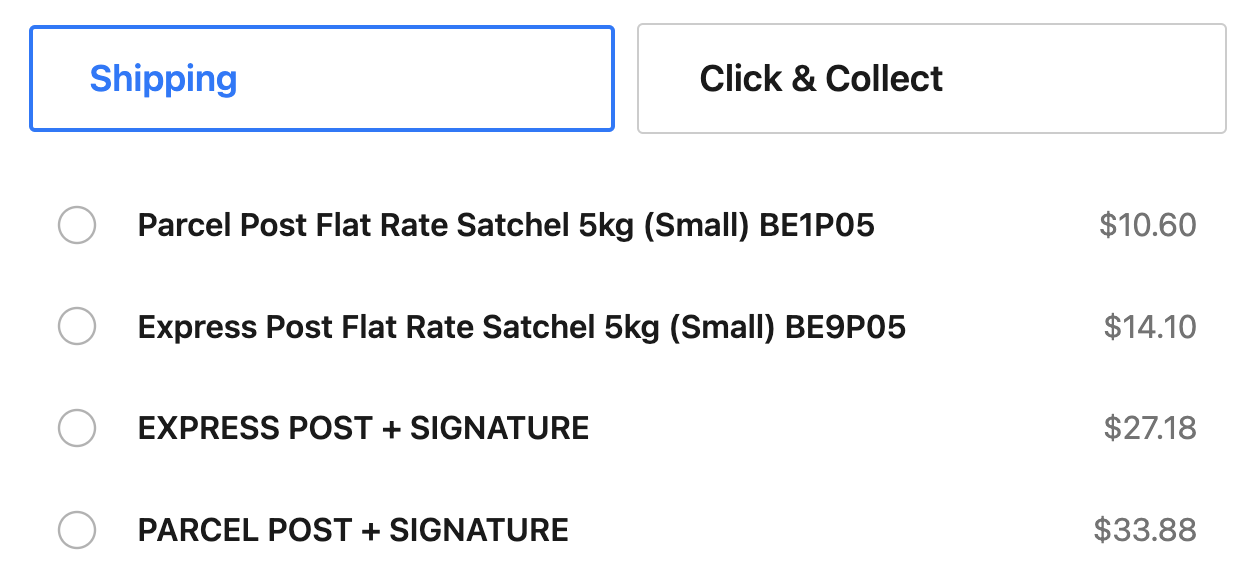
Once you have ShipStation configured and working, you may want to expand or filter your list of offered shipping services.
From your ShipStation dashboard:
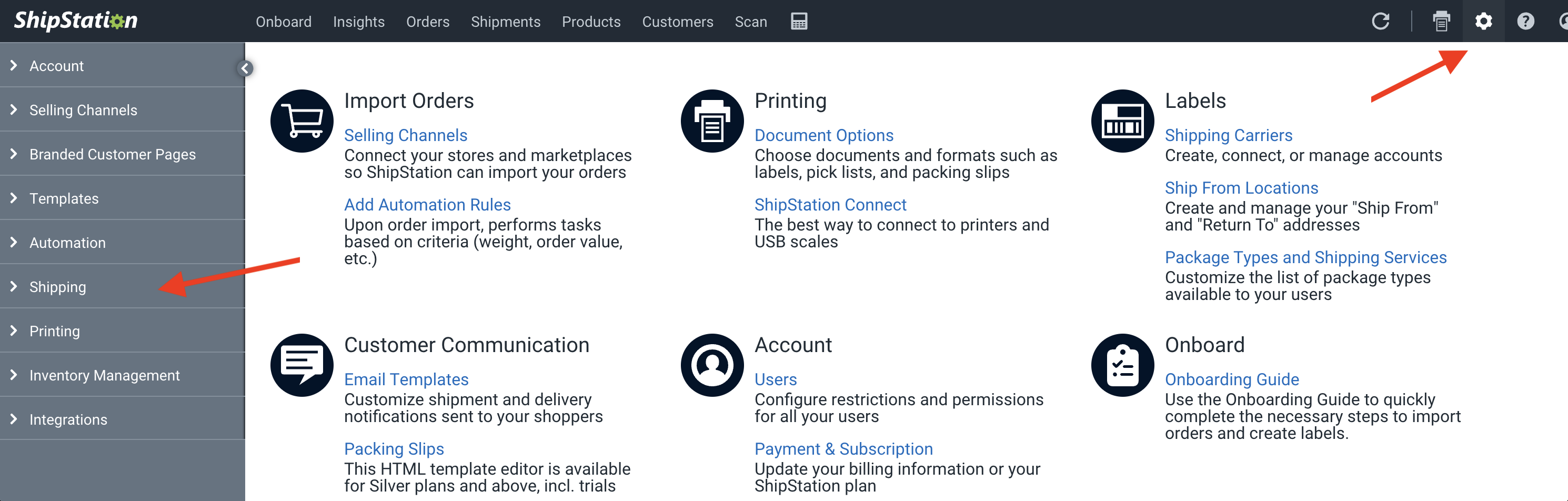
- Open up Settings by clicking on the gear icon on the top-right corner
- Open the Shipping tab from the left column
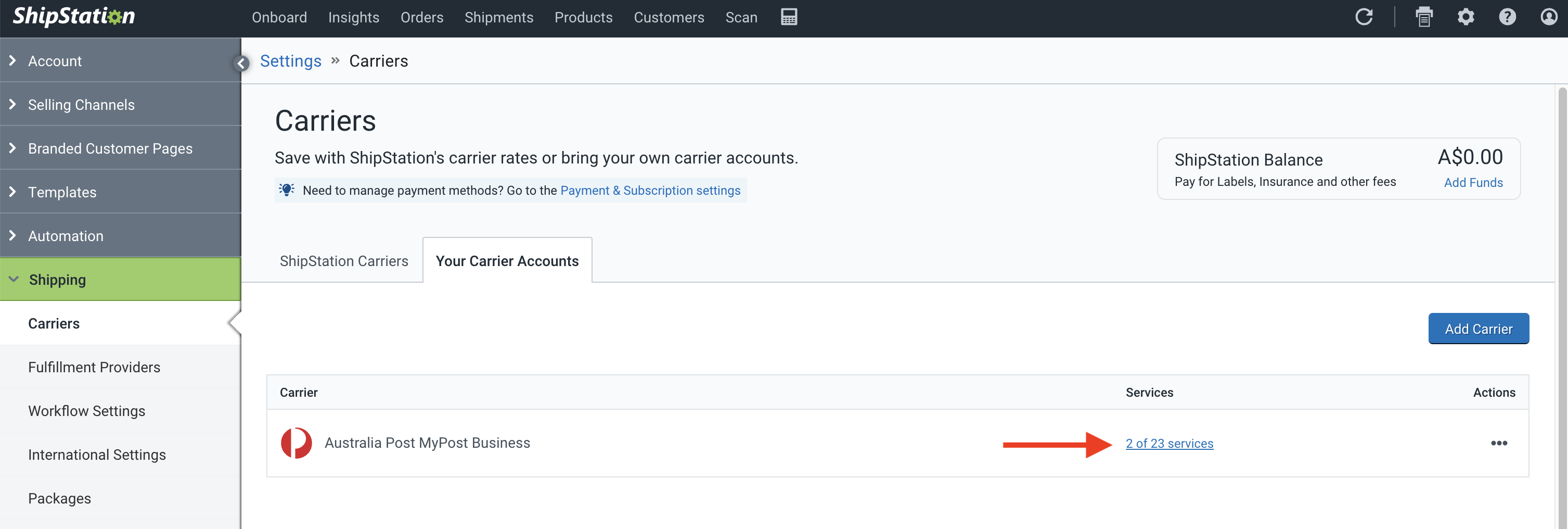
- Click on the Services link for your carrier
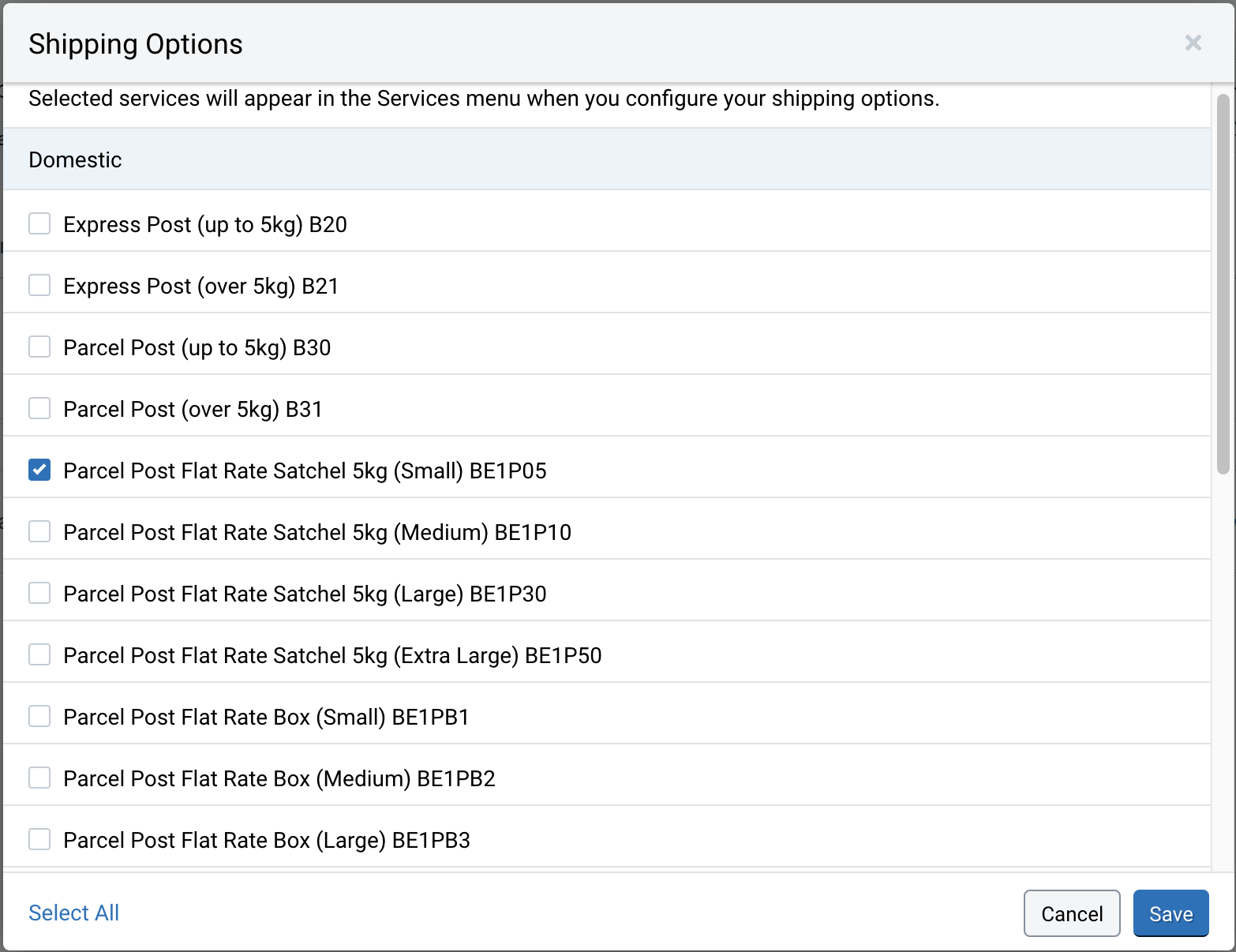
- Select only the services you wish to offer
- Click ‘Save’