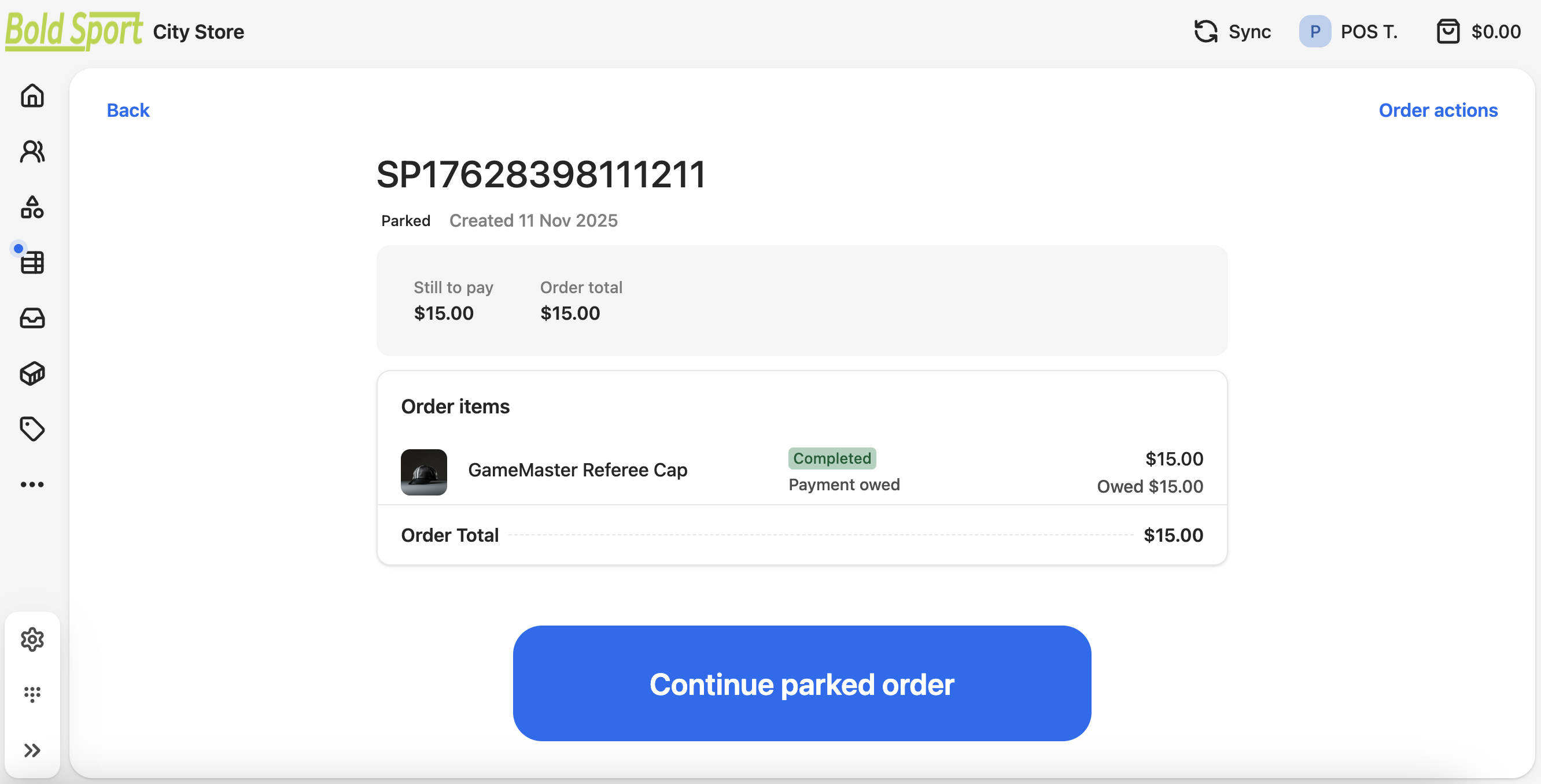
Parking an order only stores the transaction on the register it was created on. Parked orders do not sync to the StoreConnect store.
If you need to put an order aside for a longer period of time, we recommend using the Hold function.
Park an order
- In the cart, select Manage Cart.
- In the list of options, select Park Cart.
- Confirm that you want to park the order. The dashboard appears.
Resume a parked order
- Go to Orders and find the parked order.
- Filter the order list by Type: Parked.
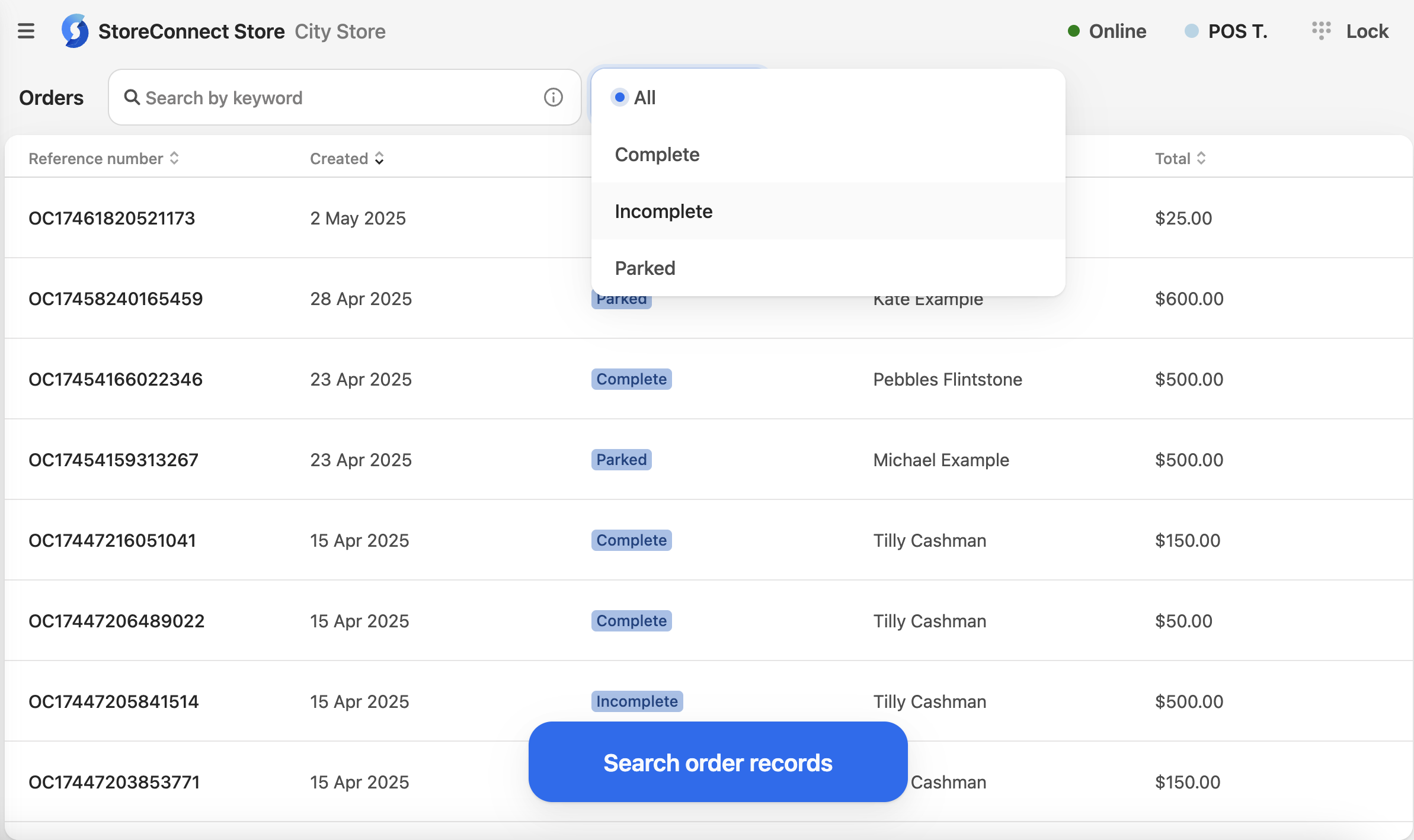
- Open the parked order.
- Select Continue parked order. This adds the order back to the cart where you can complete the transaction.