
Instead of paying for the goods up front, the customer provides their account details along with a purchase order, and the total of the sale is added for later payment. This is fairly common practice for trade businesses and other retailers who sell to businesses.
Allow a customer to pay on account
- Select or scan the products as normal and go to the checkout.
- Select Add customer at the top of the cart. The customer list opens.
- Search and select the customer if they already exist, or enter their details. You may need to check that the customer is authorized to pay this way, and there are no stops on the account.
- Change the payment type to Pay on Account.
- Enter a Purchase order number. This is usually provided by the customer.
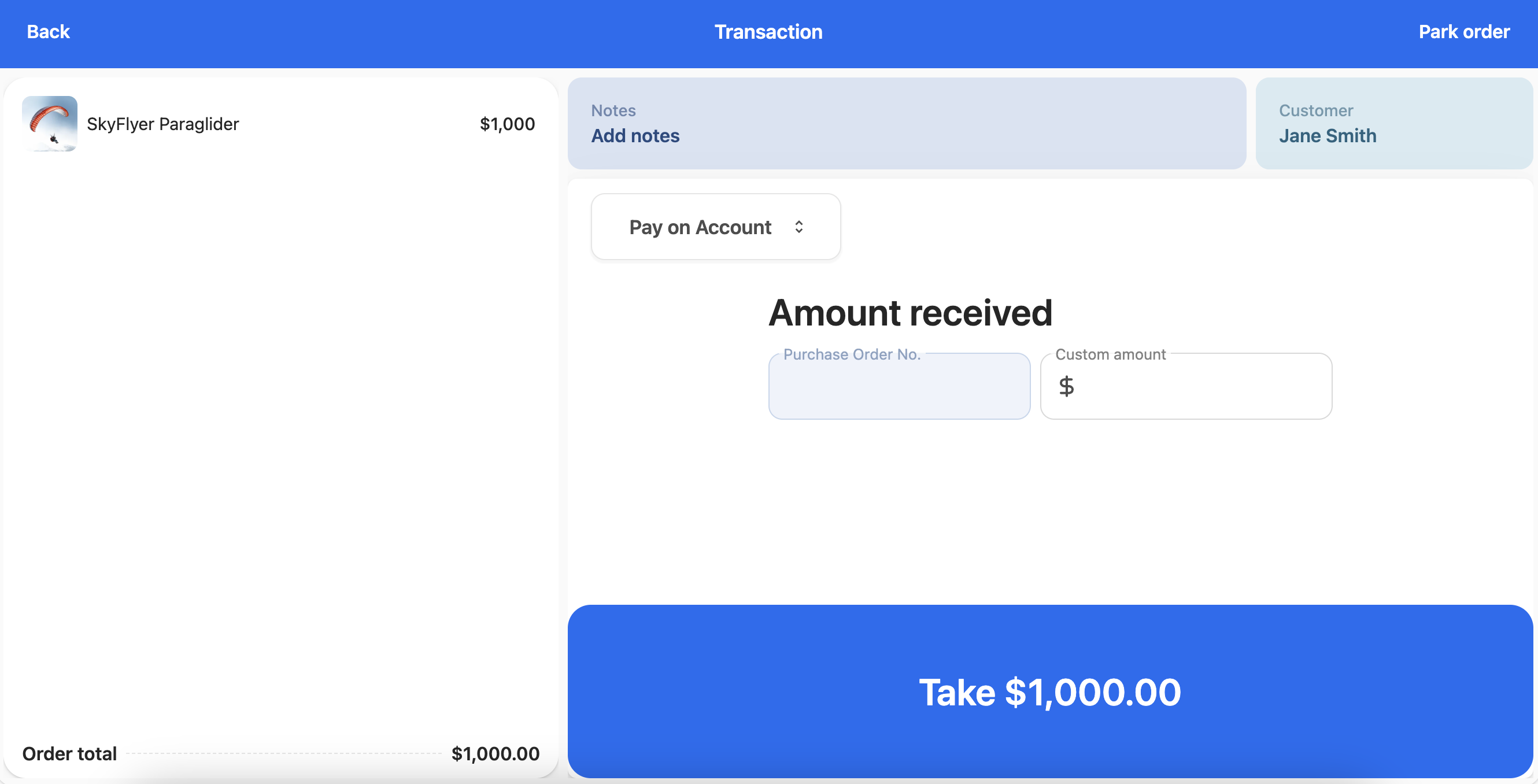
- Enter the amount of the purchase order and finalize the transaction.