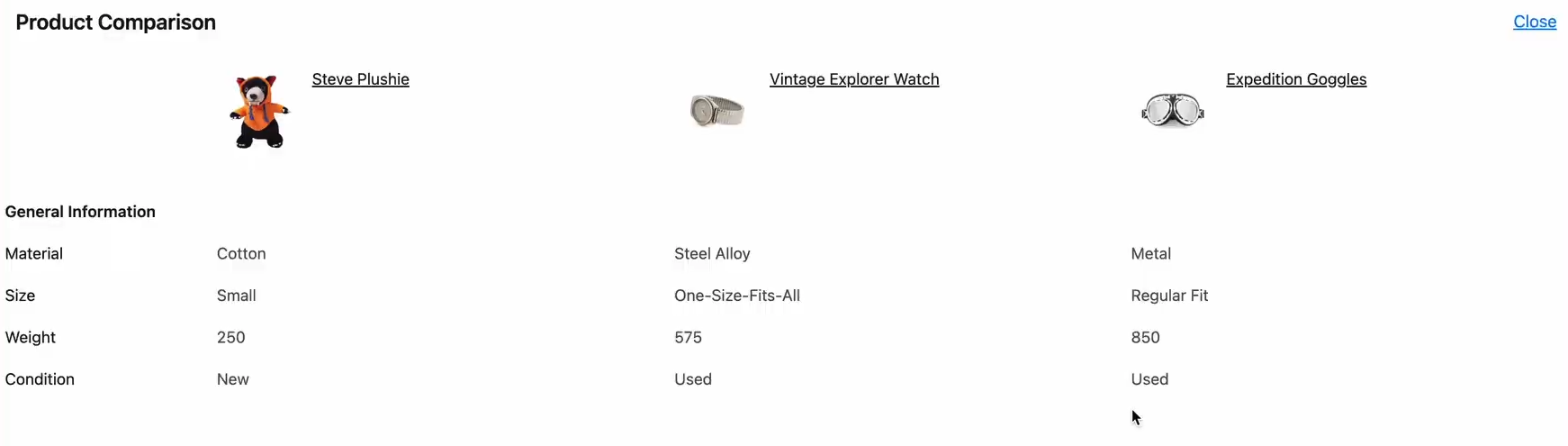
Product comparison is a useful feature for your customers that allows them to evaluate multiple products side by side, making it easier to choose the one that best suits their needs. In StoreConnect, this feature can be conditionally displayed by adding a theme variable in your theme. Products with traits will be eligible for comparison and can appear in a comparison table.
Prerequisites
- A theme record for your store.
- Your theme has not had the comparison code removed.
- Multiple products sharing the same trait types.
Enabling product comparison
To enable the product comparison feature, add the following theme variable to your theme:
Theme Variable Name:
Product ComparisonsKey:
products.comparisonsValue:
true
Once enabled, test the functionality as follows:
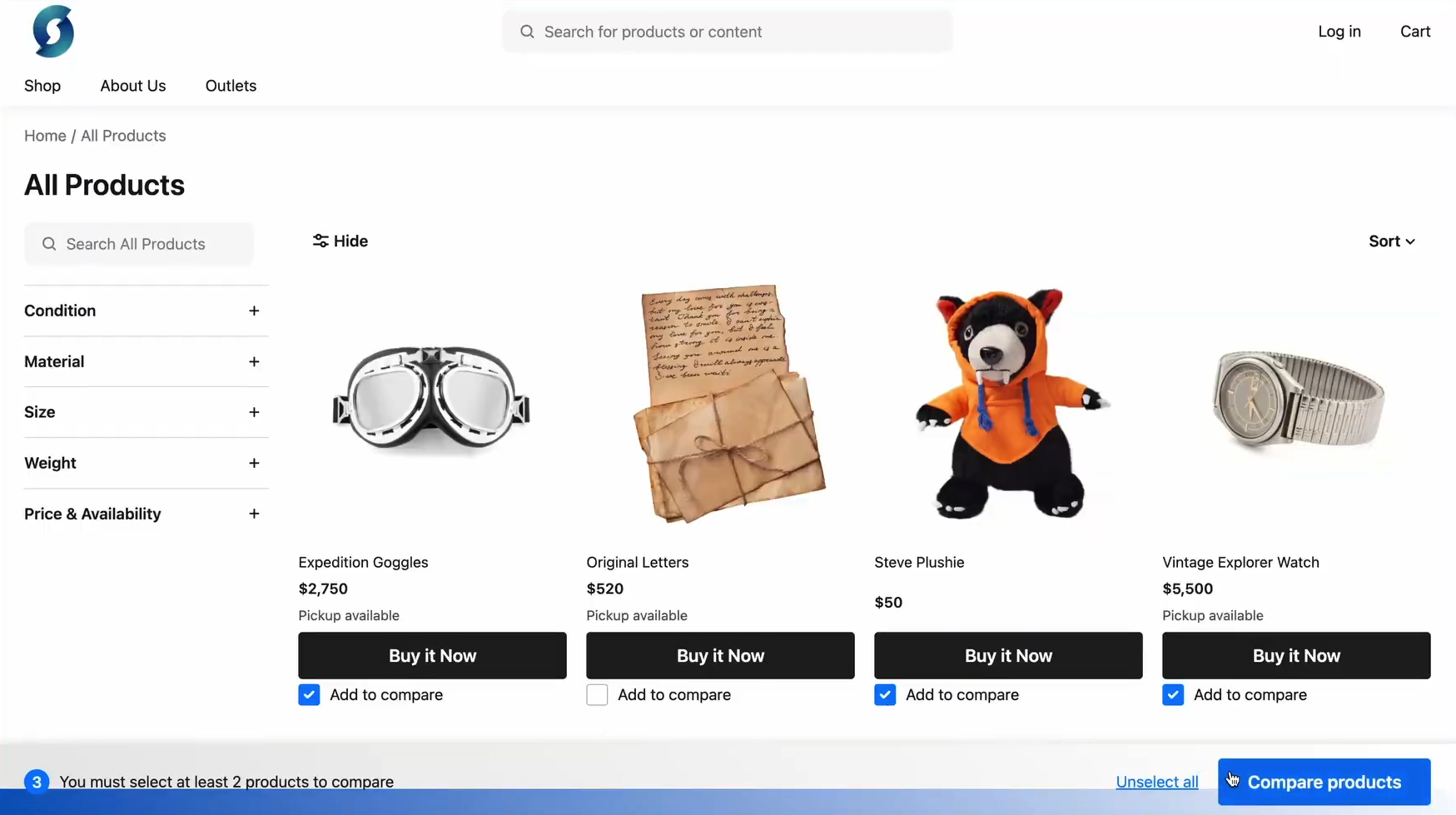
Visit a product category page.
Confirm that expected products display an “Add to compare” checkbox.
Select two or more products using the checkboxes.
Click on “Compare Products” to view the comparison table.
You should see something like this:
****