
For a quicker checkout, StoreConnect uses a single field for the customer's full name during checkout. The first word entered in that field is saved in Salesforce as the Contact's First Name and the remaining words are saved as the Last Name. You may want to split this field out so someone entering a three or four word name can choose what part of their name is the first name and what is their last name.
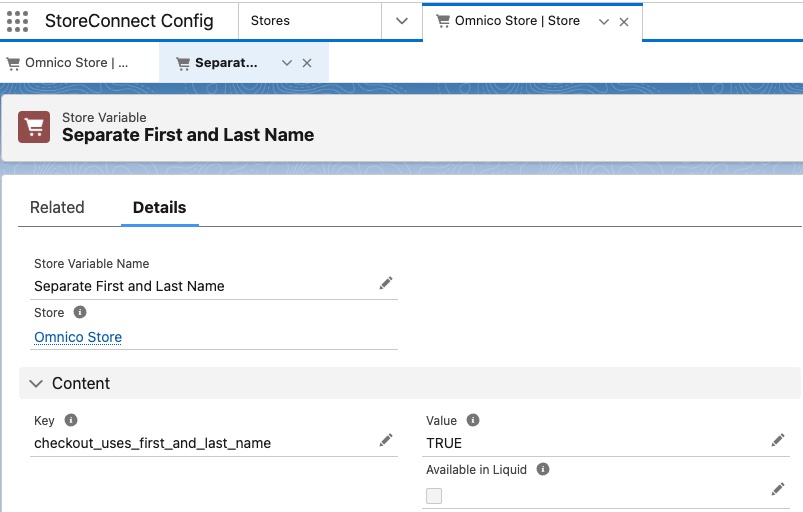
To allow the customer to specify their first and last name in separate fields, create a store variable record with the following:
Key:
checkout_uses_first_and_last_name
Value:
true
Important notes
- Default Behavior: If the
checkout_uses_first_and_last_namevariable is not set or is set tofalse, the system will default to a single full name field. - Database Impact: This change affects how Salesforce stores name data sent from the website. Ensure compatibility with any integrations or workflows.