
A register can only be connected to one device at a time. If you want to use a different device for a specific register, you will need to disconnect it first.
There are two options for disconnecting a register.
(Recommended) Disconnect from the POS - Using this method will clear both the connection on the device side (browser) and the Salesforce side.
Disconnect from Salesforce - will work but work, but it will leave data on the POS device and the device will think it’s connected to a Register, meaning if you later want to reconnect it, you will have to clear out cookies and browser storage to avoid issues. Only use this method if you don’t have access to the device.
To disconnect a register
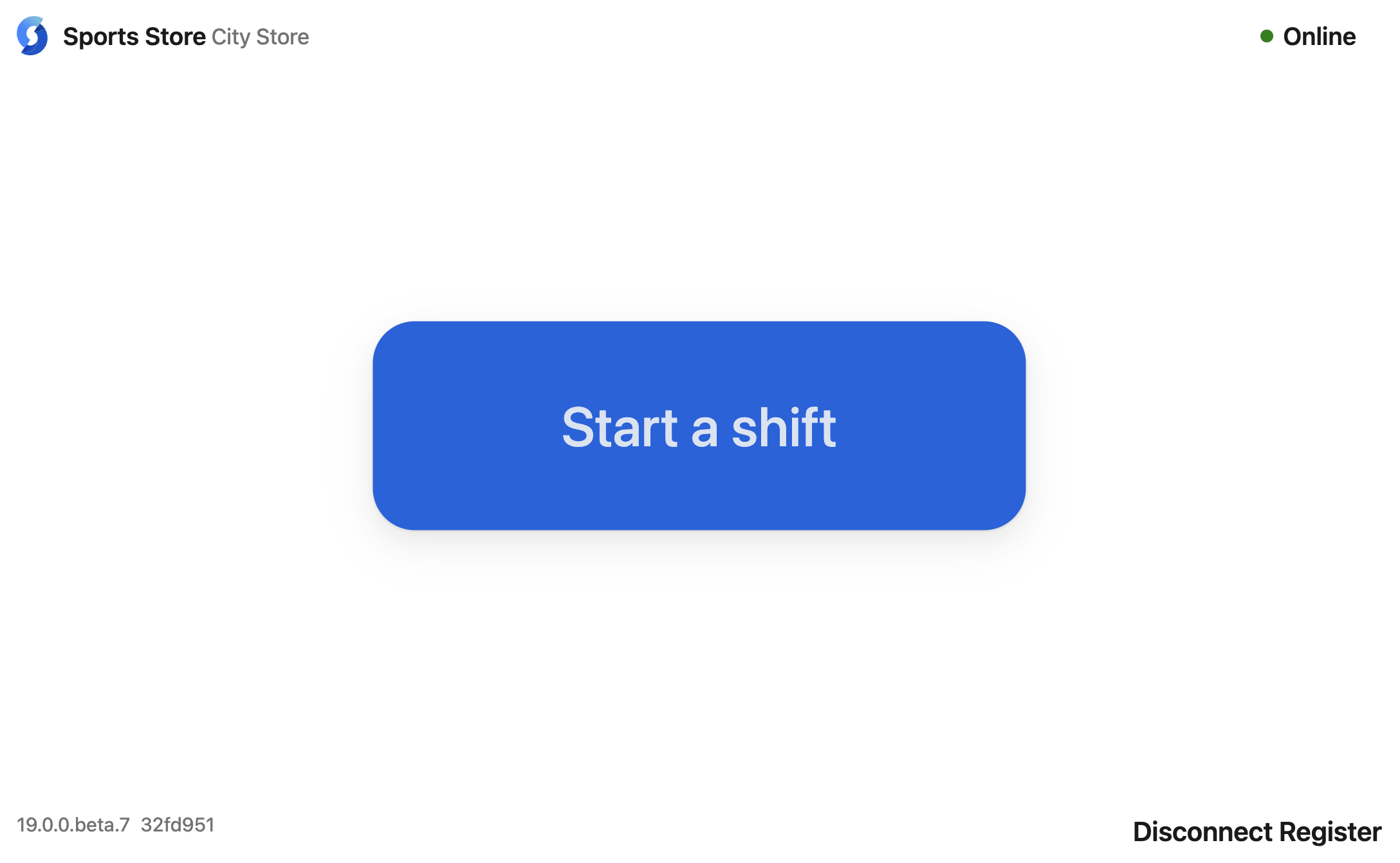
In your POS terminal, go to the Start a shift screen.
Select Disconnect Register in the bottom right corner.
Sign in and enter your PIN. You'll see a warning about losing data. You can continue or cancel. Do not continue if your data is at risk.
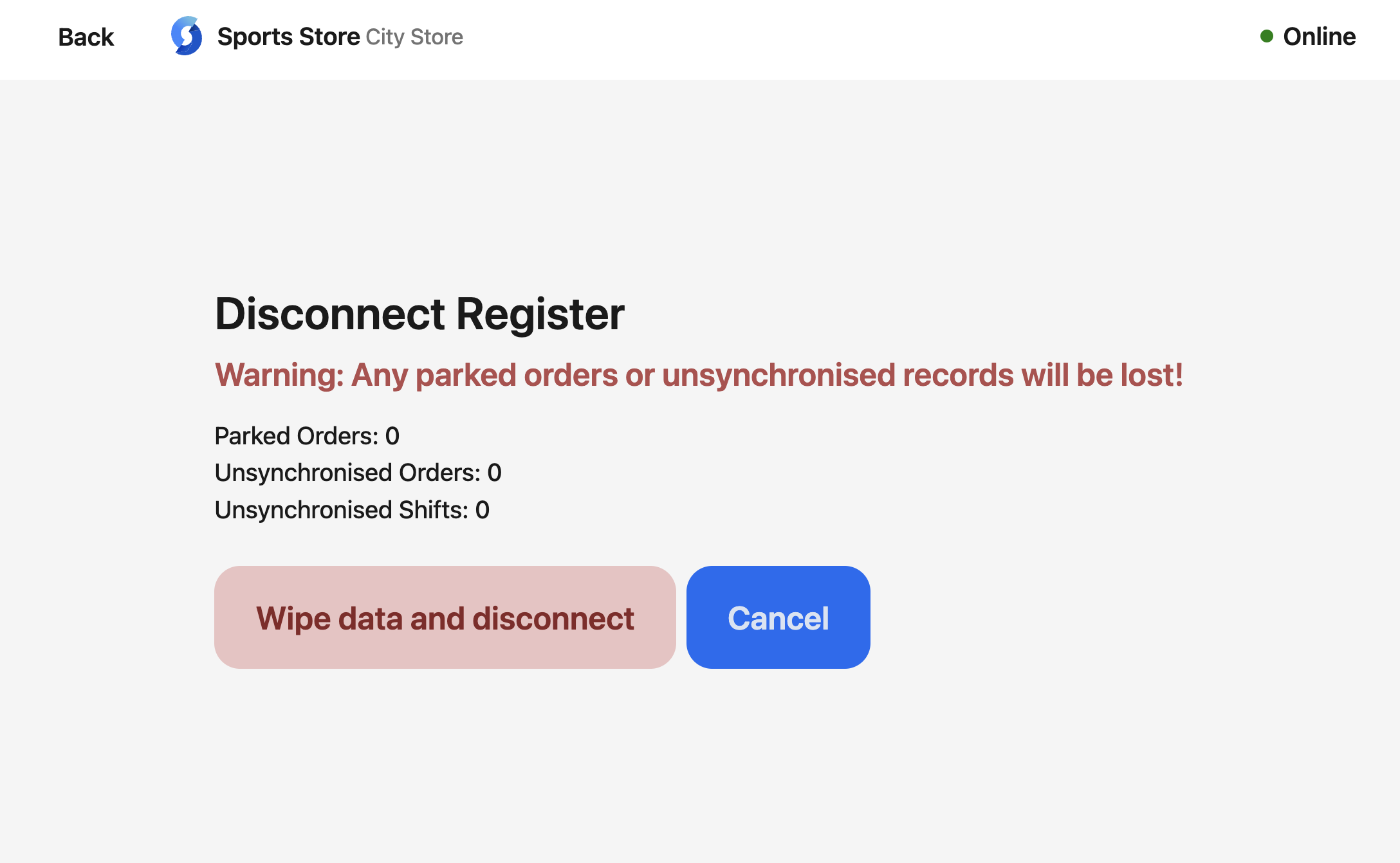
If the register has not finished syncing, do not disconnect. Wait until synchronization has finished.
If you are sure, select Wipe data and disconnect.
You can now connect another register.