
To connect a register, you'll need the following access and information. If you are not the person who set up the outlet, you may need to contact your Salesforce Admin for some of these details.
- the correct admin permissions
- your Salesforce sign in information
- the specific register code
- your store's POS access URL
Connect a register at POS
- In a browser on your computer or device, navigate to your store's POS access URL.
- Sign in using your Salesforce credentials.
- The register may appear as a selectable option, or you may need to enter the Register Code.
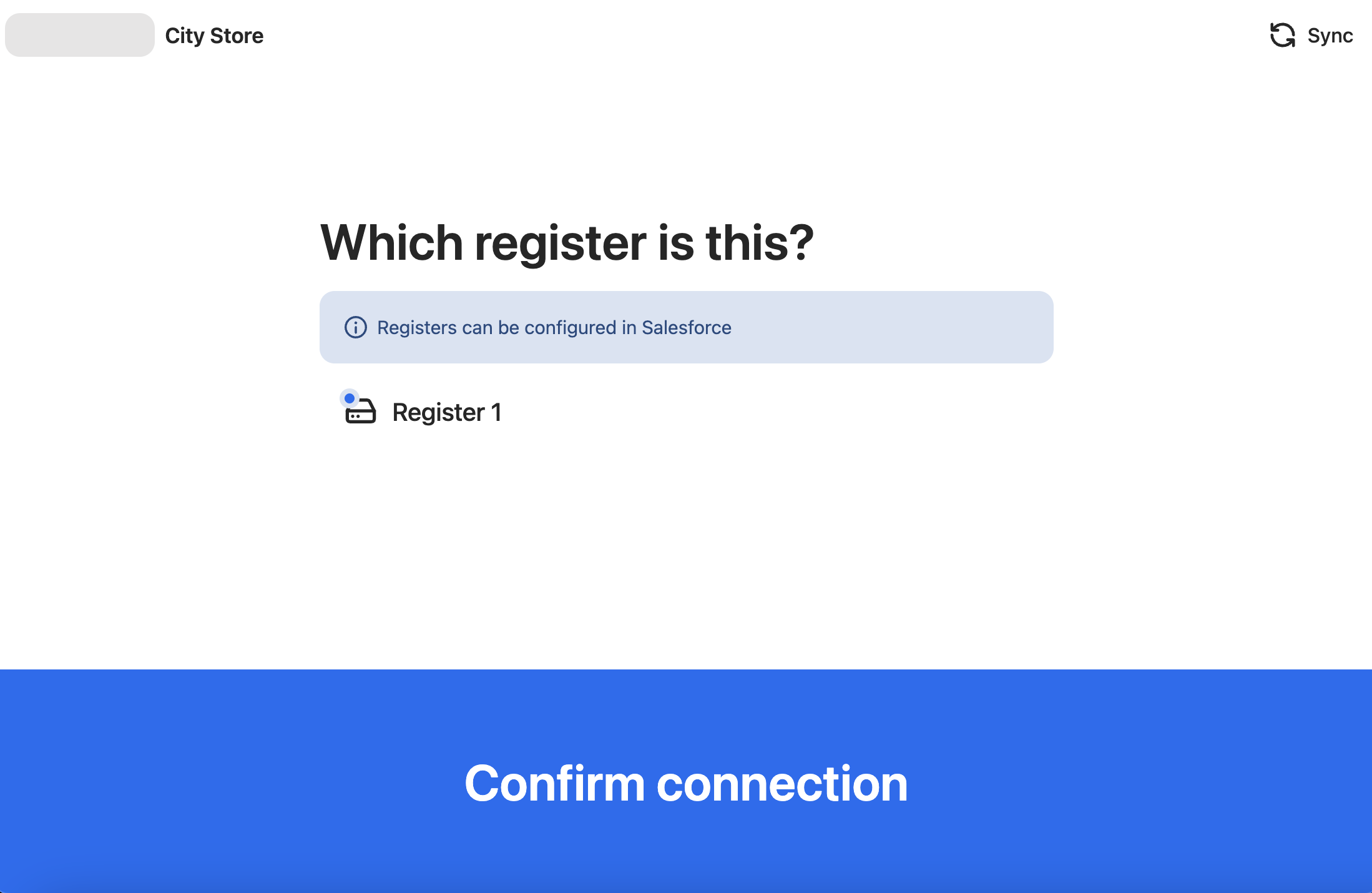
- Select Confirm connection. You may be prompted for your PIN.
- Start a shift as you would normally.