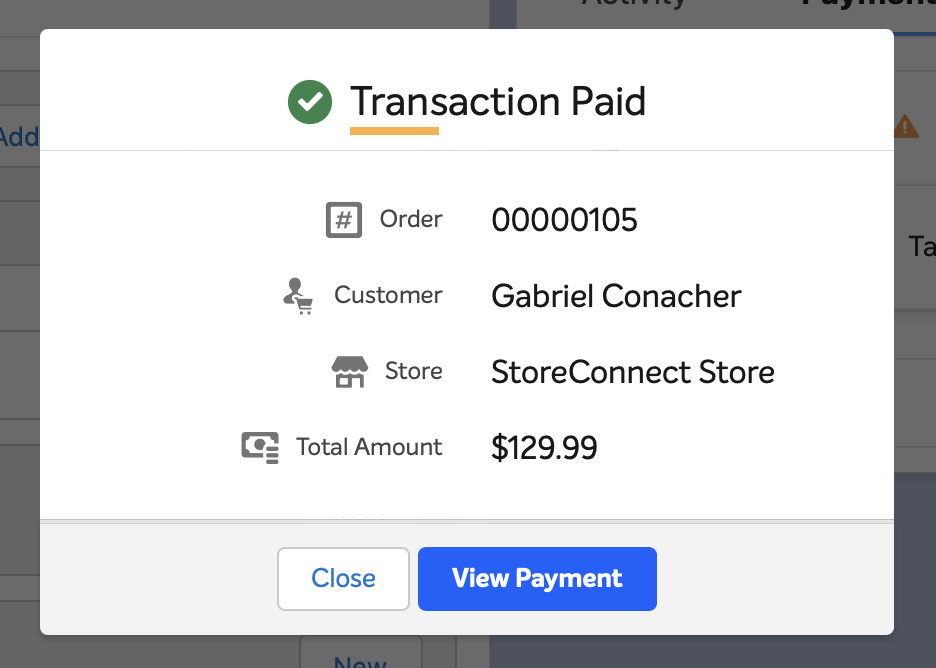
Taking payment from in Salesforce enables you to process customer transactions directly, without leaving Salesforce. This functionality allows sales representatives and support staff to take payments over the phone or in person, while maintaining full transaction visibility within Salesforce.
Prerequisites
- The order must be compatible with StoreConnect and linked to a store.
- The order, order items and any payments must have already synced to your website.
- The order must be linked to the store via the StoreConnect's Store lookup field.
- A billing contact must be associated with the order.
- The order must have an unpaid balance.
- To take credit card payments, a credit card payment method must be configured and available for that store.
- Your store's domain must be added as a Trusted URL in Salesforce.
Important note
PayPal and other login-based payment methods are not supported for taking payments from in Salesforce.
Taking payment
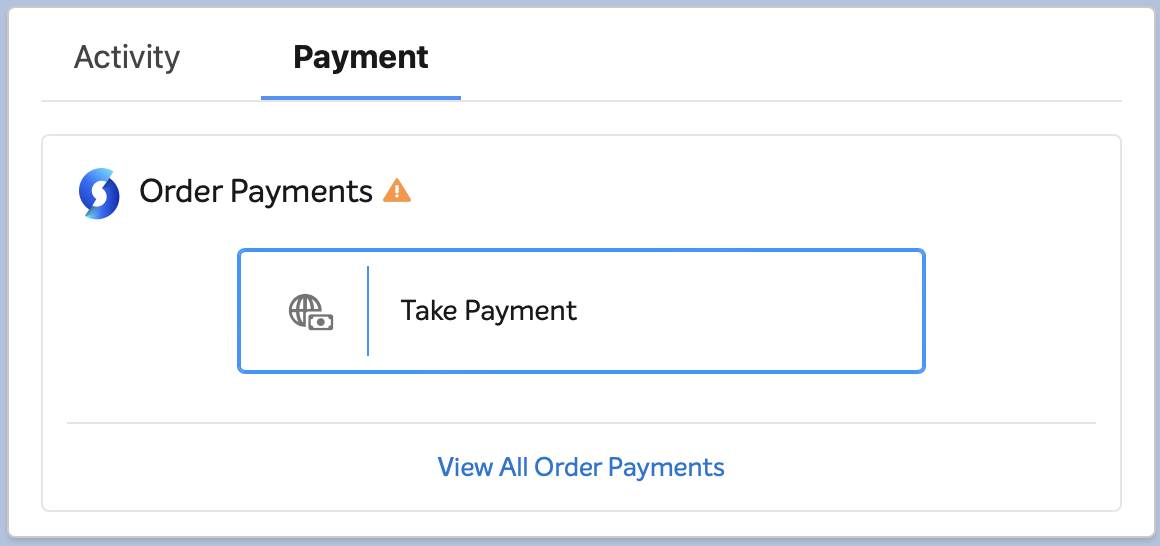
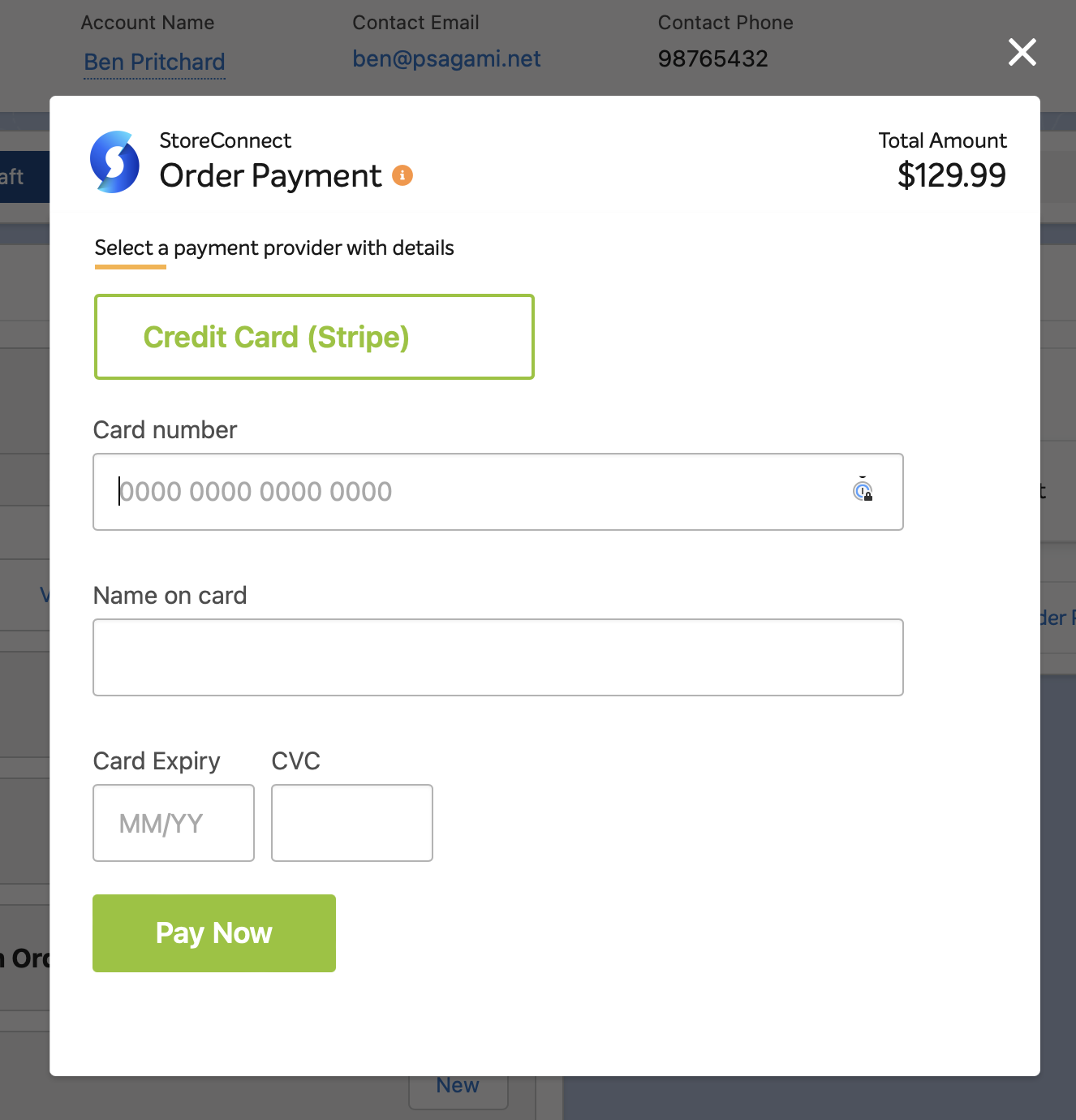
There is a component you must have on your Order Page Layout called StoreConnect Actions. This component is already on the Order Lightning Page that ships with StoreConnect. Clicking the 'Take Payment' button will open a modal for you to choose the payment method and process the payment.