
Ending a shift requires you to enter the closing balances for all transaction types, then signs you out of the register and closes it for the day. Only a manger or user with the right permissions can end a shift. This is not the same as just signing out as an employee.
Video demo - start and end a shift at POS
End a shift at POS
- In the sidebar menu, open the user profile section.
- Select your profile.
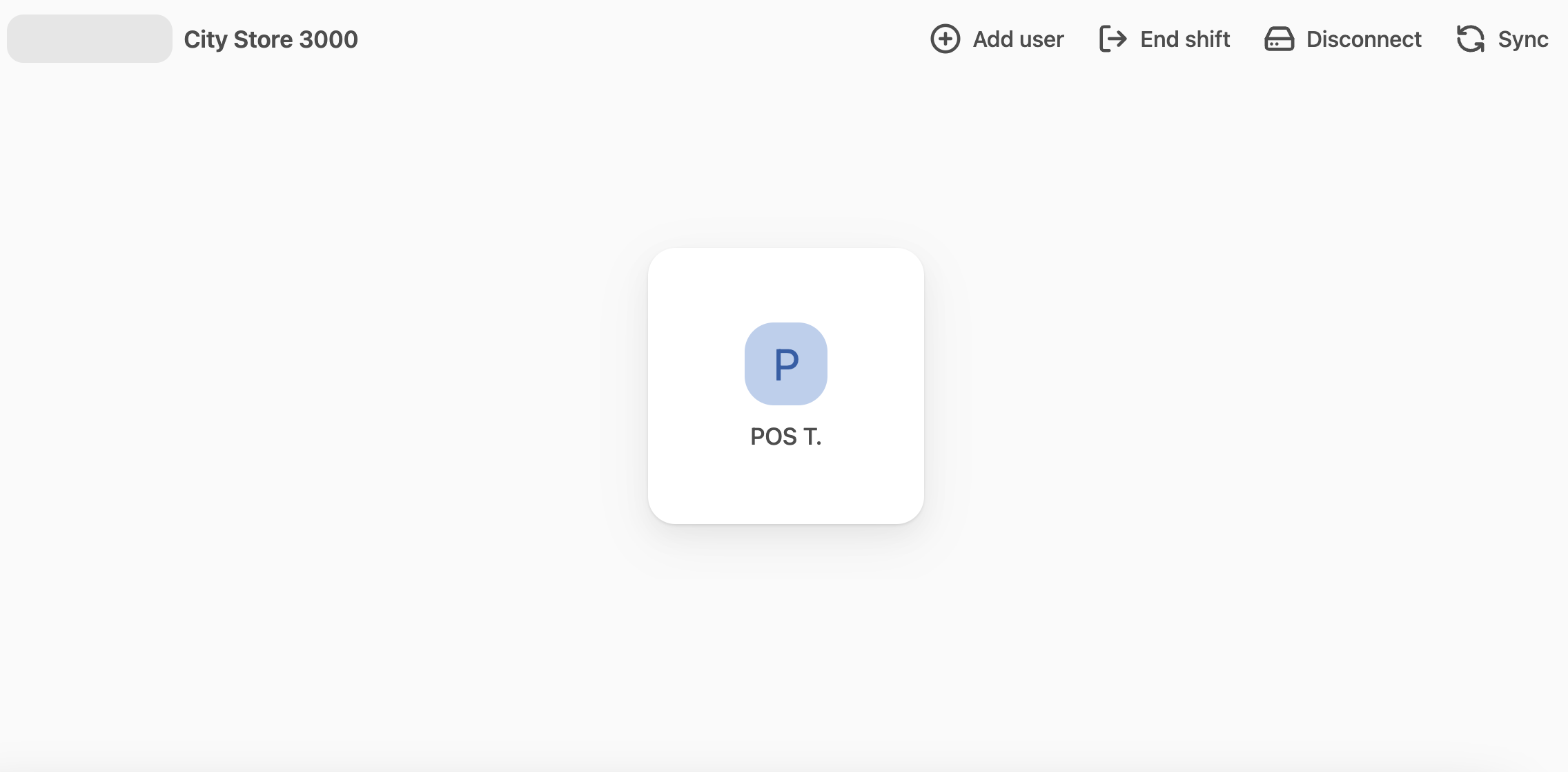
- In the top menu, select End shift.
- Enter the closing balances for all your payment methods and then select Confirm.
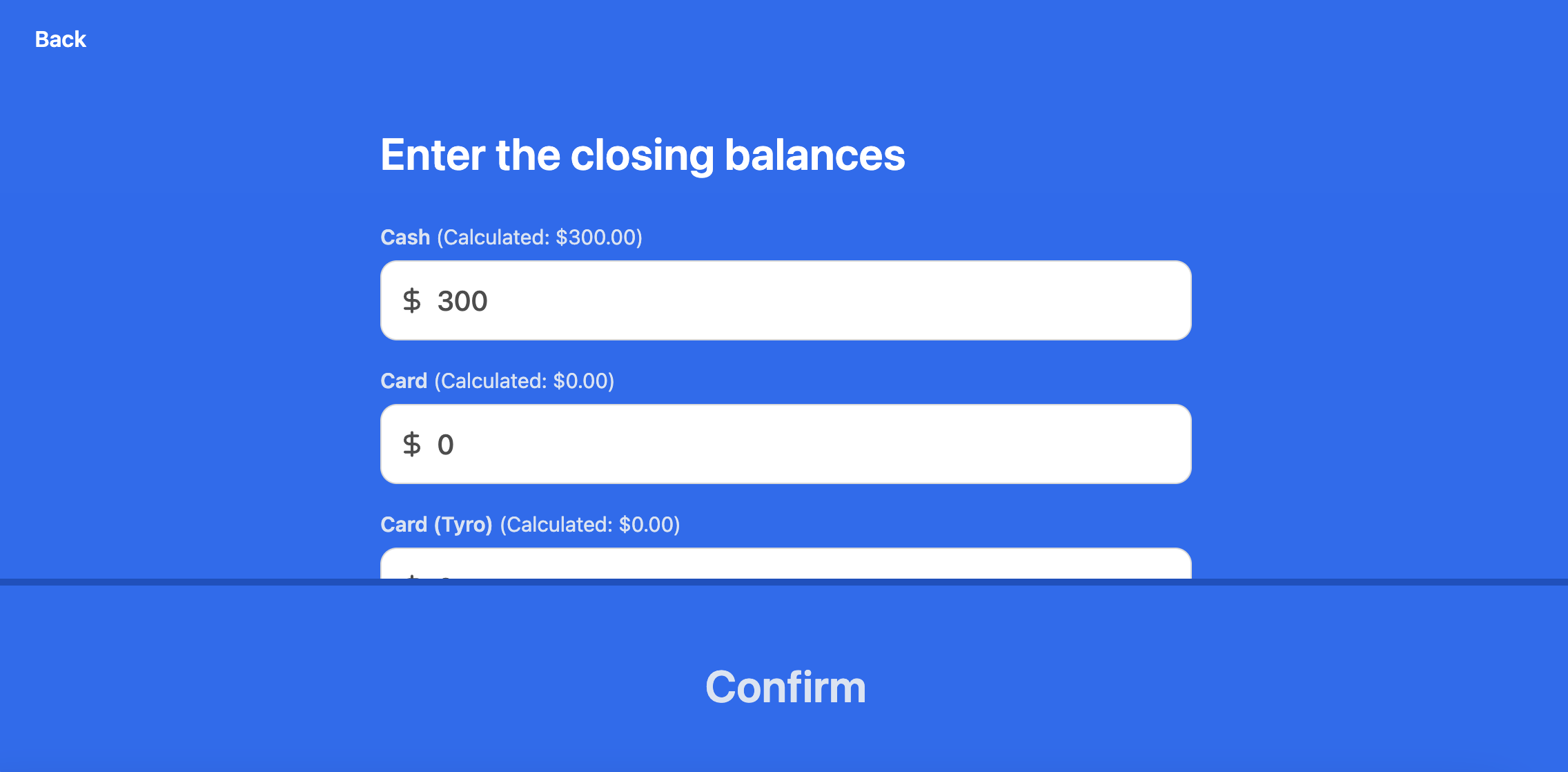 This will end the shift and take you back to the Start shift screen.