
Every point of sale activity for a day, starts with a shift sign in by a manager or authorized team member. They input the float amount, which is the total amount of cash present in the register at the start of the day.
Video demo - start and end a shift at POS
Start a shift at POS
Switch on and sign in to the outlet register.
Select yourself from the list of users and enter your PIN.
Enter the float amount in the Set your opening float field.
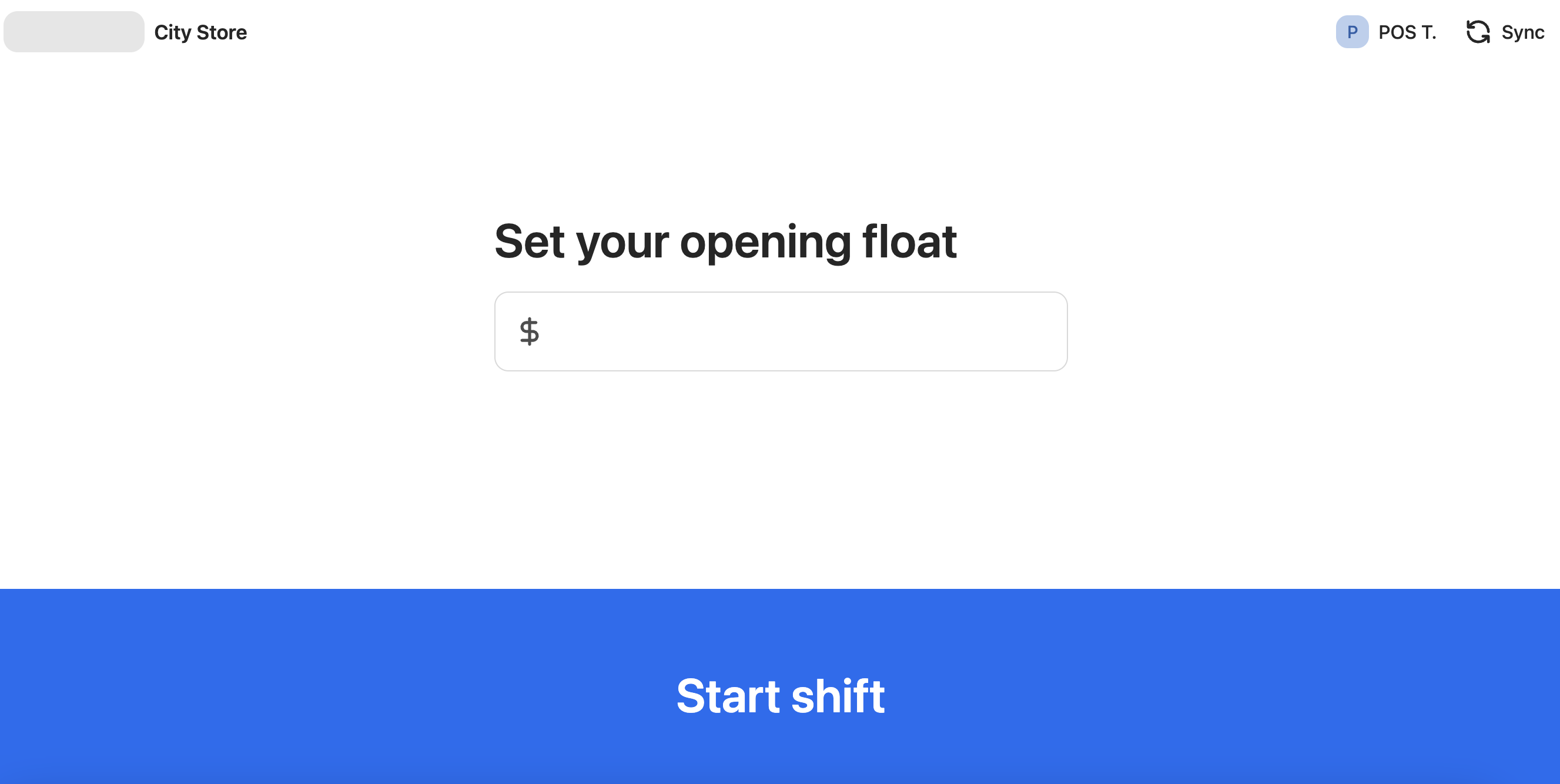
Click Start shift.