
You do not have to be at the store with the register, to connect the register as per below.
What you need
Ask your Salesforce admin for:
- The POS URL. This will be something like www.yourstore.com/pos
- The register code set up in StoreConnect
- A PIN to sign in with
Connect a register at POS
- In a browser, go to the POS URL provided by your System Admin.
- Click Connect Register.
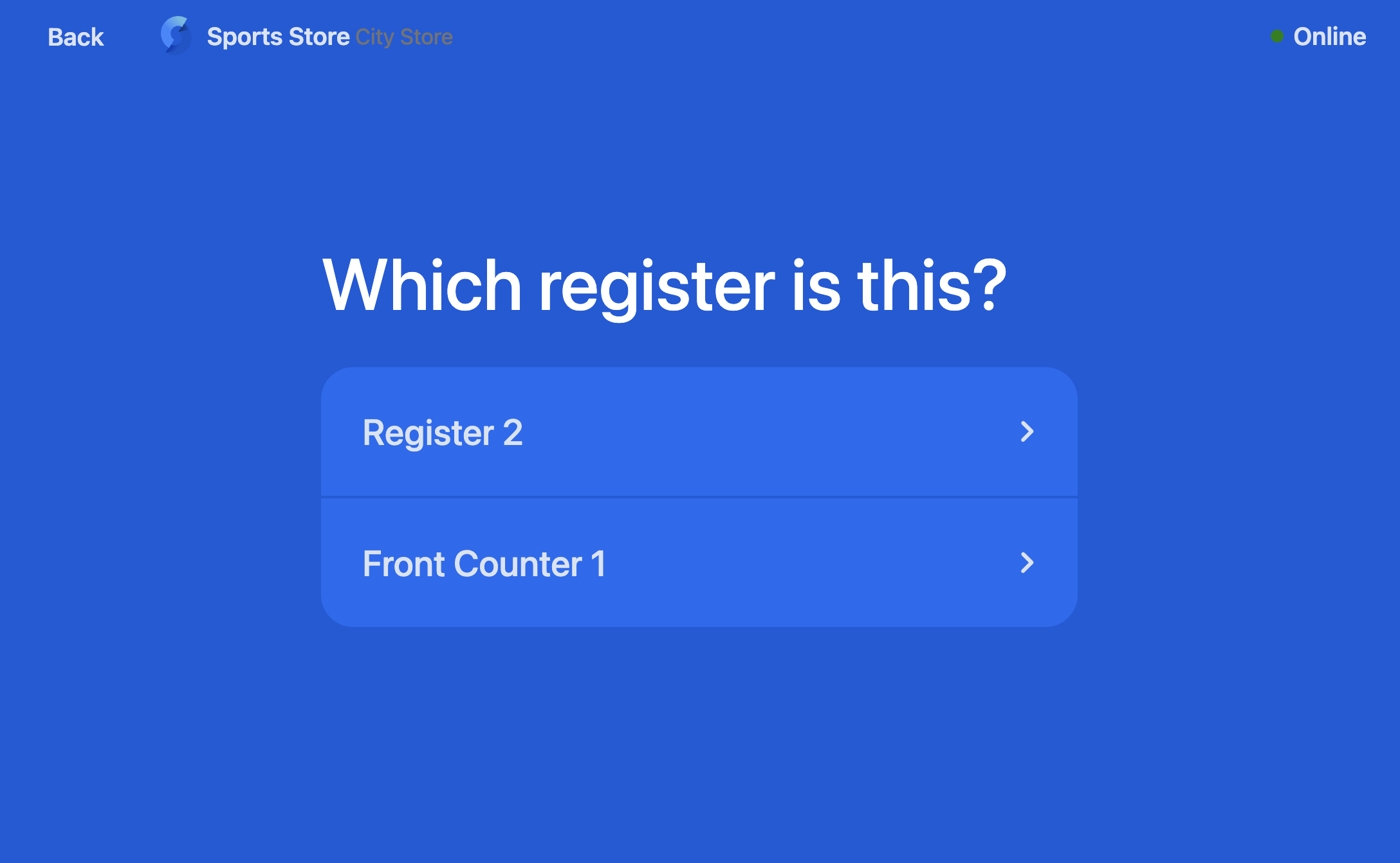
- Select the register.
- Confirm that you want to connect the register.
- When someone goes to use the register, they will be prompted to start a shift.
Disconnect a register at POS
Only a person with the right permissions can disconnect a register. Data can be lost if you disconnect mid shift.
- Lock the register.
- Select Disconnect from the menu. You should get a warning about ersing data that has not been synced.
- Confirm that you want to disconnect.
You can also disconnect a register directly in Salesforce if this process does not work.