
The POS dashboard is the home of all the POS functions. It's where you can confirm store connectivity, track your shift balance, and seamlessly lock and unlock the register for secure transitions in shared work environments.
Basic dashboard features
Here's an empty dashboard for POS.
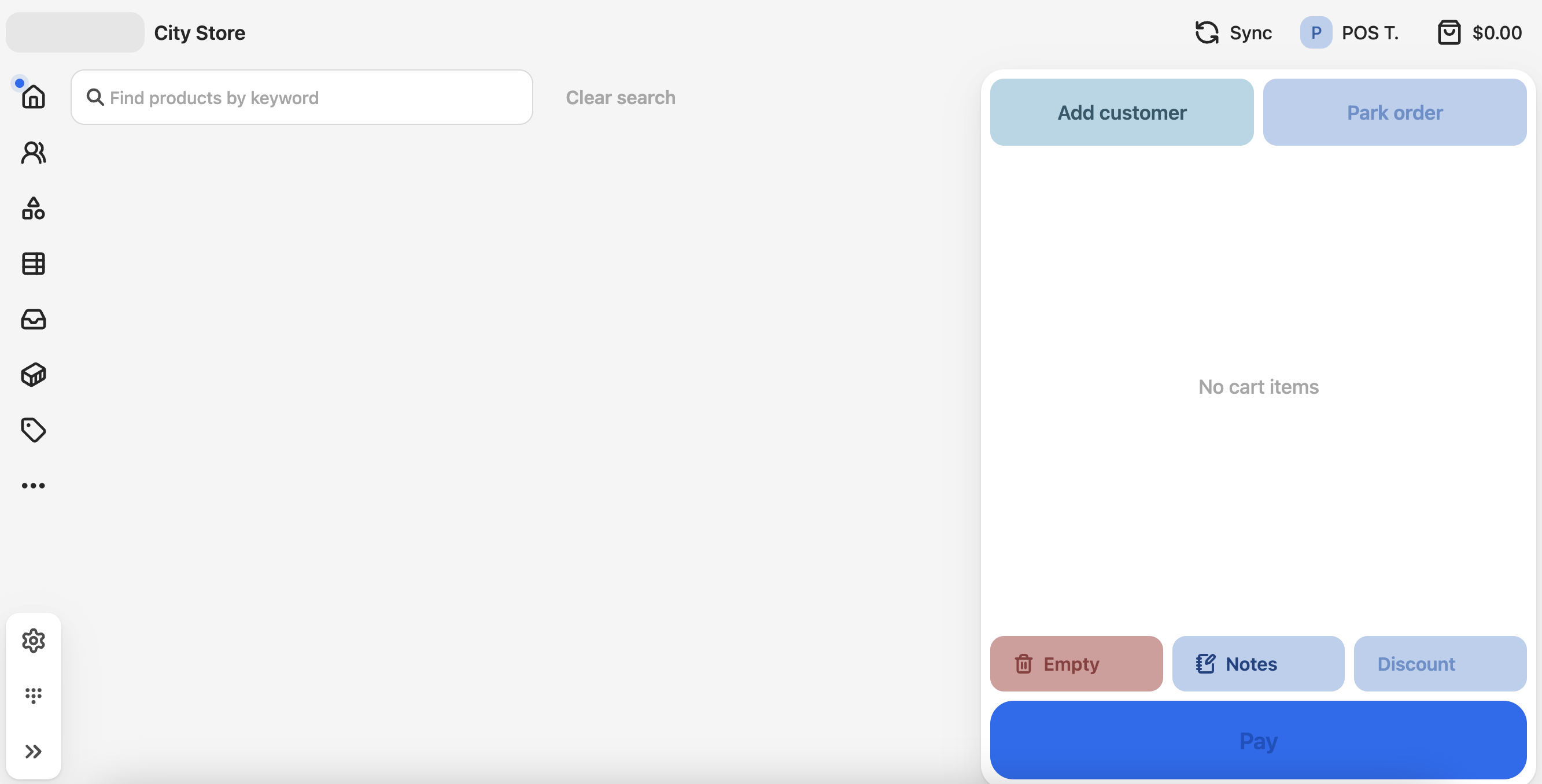
The main display area is where your product groups are shown. These are usually displayed as tiles for finding products. The right panel shows the current transaction on the register.
The menu in the top right shows current session information.
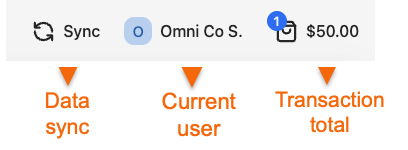
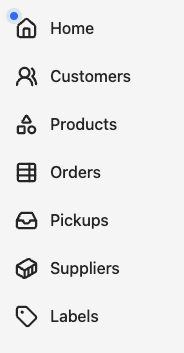
Sidebar functions
The top left menu gives you access to all the usual transactional and lookup functions that are set up for this POS outlet.
The bottom-left menu is for store admin controls.
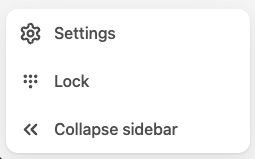
Settings - open store settings, with information such as labels, layouts, and the POS version.
Lock - This immediately locks the register. A user needds to sign in to make it active again.