
When an employee starts a shift, here's how they sign in.
Sign in to a POS register
This procedure assumes the shift has started on the register and a user is already signed in.
- Lock the register by selecting the keyboard icon in left of screen.
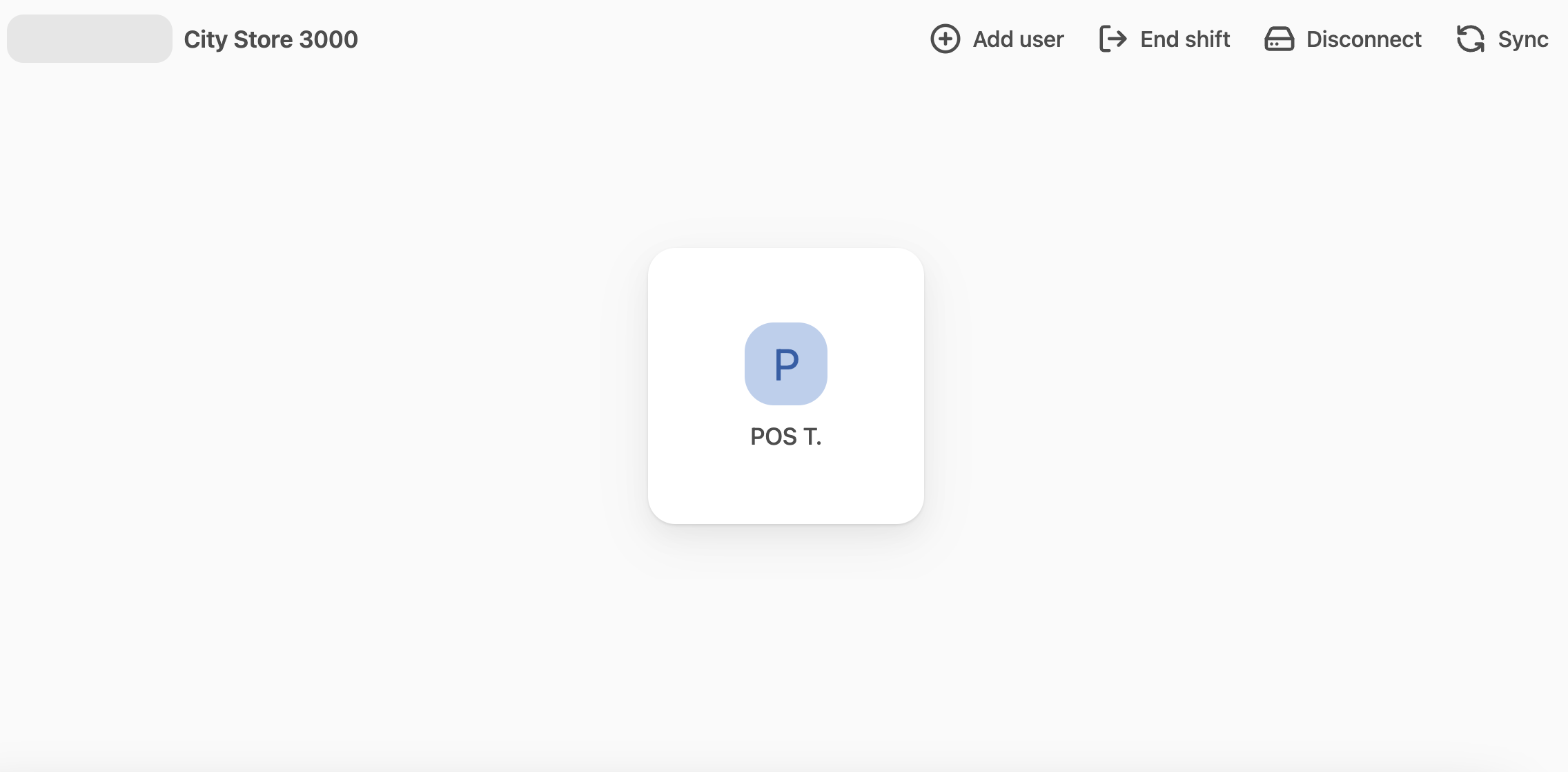
- If your name does not appear on the screen, select Add user in the top menu.
- Select your user name from the list and then select it again.
- Enter your PIN when prompted. You are now signed in.
Sign out of a POS register
- Lock the register by selecting the keyboard icon in left of screen.
- You will need to re-enter your PIN to sign back in.