
Pickups may also include items placed on hold, or items ordered and paid for online, and requested for collection in a store.
Process a pickup
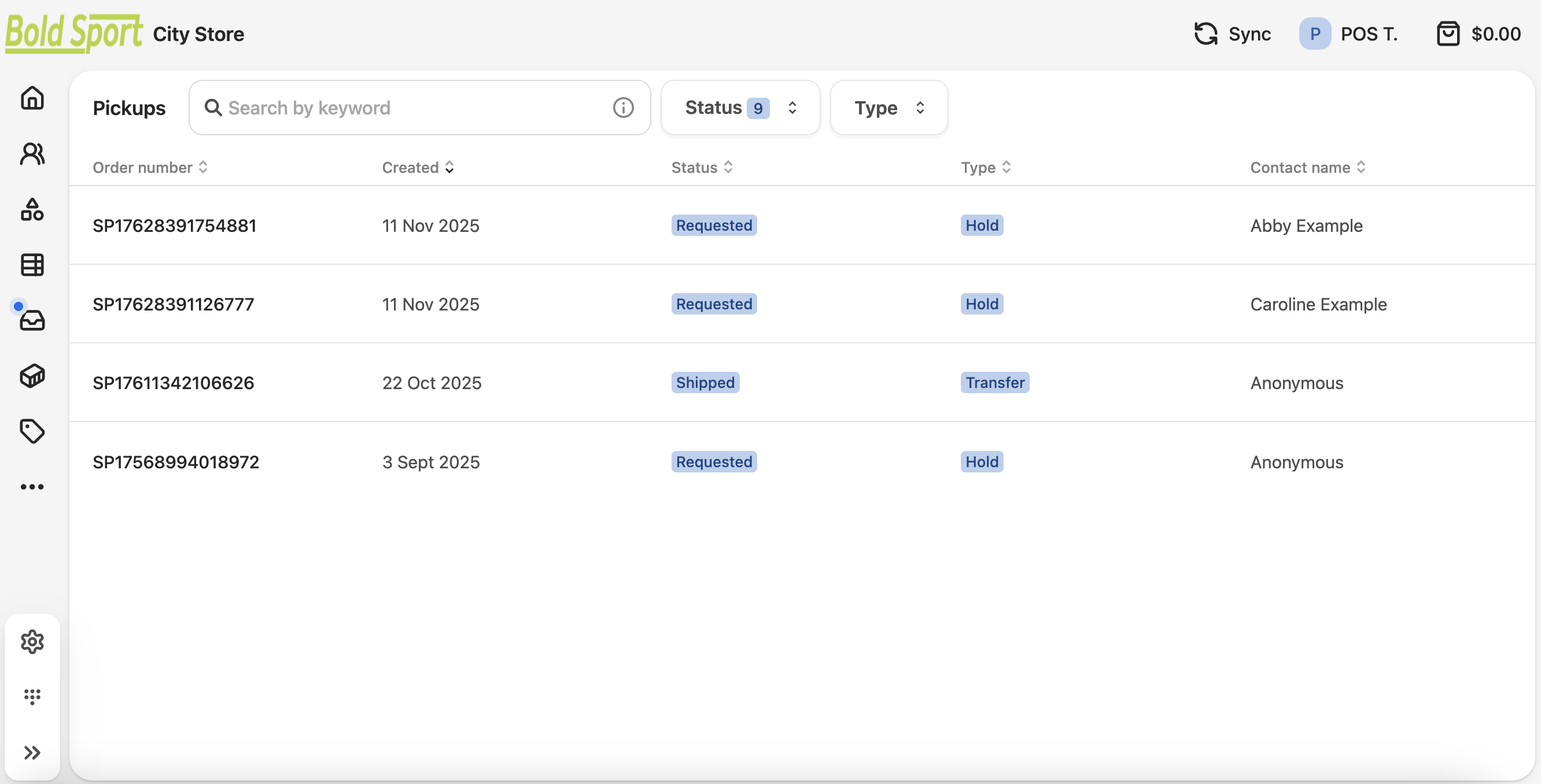
- In your POS terminal, open the Pickup list in the sidebar menu. The icon is a tray.
- Search, filter, or sort the pickup list to locate the order.
- You can filter by order Status or Type, to refine the list.
- Open the order and (depending on the status) complete the transaction as required:
- Take payment.
- Provide the goods.
- Issue a receipt.