Scanning barcodes
On this page
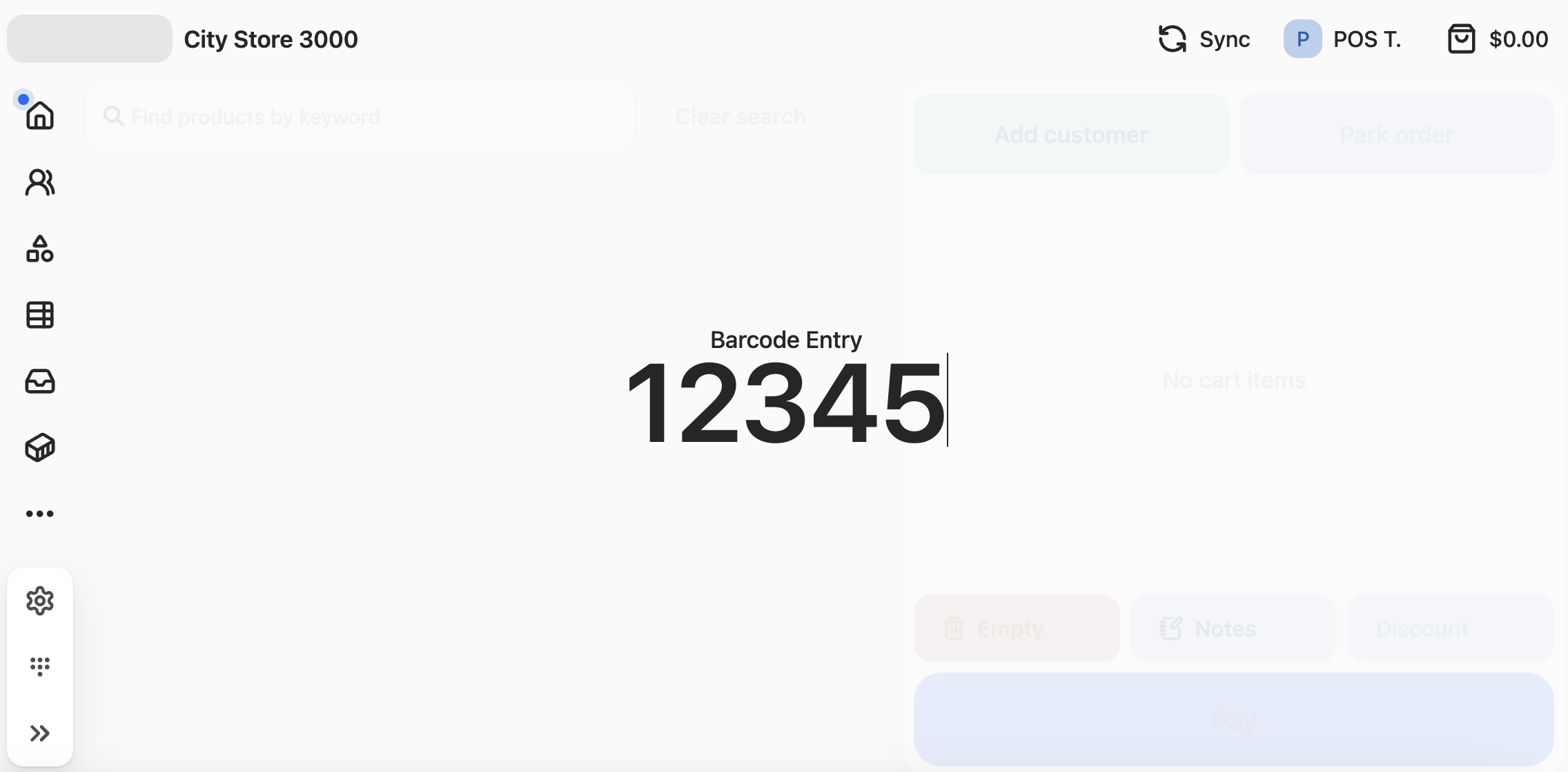
At point of sale, a cashier can scan a barcode to add an item to the register cart. A barcode can be scanned or input manually.
- In the main dashboard, start typing the barcode number. The barcode input area highlights.
- Press enter to validate the barcode. This either adds the item to the cart or else returns a ‘code invalid’ message.