Navigate the POS quicklist
On this page
Typically, the quicklist is the first things you will see on your POS dashboard. You can also access it from any screen.
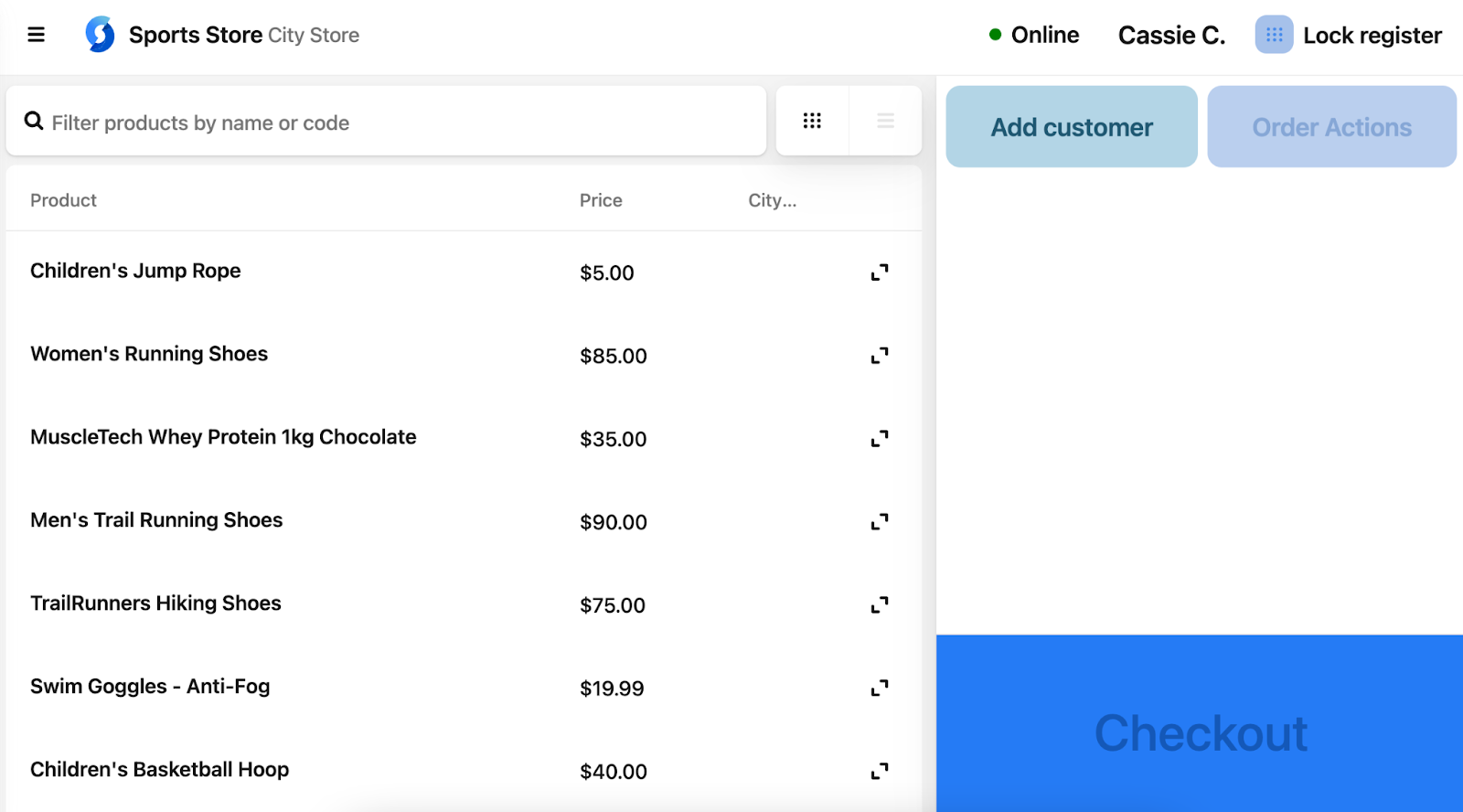
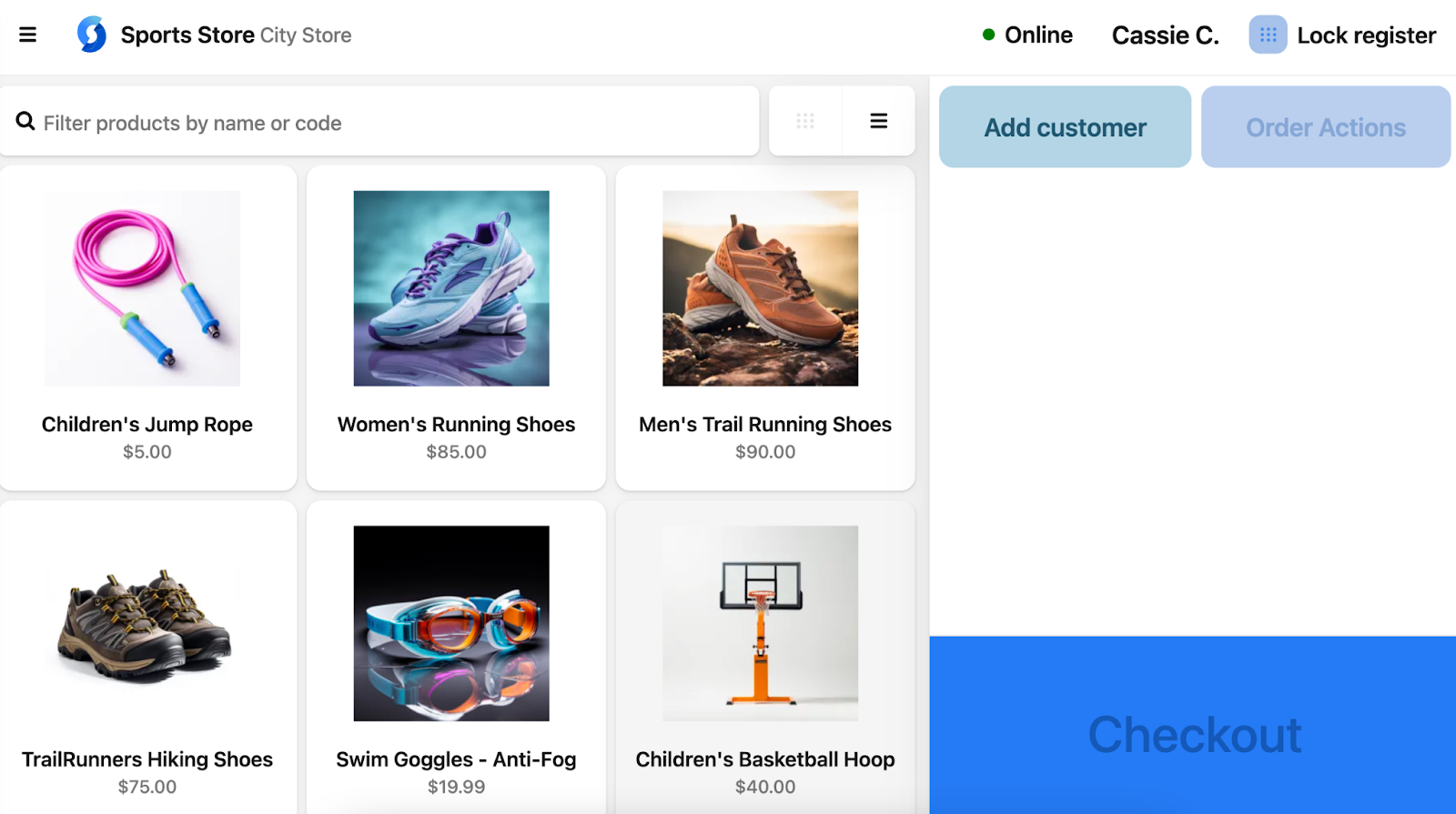
It is typically displayed as a set of cards or in a list view as shown below. You can toggle the view using the controls next to the search bar.
Quicklist card view
Gives you a fast, visual shortcut to items.
List quicklist view
You can click the arrows on the right to see additional details, such as variants, stock levels and location (if applicable).