

Themes
On this page
Liquid is a templating language that can be used to create page layouts and render custom content. Using liquid you can access StoreConnect’s data objects, such as products, pages, articles etc. for use on your site.
Liquid themes are a framework of liquid templates that allow complete customisation of a StoreConnect site. We have supplied you with the Liquid and Javascript for default templates that can be customised:
What Can You Do with Liquid Themes?
By default each Store runs off the built-in base theme that ships with StoreConnect. You can create any number of themes that can alter the look and feel of your site, and even change what content shows. You can preview the them on your live Store as you work on it - no-one else will be able to see it. Then when you are happy with the new theme, you can set it as the theme for your Store (or any number of Stores).
Create a new Theme record to get started.
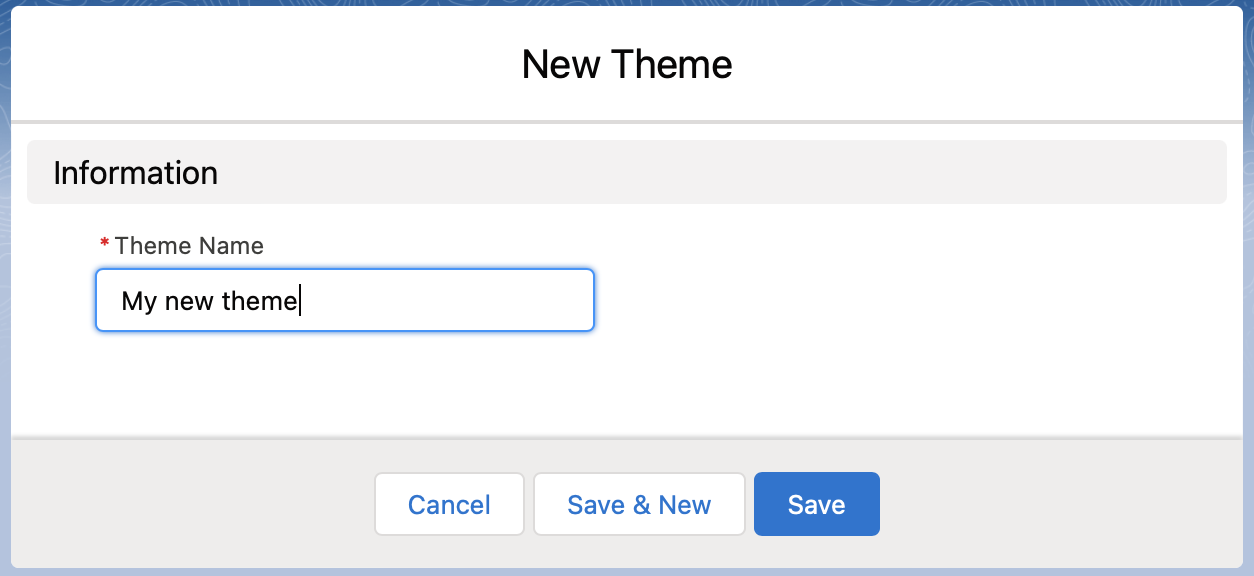
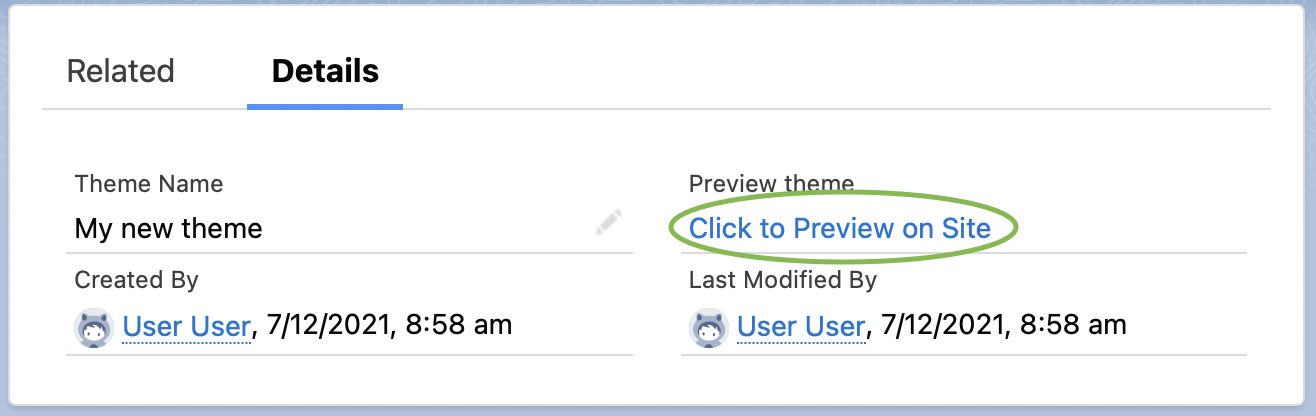
You can preview your theme on your site by using the “Click to Preview on Site” link on the Theme detail view
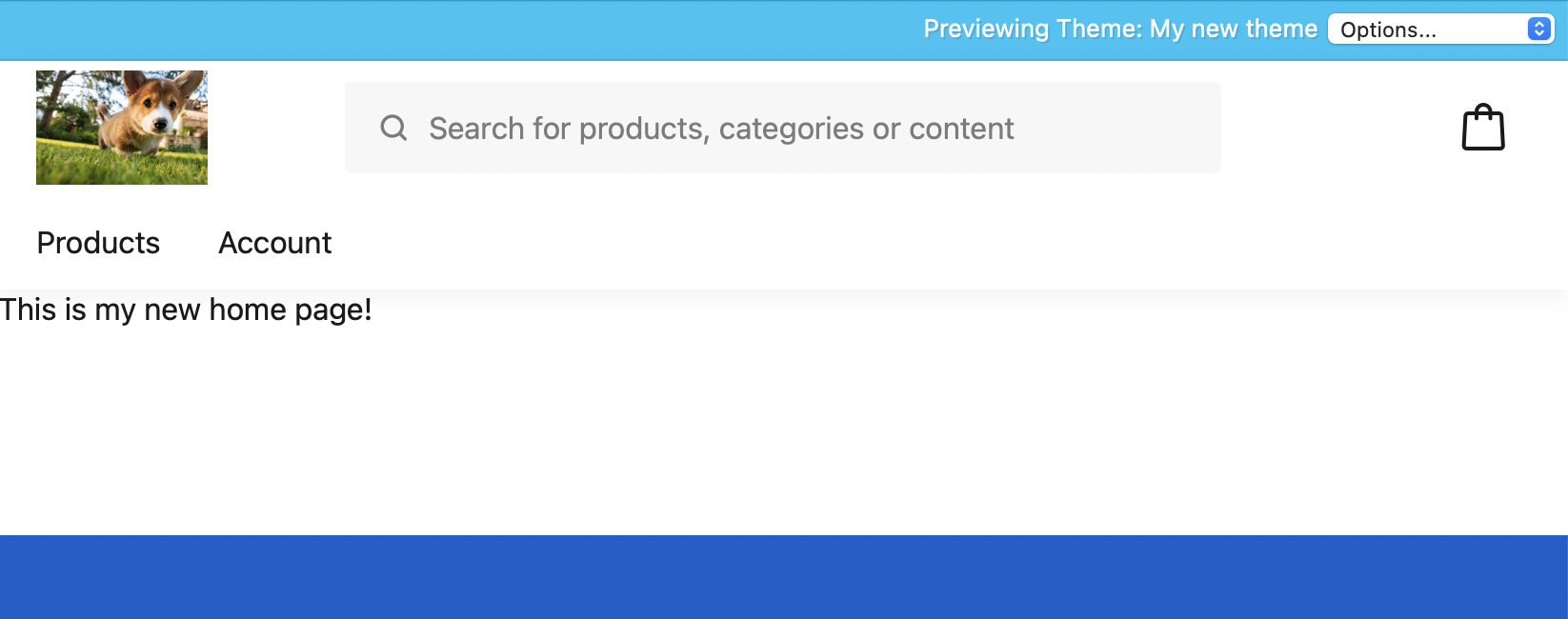
If you preview your theme at this stage, you won’t notice any difference from the built-in theme for two reasons:
- Your new theme is empty
- If a theme does not supply a required item, it uses the equivalent one from the base theme.
You will see the preview bar at the top. This serves to confirm that you are previewing a theme on the Store, and allows you to switch between the preview theme, your normal theme (if there is one), and the built-in theme. This is a handy way to compare how your theme compares to other themes.
Theme Components
Review the following articles to find out about the components of a theme.
- Templates
- Controllers
- Locales
- Assets
- Variables
Was this article helpful?
Thanks for your feedback! It helps us improve our docs.