

Themes
On this page
Liquid is a templating language that can be used to create page layouts and render custom content. Using liquid you can access StoreConnect’s data objects, such as products, pages, articles etc. for use on your site.
Liquid themes are a framework of liquid templates that allow complete customization of a StoreConnect site. We have supplied you with the Liquid and Javascript for default templates that can be customized:
What can you do with Liquid themes?
By default each Store runs off the built-in base theme that ships with StoreConnect. You can create any number of themes that can alter the look and feel of your site, and even change what content shows. You can preview them on your live Store as you work on it. Visitors keep seeing the current theme, but anyone who opens your preview link sees the preview without signing in. Then when you are happy with the new theme, you can set it as the theme for your Store (or any number of Stores).
Create a new Theme record to get started.
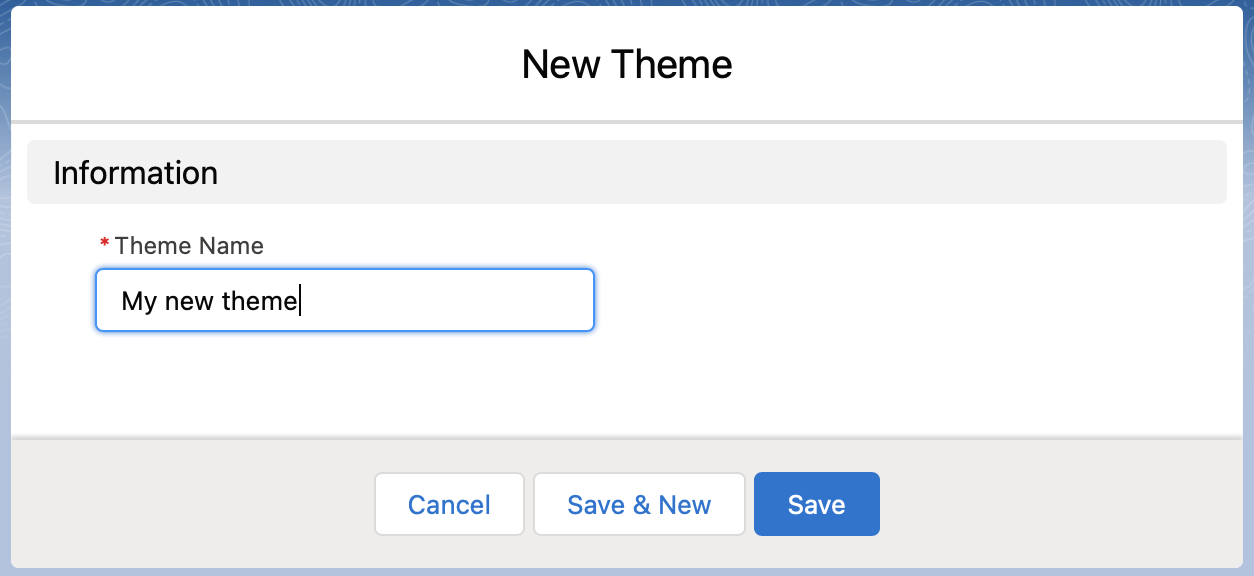
Preview a theme before it goes live
Select Click to Preview on Site on the Theme record to see the theme on your store, with your real products and content.
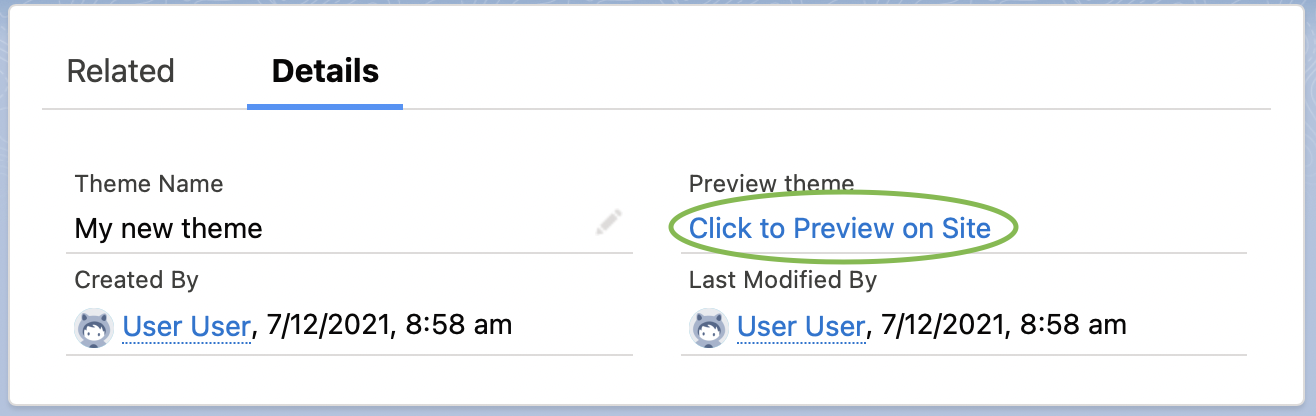
A bar across the top of the store confirms the preview and lets you switch to the store’s current theme or the built-in theme to compare.
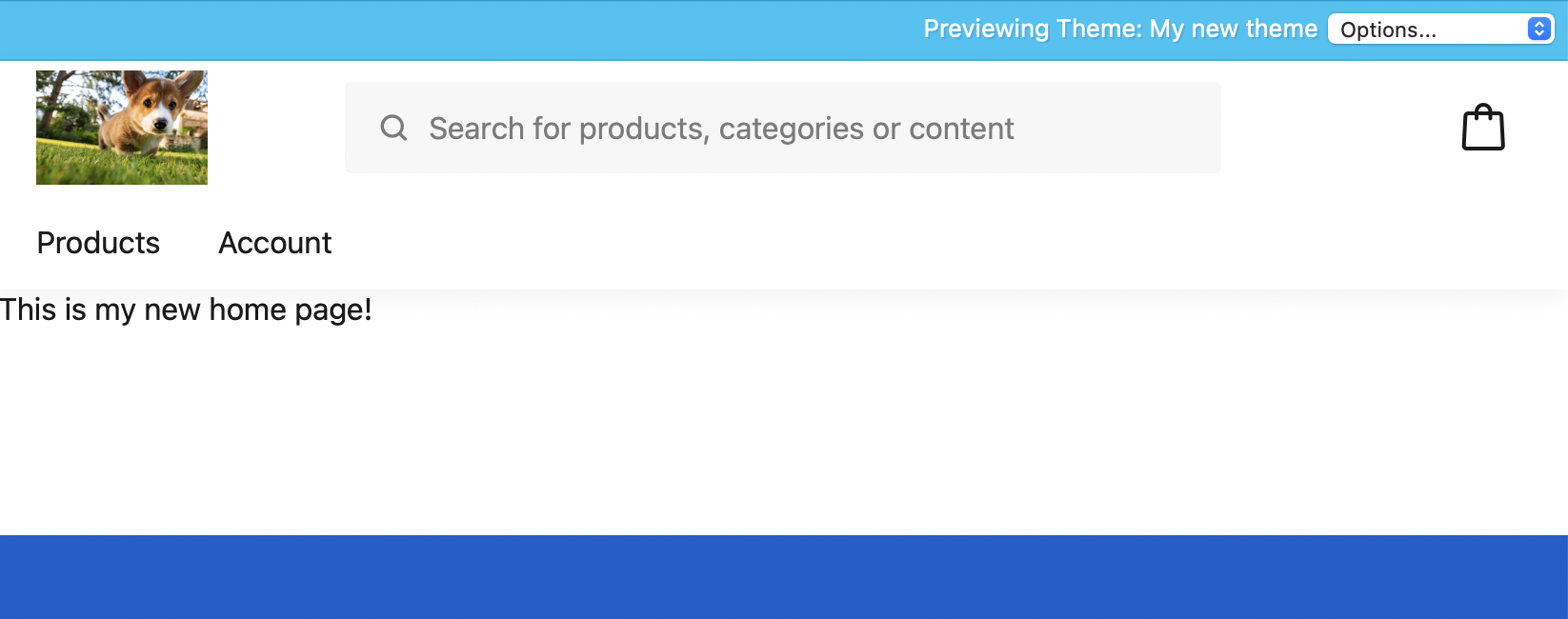
A new theme looks the same as the built-in theme at first, because it is empty and falls back to the base theme for anything it does not supply.
Only browsers that open the preview link see the preview. Visitors keep seeing the store’s current theme until you set Theme on the Store record. Once a store uses the theme, editing its templates directly in Salesforce goes live as soon as Salesforce syncs the change, so stage changes instead.
To preview on another store, compare themes, or stage changes for review before they are published, see preview and stage theme changes.
In this section
- About themes — which records control which part of a storefront, and how a theme falls back to the base theme
- Build with themes — the templates that produce your markup: pages, layouts, snippets, blocks, components, and forms
- Style using themes — CSS, JavaScript, fonts, and images, and how to override the base theme’s look
- Configure and customize — theme variables and translations, so one theme can serve stores that need different settings
- Test and validate — SEO, accessibility, and the tags for working out why a template renders the wrong thing
- Theme examples — worked examples that solve one storefront problem end to end
Was this article helpful?
Thanks for your feedback! It helps us improve our docs.