

Look up a customer's order history
On this page
Use this process to find a past order at the register, for example when a customer asks about a previous purchase or brings an item back. You can narrow the list by store, product type, date range, or customer details.
Search for an order at POS
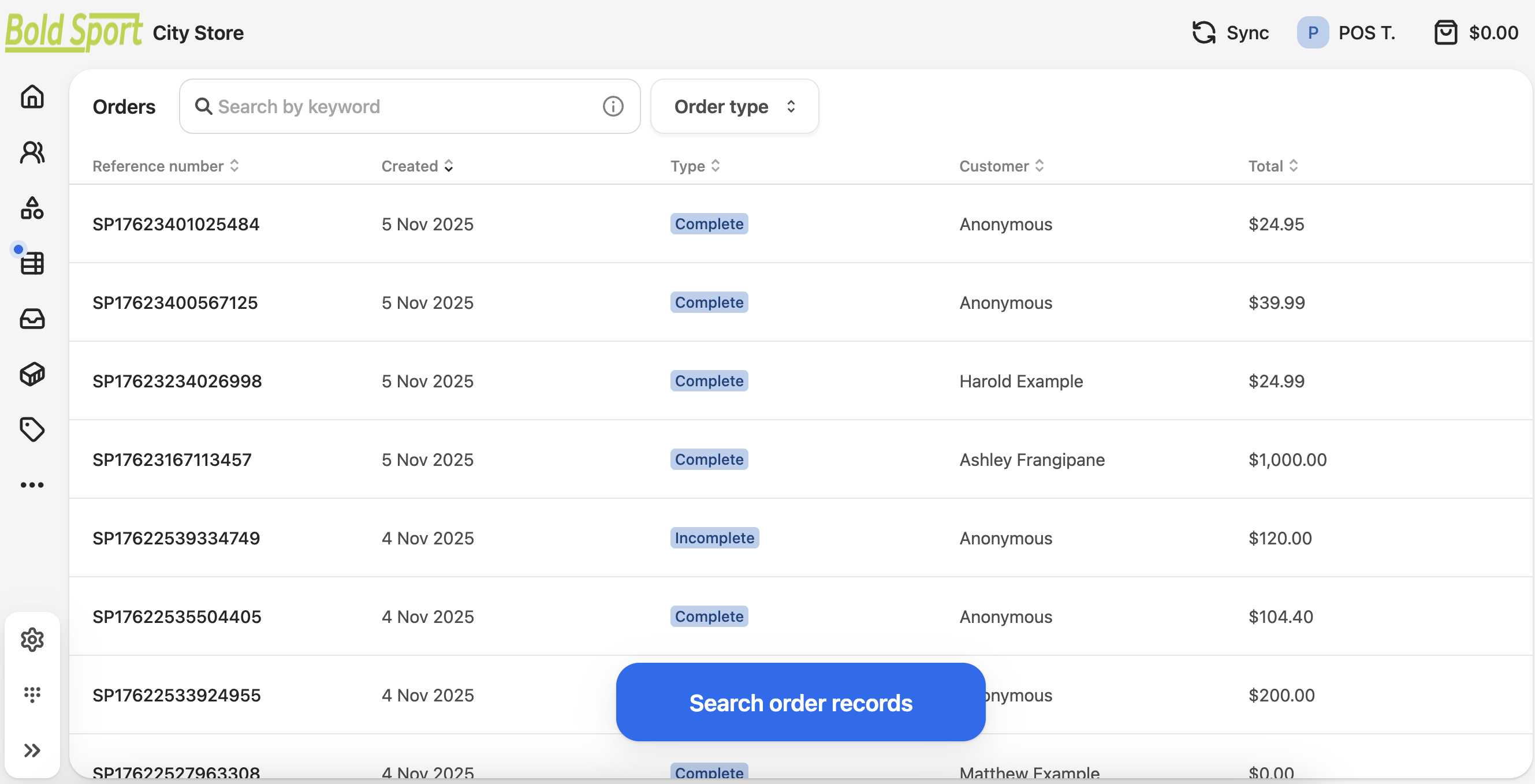
- In the POS dashboard, select the Orders icon in the left menu. It looks like a table.
- Enter a search term, such as an order ID, phone number, customer name, or email address.
- Select a filter option, such as Order type.
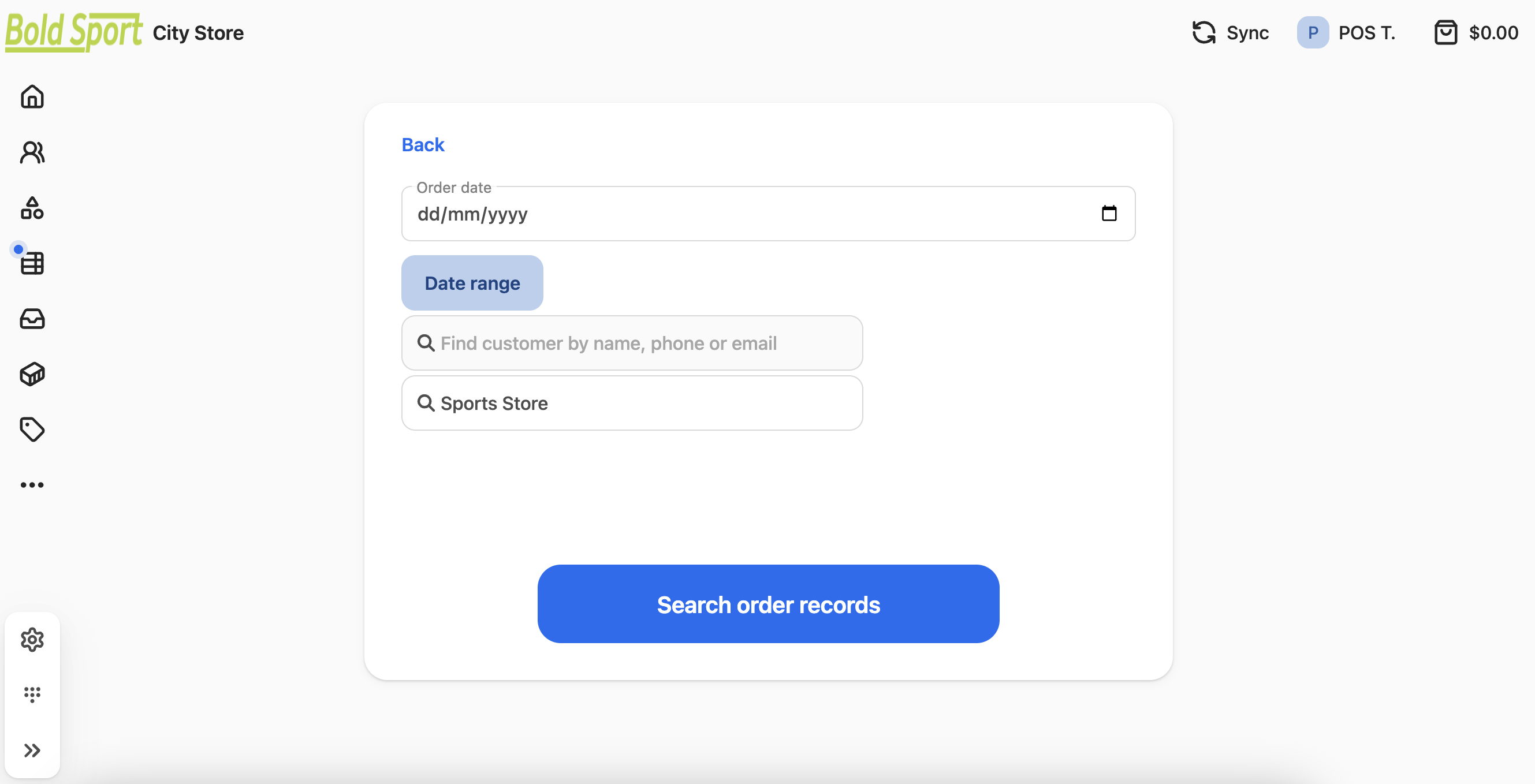
- Press Enter or select Search order records to open the advanced filters and narrow the list.
-
If the transaction is hard to locate, sort the list by selecting a column header.
-
For older orders, search by date range.
- Select the order to open it.
The order detail screen opens, showing the items, payments, and fulfillment status for that transaction.
Was this article helpful?
Thanks for your feedback! It helps us improve our docs.