

Theme assets
On this page
Assets are any external resources that a Theme may need, such as images (icons, placeholders, backgrounds, etc.) and files (Javascript, stylesheets). You can add assets to your theme using the Theme Assets object.
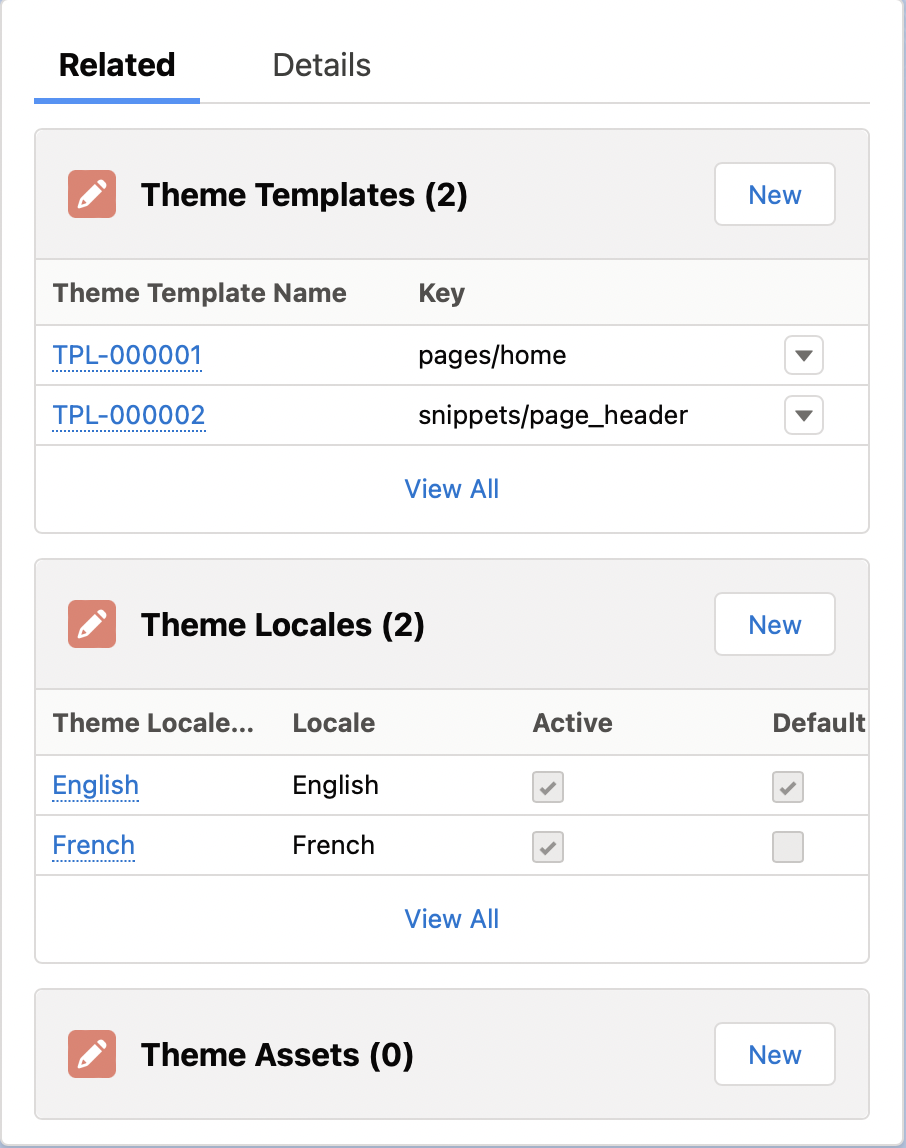
You can add theme assets from the Related tab of your Theme.
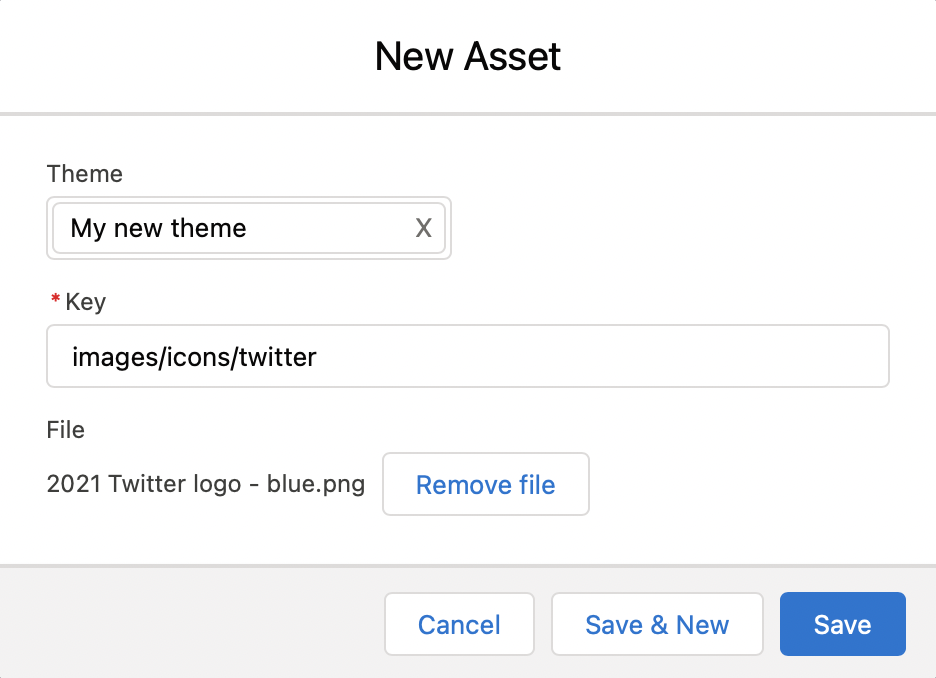
Once again we have a Key field. This also must be unique per Theme. It can be anything you like, however it is good practice to use a naming convention, eg all images might start with images/ and be further grouped by type. Here we are uploading a social icon for Twitter, so we have used the key images/icons/twitter.
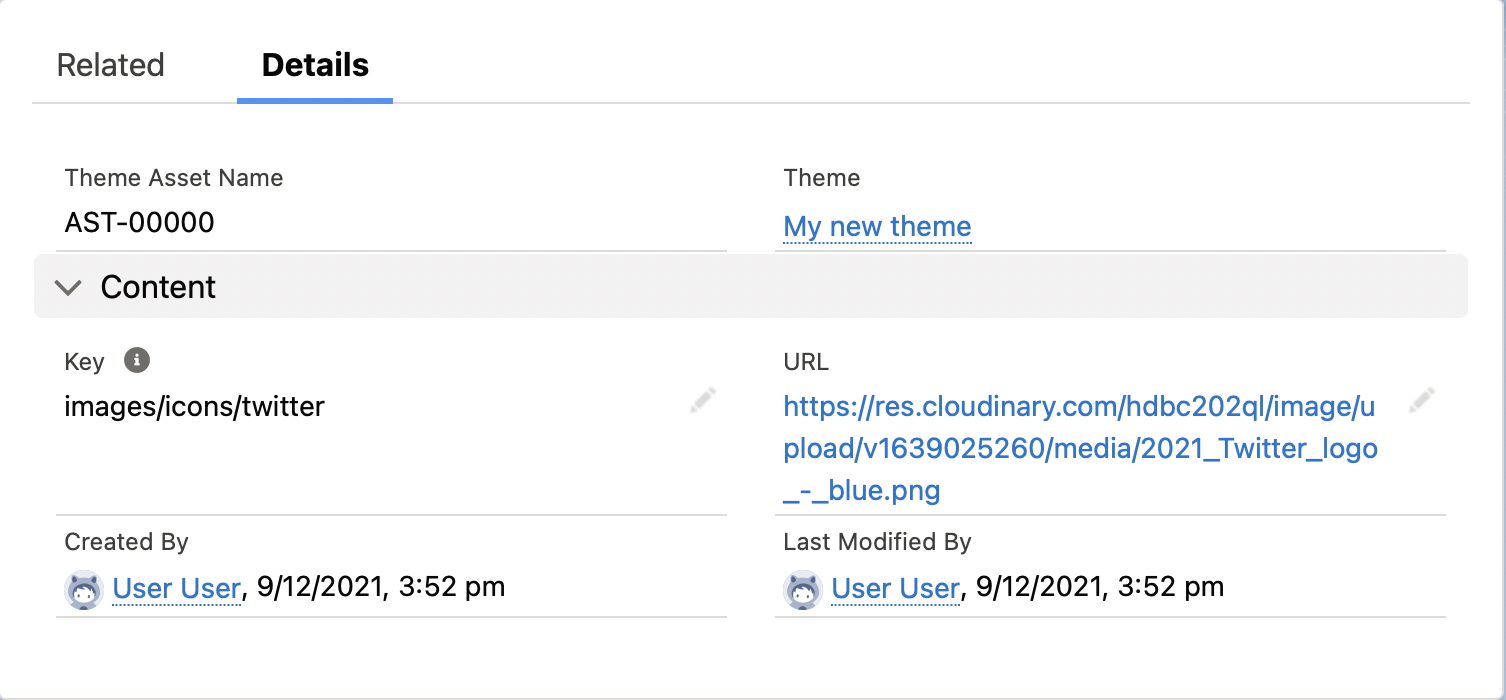
Once you have uploaded your file and saved the record, you’ll see that your asset has a URL field. You can use this url in your Theme Templates by copy and pasting that straight into your template. Or even better you can use the liquid filter asset_url.
You can upload any kind of asset that StoreConnect supports.
Example
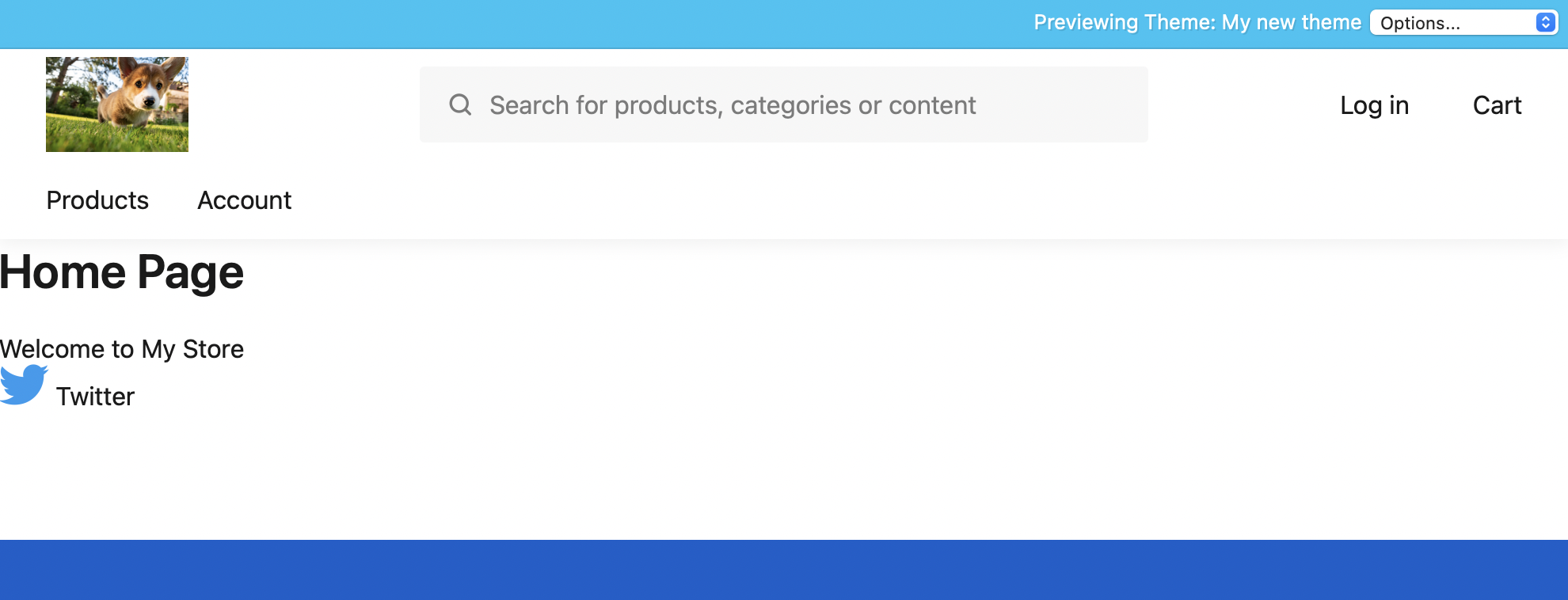
Let’s insert a link to Twitter on our home page.
Edit the home page template and add the following:
```liquid
Twitter
```
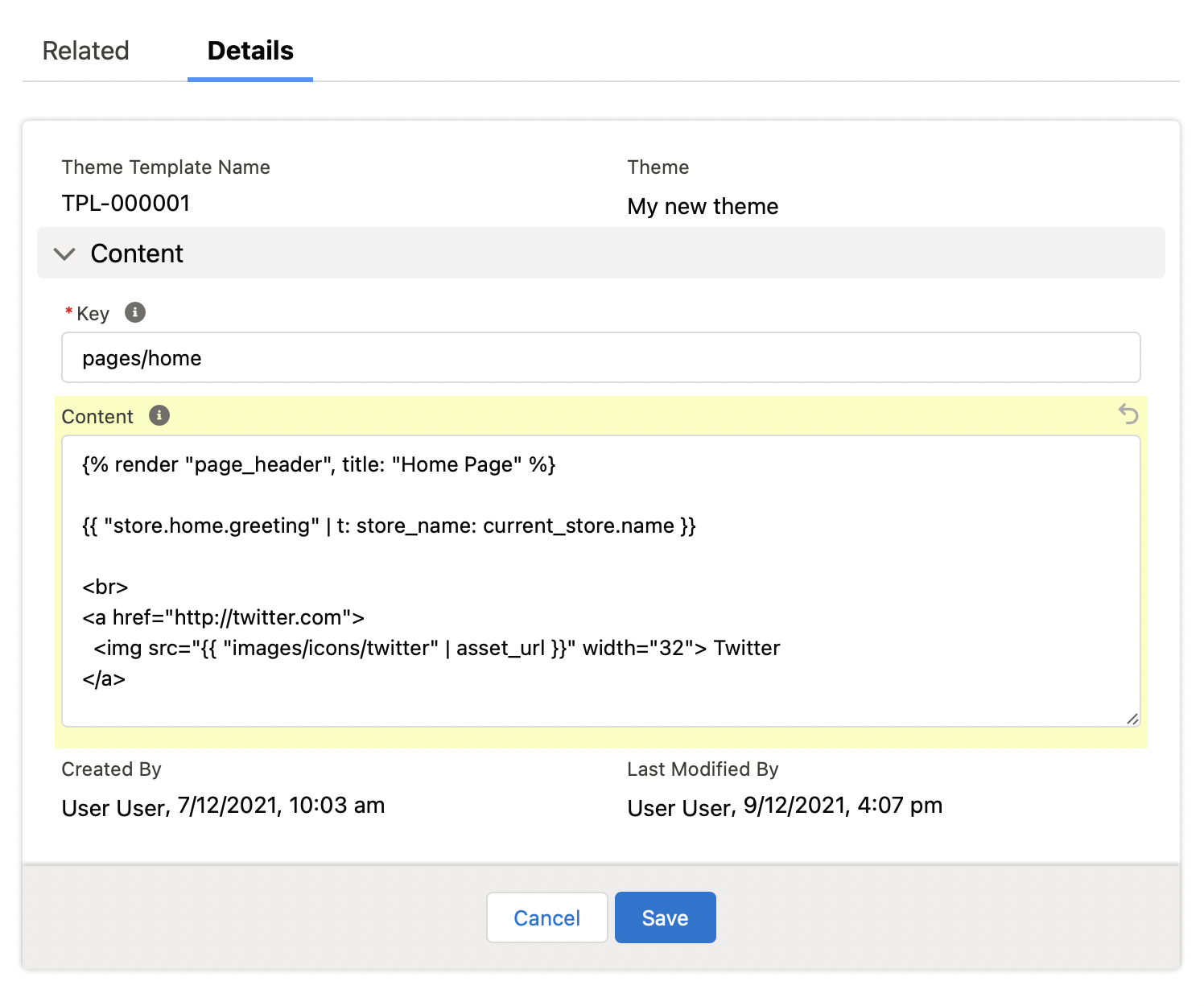
Preview the page, and you’ll see we now have a Twitter icon.
Special Assets
The built-in StoreConnect theme comes with its own theme javascript and css files. They have been developed to work with our templates - they go hand in hand.
You can upload your own Javascript and CSS files and include them in your templates as we showed above. However often you will want them to be included on every page. To do this there are two options:
- Supplements (
theme-supplement.css/theme-supplement.js) — included automatically after the built-in theme files, so your styles and scripts extend the defaults. - Replacements (
theme.css/theme.js) — included automatically in place of the built-in theme files, so the built-in defaults are removed entirely.
For the full {% require %} tag reference, CSS framework integration (Tailwind/Bootstrap/vanilla), and CSS custom-property overrides, see Theme assets and styling.
Was this article helpful?
Thanks for your feedback! It helps us improve our docs.