

Store disable system
On this page
Use the store disable system to take a store offline for maintenance and show visitors a message while it is down. Two settings on the Store record control this: a checkbox that takes the store offline, and a Content Block that supplies the message visitors see.

Before you begin
Disabling a store takes it offline for every visitor immediately. There is no scheduling and no partial disable: the setting applies to the whole store, not to individual pages. Create your maintenance Content Block first, so visitors see your message rather than an unexplained page.
Create the maintenance message
Create a Content Block for the message. For the full steps, see creating content blocks.
- Set the Content Template to
Text. -
Fill in the Title and Content with your maintenance message.
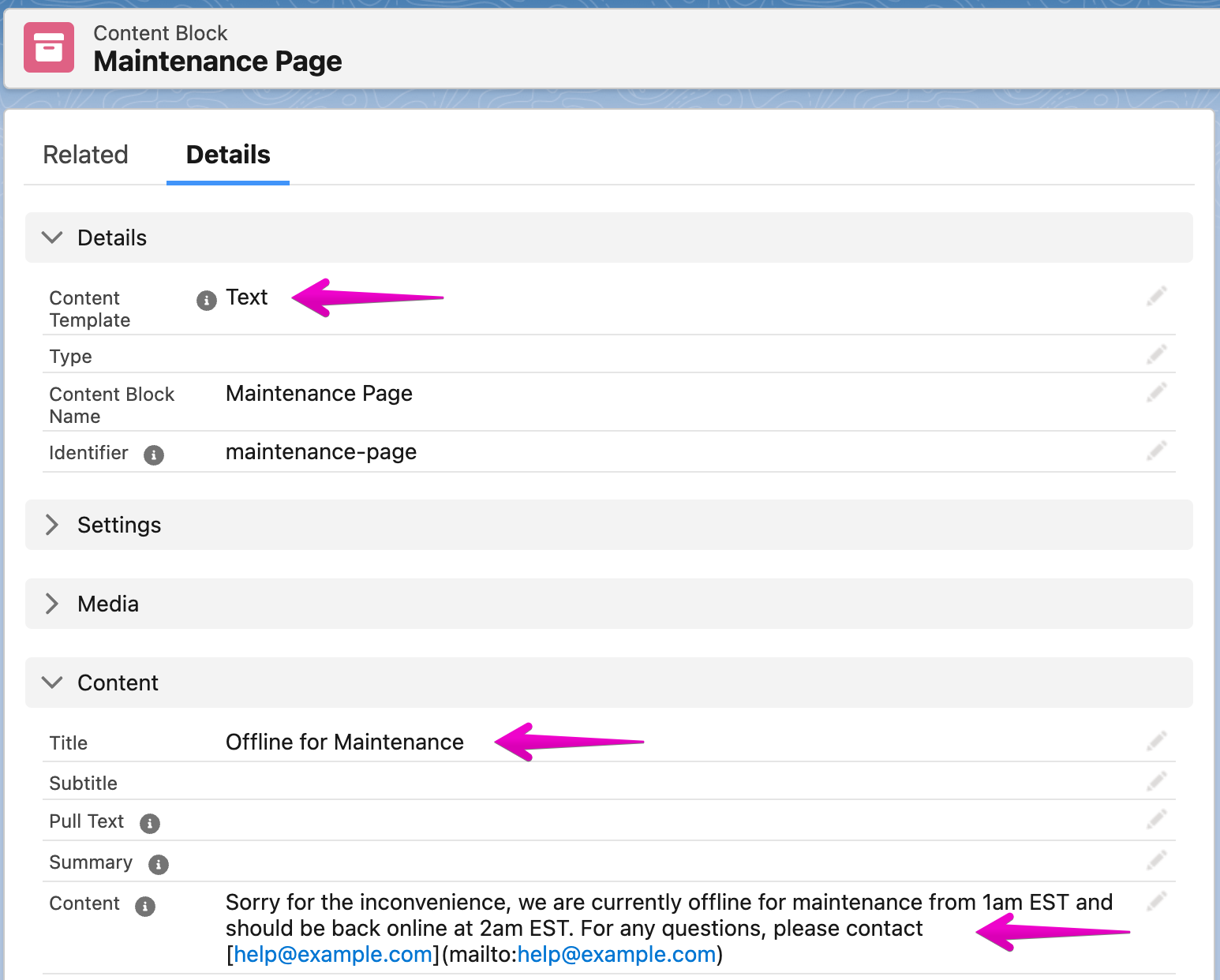
- Save the record.
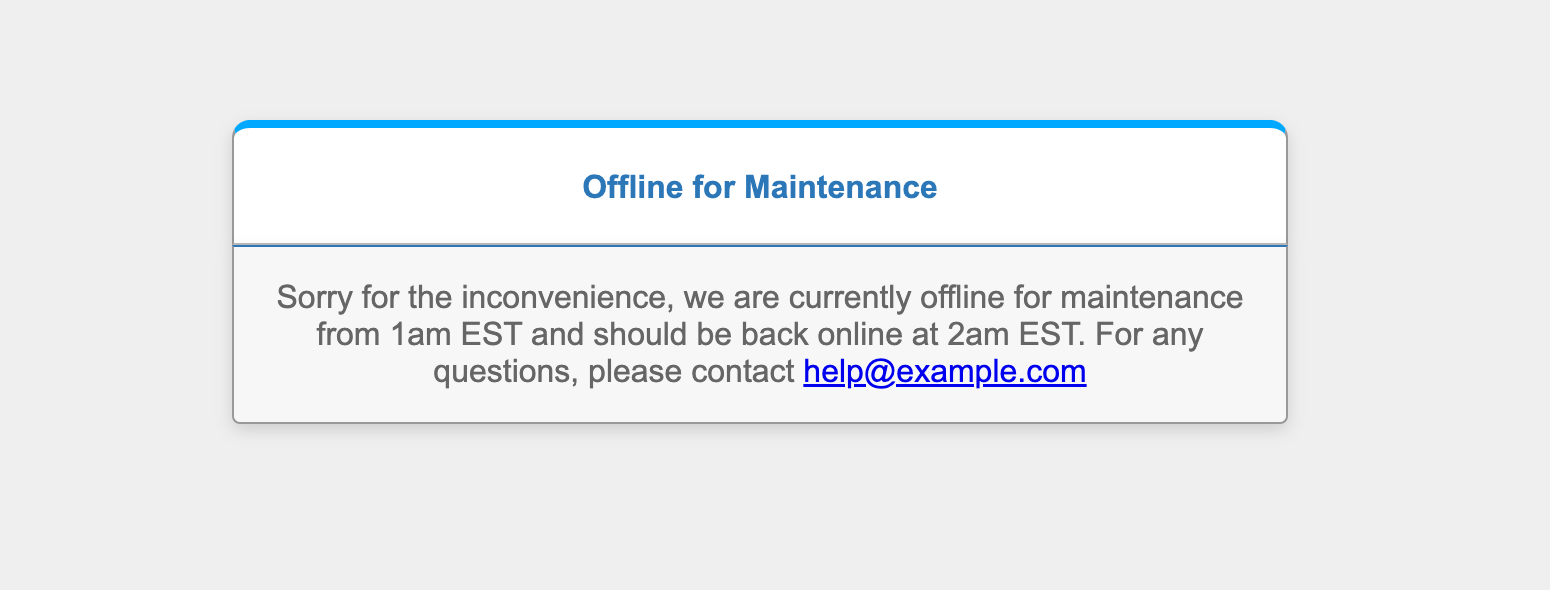
The Text template renders a simple pre-styled maintenance page:
Take the store offline
:::warning The store goes offline for all visitors as soon as you save. Customers cannot browse or check out while the store is disabled. :::
- Open the Store record you want to take offline.
- Set the Disabled content block field to the Content Block you created.
- Select the Disable the store checkbox.
- Click Save.
- Visit your store URL and confirm the maintenance message appears in place of the storefront.
Bring the store back online
- Open the Store record.
- Clear the Disable the store checkbox and click Save.
- Visit your store URL and confirm the storefront loads normally.
Was this article helpful?
Thanks for your feedback! It helps us improve our docs.