

Quick install and basic setup
On this page
When you are ready to install StoreConnect, follow this process.
Before you begin
Already have a Salesforce account? - Make sure you have Admin permission to install packages. - Check that Lightning Web Security is enabled if your Salesforce org pre-dates 2023.
Install the package
- Go to the StoreConnect listing on the Salesforce Agent Exchange and sign in to your Salesforce account (if you have one).
- Select Get it Now. You’ll be prompted to sign up for a Salesforce org is you don’t have one.
- Follow the installation prompts.
Follow the StoreConnect setup guide
- In StoreConnect, open the StoreConnect Console.
- Go to Setup Guide.
-
Follow each step to configure your store basics.
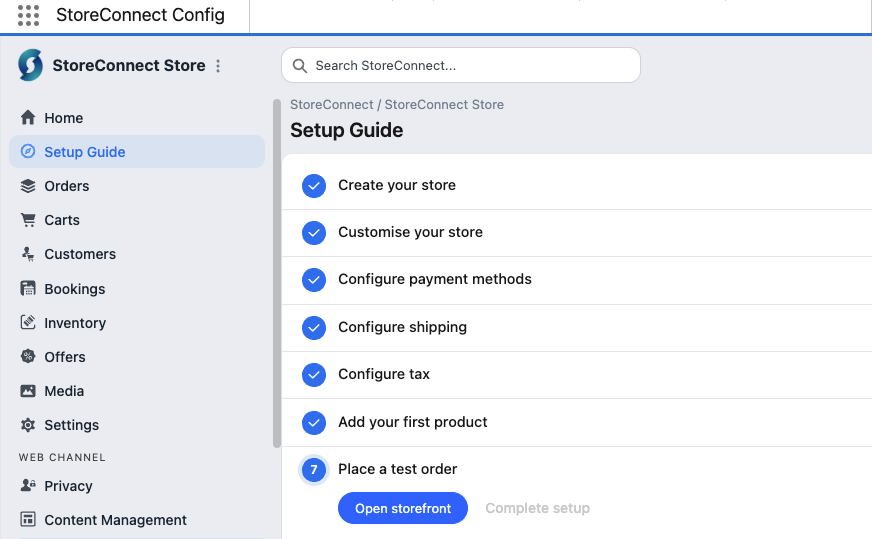
See the get started guide for the step-by-step process.
Was this article helpful?
Thanks for your feedback! It helps us improve our docs.