

Enable customers to request product quotes
On this page
This topic describes how to configure your store and products to show the ‘request a quote’ option. Watch this video for a demo.
Enable quotes in your store
- In your store record, go to the Products section.
- Select the Enable Quotations option.
- Save.
Show quotation option on a product
- Go to the Product record.
- Edit the Pricebook entry for the product.
-
Select Hide Price.
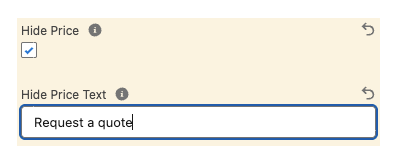
- Enter Hide Price Text, for example, Request a quote. This will appear where the price usually does on the product entry.
- Save.
How this might look in your store
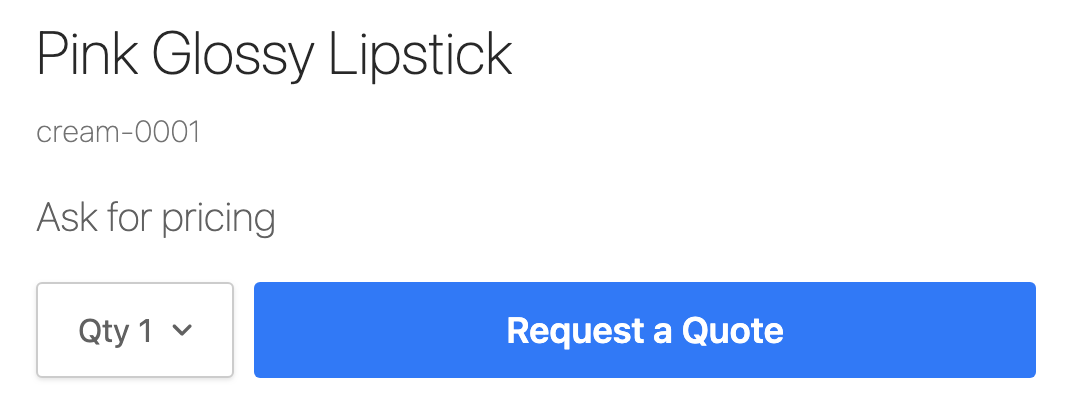
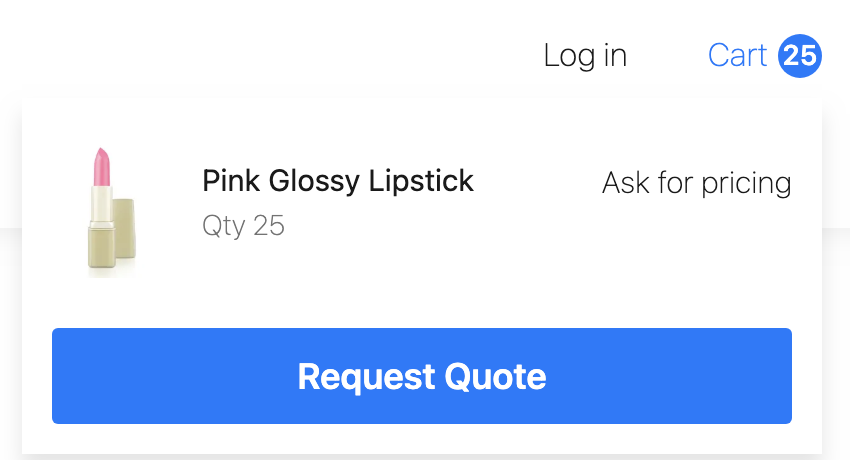
If the customer’s cart has one or more products that are not purchasable (price is hidden), the customer is only offered the option to request a quote.
If they want to make a purchase, they will need to remove the quote items from their cart or create a separate order for the purchasable items.
Was this article helpful?
Thanks for your feedback! It helps us improve our docs.