

Prepare to set up an AI agent
On this page
:::note This topic relates to using AI agents to service your customers, not how to use agents for building on StoreConnect. :::
Technical requirements
Switch on Einstein in Salesforce
:::note Data 360 (formerly Data Cloud) must be provisioned in your Salesforce org before you can enable Einstein. Contact your Salesforce account executive if it is not already active. :::
-
Go to the Salesforce Setup area. Click the settings cog in the top-right and select Setup.
-
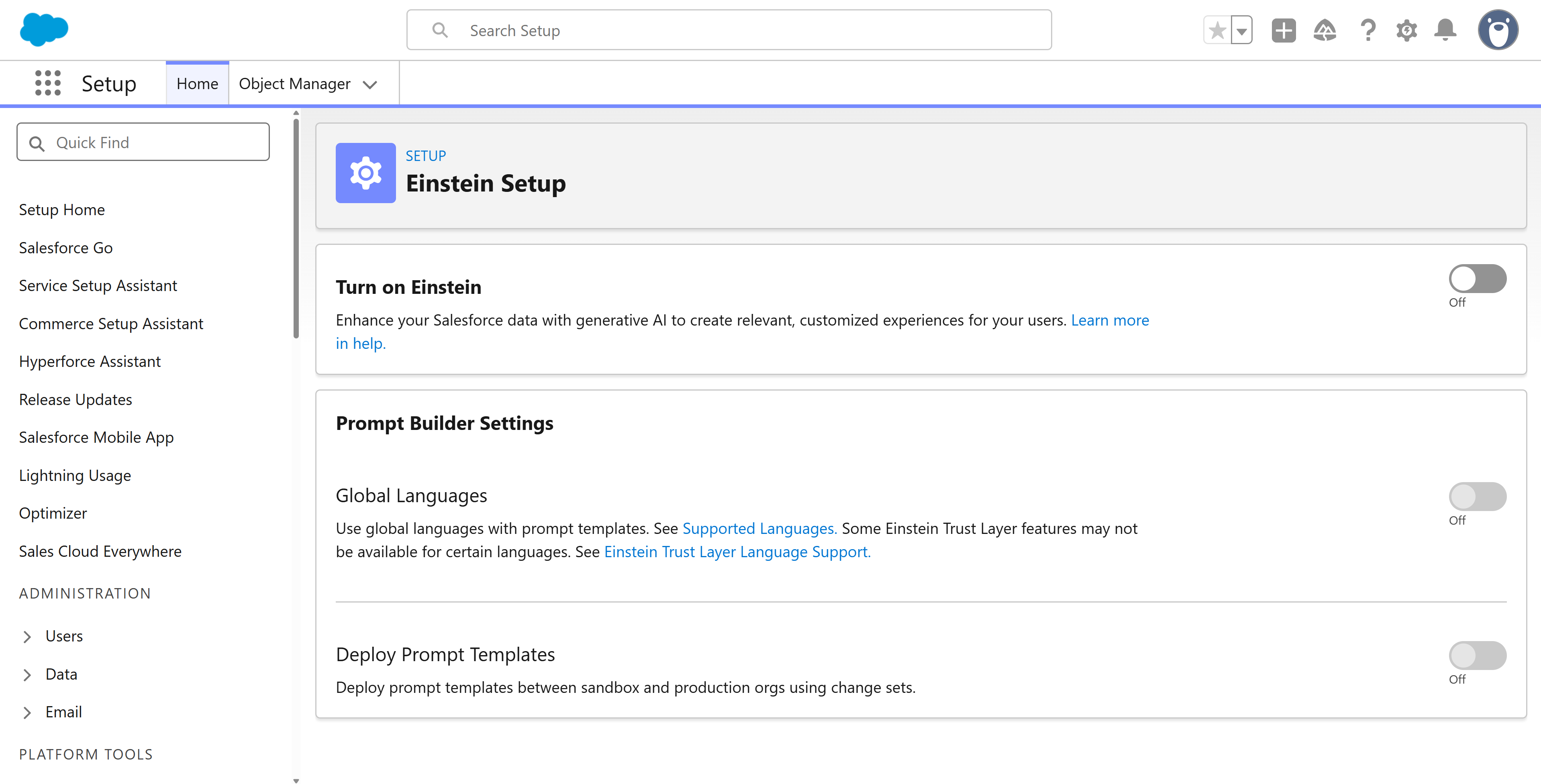
In the Quick Find box, search for Einstein Setup and select it.
-
Switch on the Turn on Einstein option.
-
Refresh the page.
Activate Agentforce in your Salesforce account
- Go to Agentforce Studio > Agentforce Agents.
-
Switch on Agentforce.
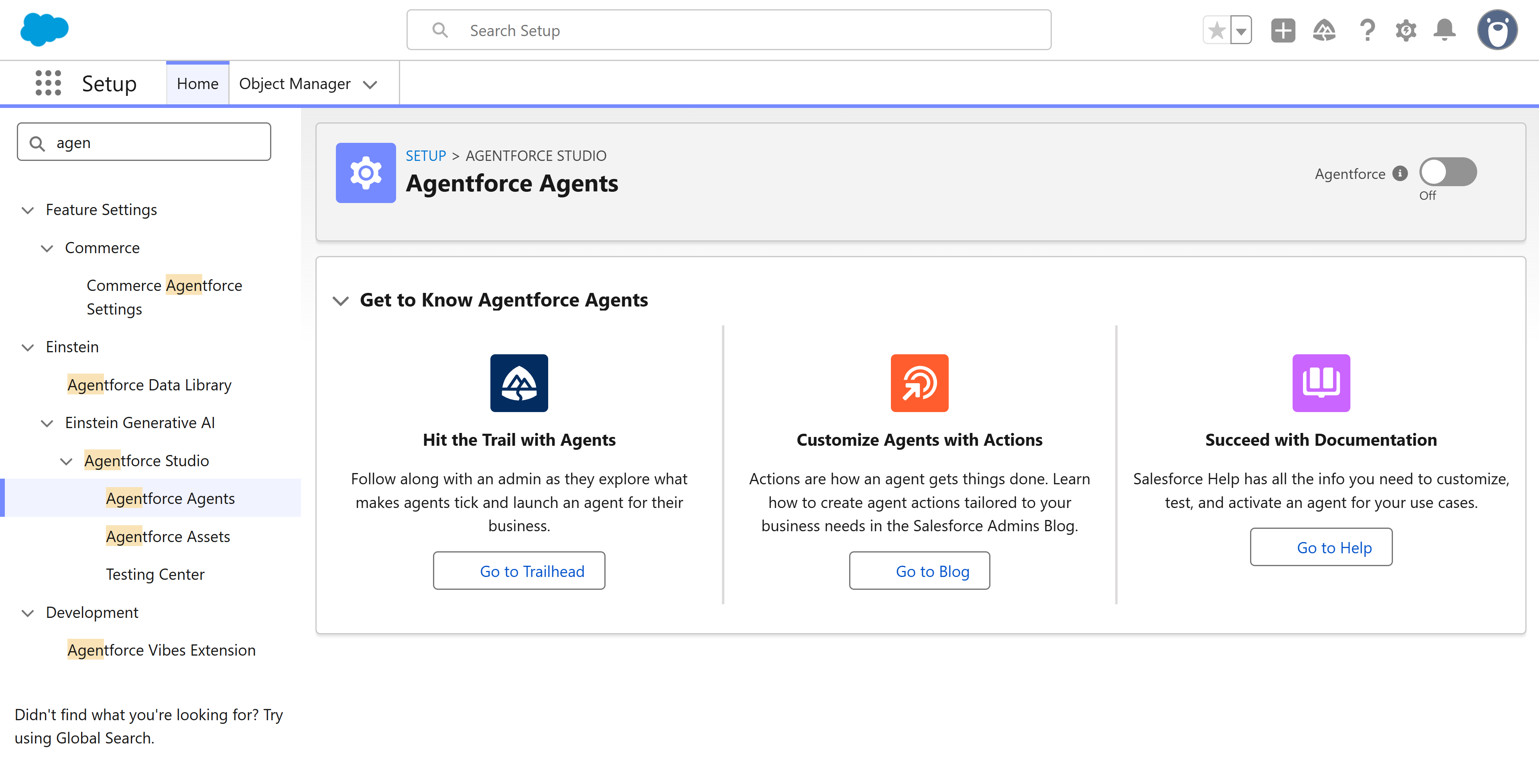
You can now use Agentforce Studio to create AI agents.
Define agent knowledge
Use the business information and content you already have to work out a set of topics that you want the agent to be expert in. If you use Data360 (formerly Datacloud) and already have content you use for an agent, you’ll be able to reference these in the relevant procedure in this section.
If you don’t have any existing content, here’s a few topic examples:
-
Answers to common sales questions
-
Product comparison information
-
Stores, locations, and hours of operation
-
Job description (like you would for a person)
Define agent actions and limitations
Prepare a set of actions that you allow the agent to perform, such as:
-
Provide product availability information
-
Provide product specifications
-
Recommend full price products before products on sale
Prepare a list of actions you don’t allow the agent to perform, such as:
-
Do not provide cost estimates, always refer to the sales team
-
Do not provide order status or stock availability, refer to support or sales
-
Do not estimate delivery dates, refer to the stock management team
Was this article helpful?
Thanks for your feedback! It helps us improve our docs.