

Feature products on a page
On this page
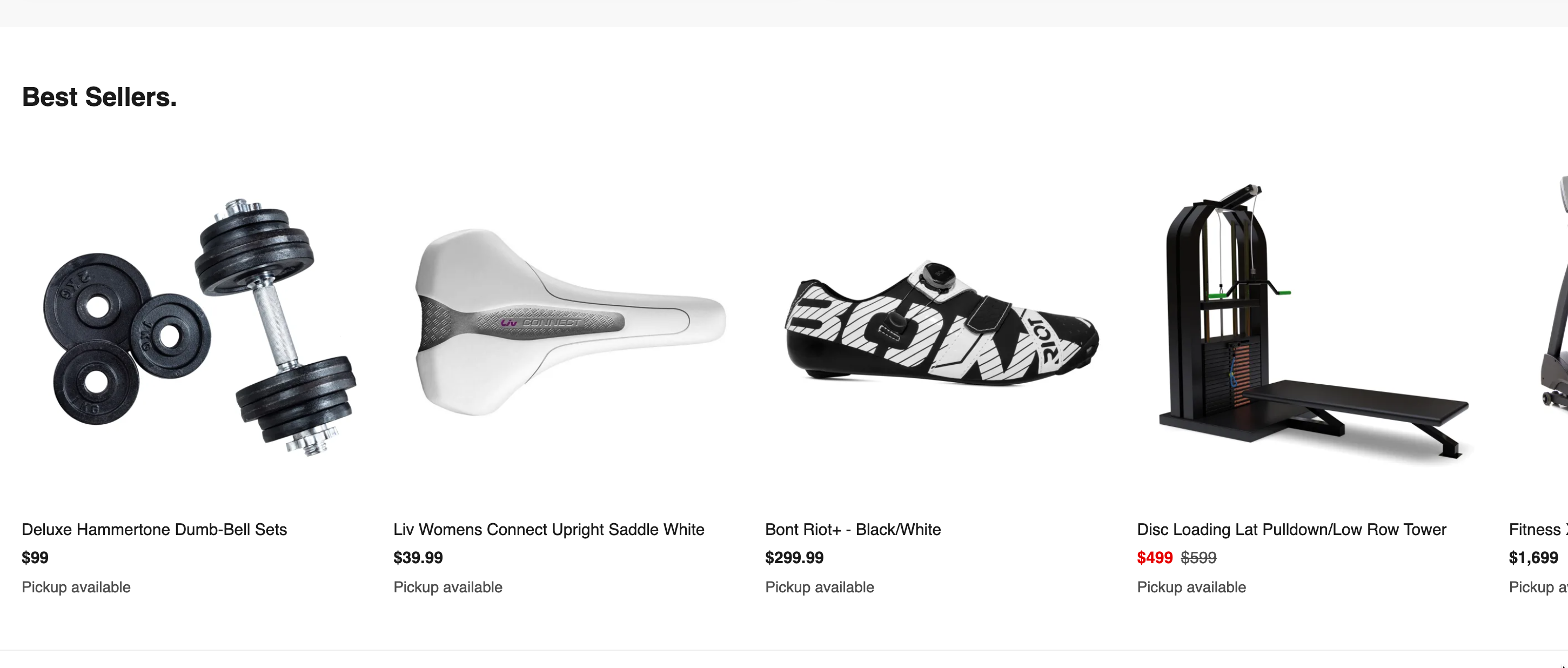
Featured products are usually shown on the home page, as a selection of special or discounted products you want customers to see. You can add them to any content page.
How to create featured products
- Go to the Content Blocks list and select New.
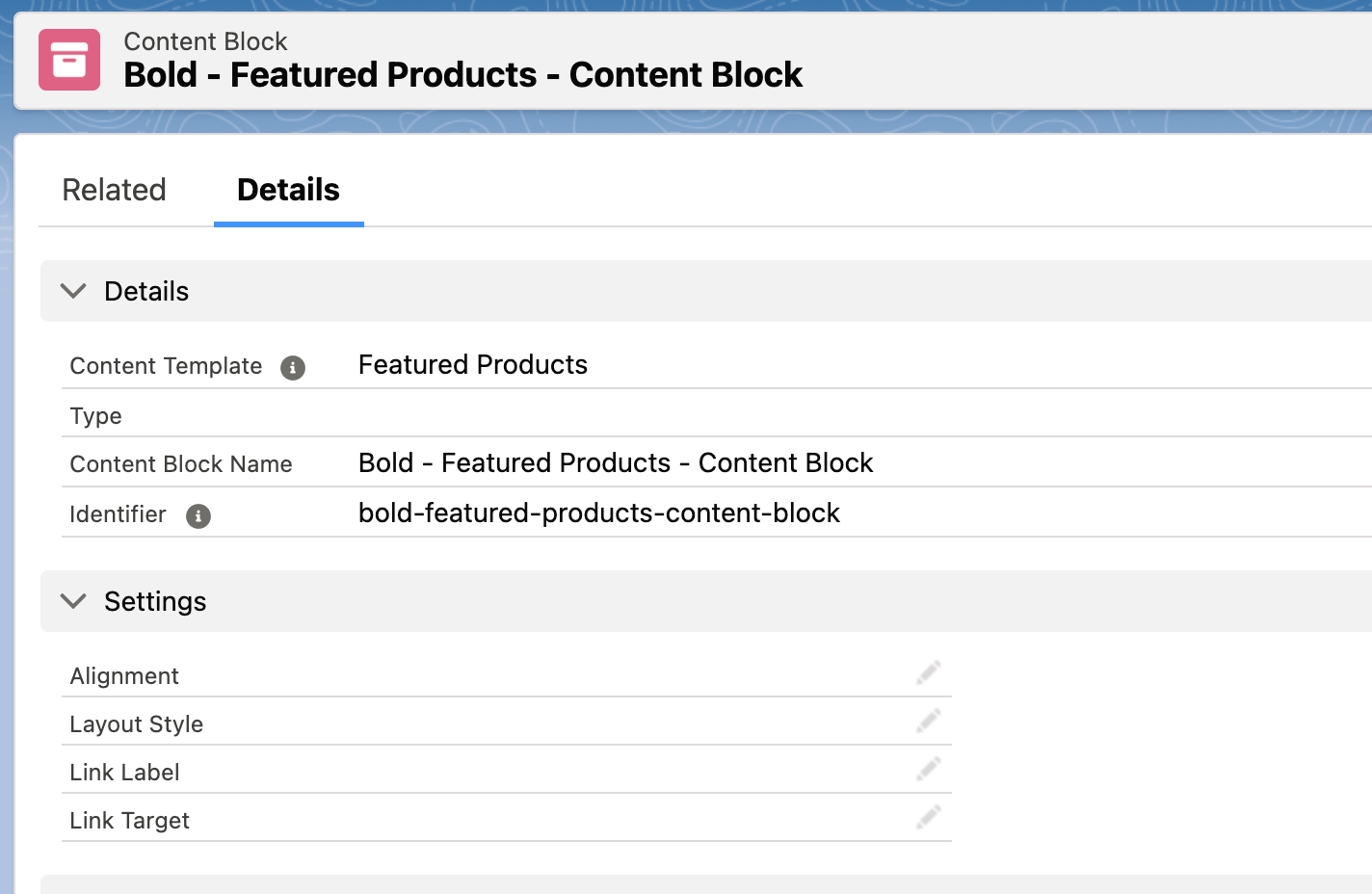
- Set Content Template to
Featured Productsand give the block a name. This block acts as the container for the products you want to feature. - Select Save.
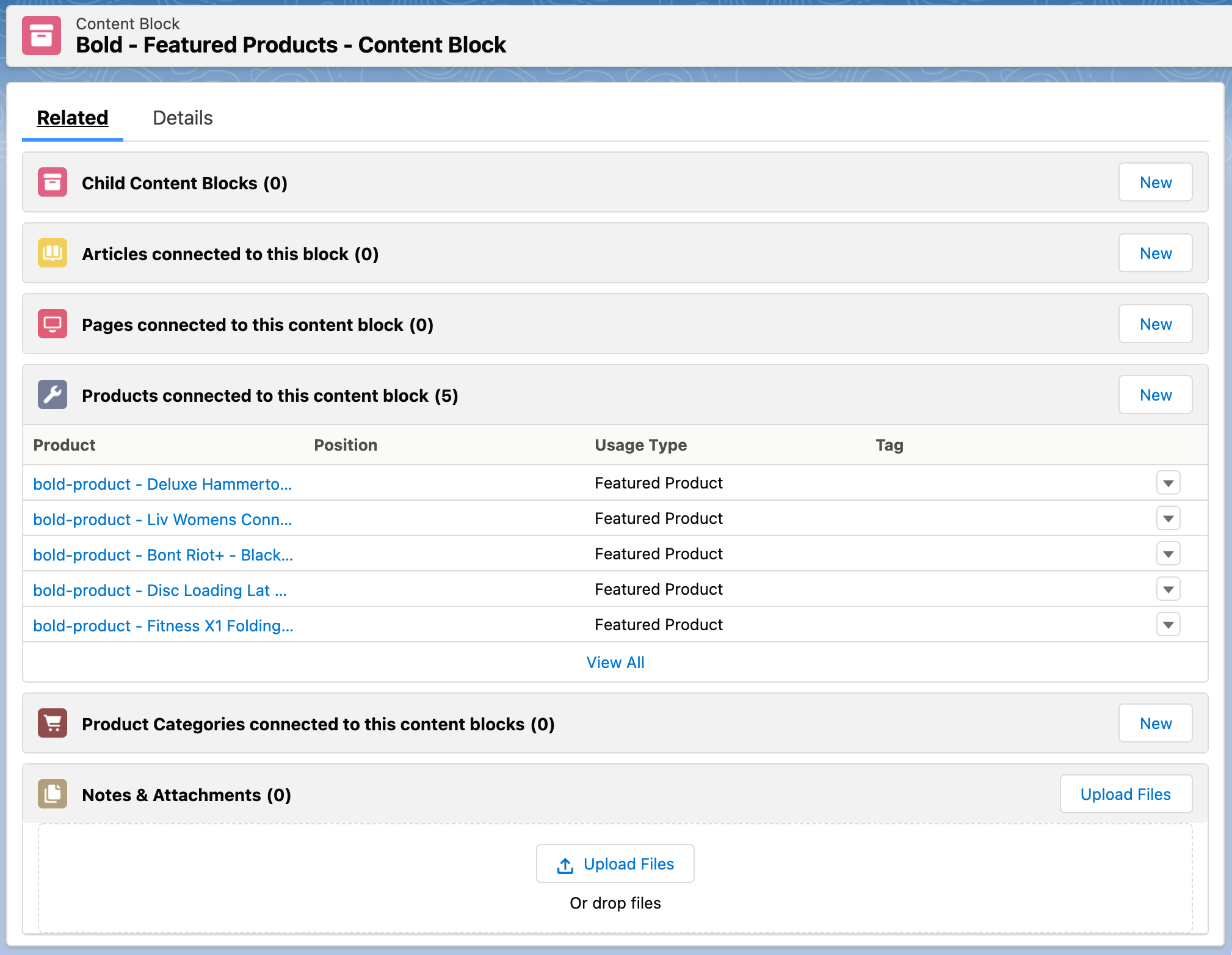
- On the new block, go to the Content Block Products related list and add each product you want to feature.
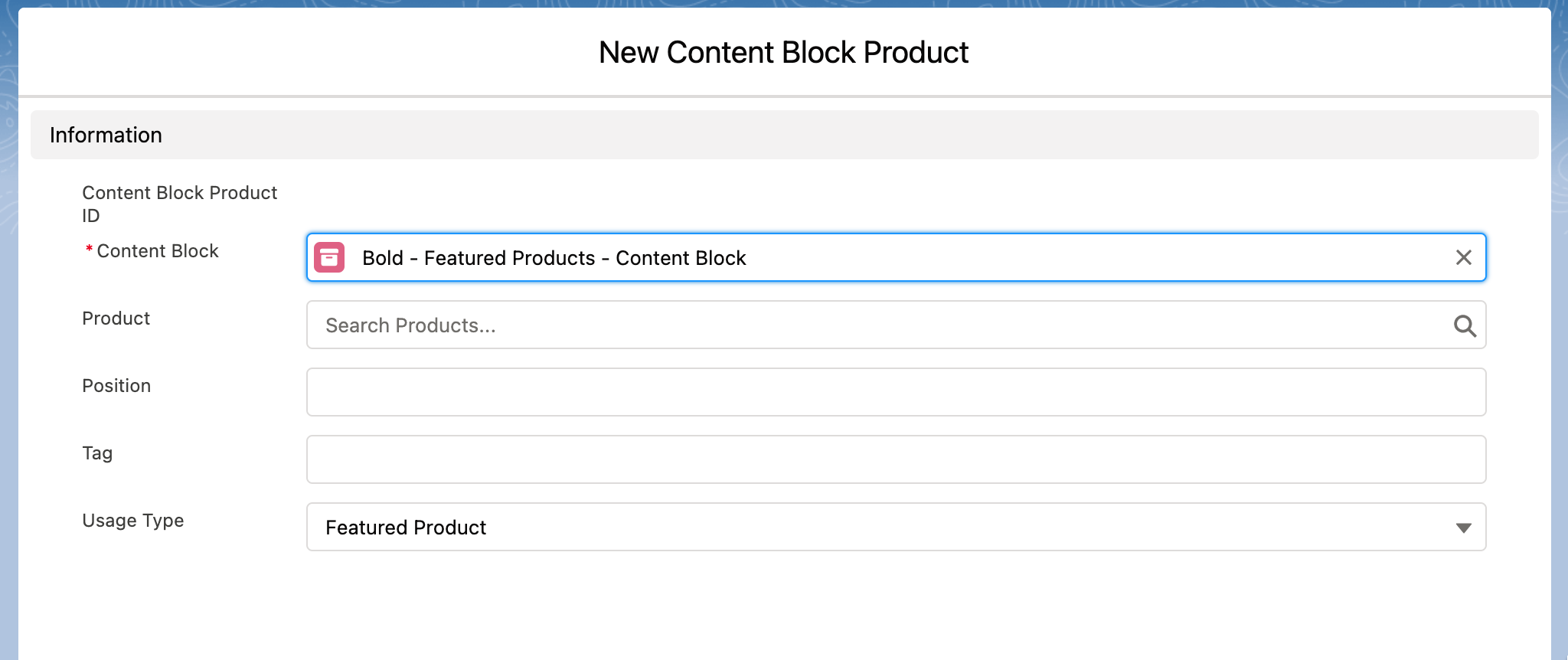
- On each product you add, set Usage Type to
Featured Product, and set Position to control the order the products appear in.
- Add the featured products content block to the page you want it on, as described in content pages.
Load that page on your storefront. The products you selected appear as a row of product cards, in the Position order you set.
Was this article helpful?
Thanks for your feedback! It helps us improve our docs.