

Flywire
On this page
This topic explains how to configure Flywire as a third party payment provider in StoreConnect. Flywire is designed as a payment gateway that supports standard checkout, subscriptions, and preauthorization, but cannot be used for express checkout.
What you need
- Flywire checkout
- Minimal code and admin know-how
Get credentials from Flywire
Flywire provides credentials that you can use in the API key and API secret fields in the StoreConnect config.
Configure Flywire in StoreConnect
- Open StoreConnect and go to Settings > Payments > Payment providers.
- Select New. Complete the fields as follows, then Save:
| StoreConnect field | Select or enter |
|---|---|
| Name | Flywire |
| Provider | Select Flywire from the list |
| API Mode | production or sandbox |
| API Key | # Frontend API key (supplied by Flywire) |
| API Secret | # (Backend) API key (supplied by Flywire) |
| API Options | recipient_id: your-recipient-id contact_student_id: student_id__c |
The recipient_id is supplied by Flywire and is optional — it is auto-discovered if not set. The contact_student_id maps to a Salesforce Contact field for student ID lookup and defaults to student_id__c.
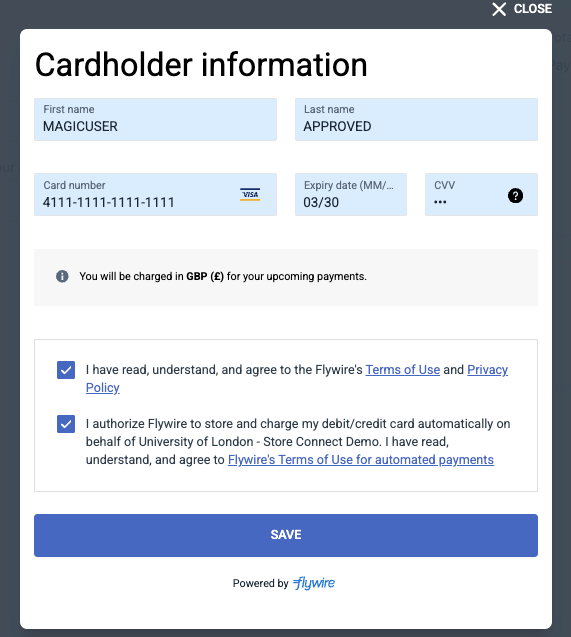
What it looks like when someone pays
Was this article helpful?
Thanks for your feedback! It helps us improve our docs.