

How to insert media using Liquid
On this page
Inserting images using Liquid filters
Insert any image from your store’s media library into your content with a Liquid filter. This method is particularly useful when creating complex theme templates, or when you need to insert images within text in your articles or page content.
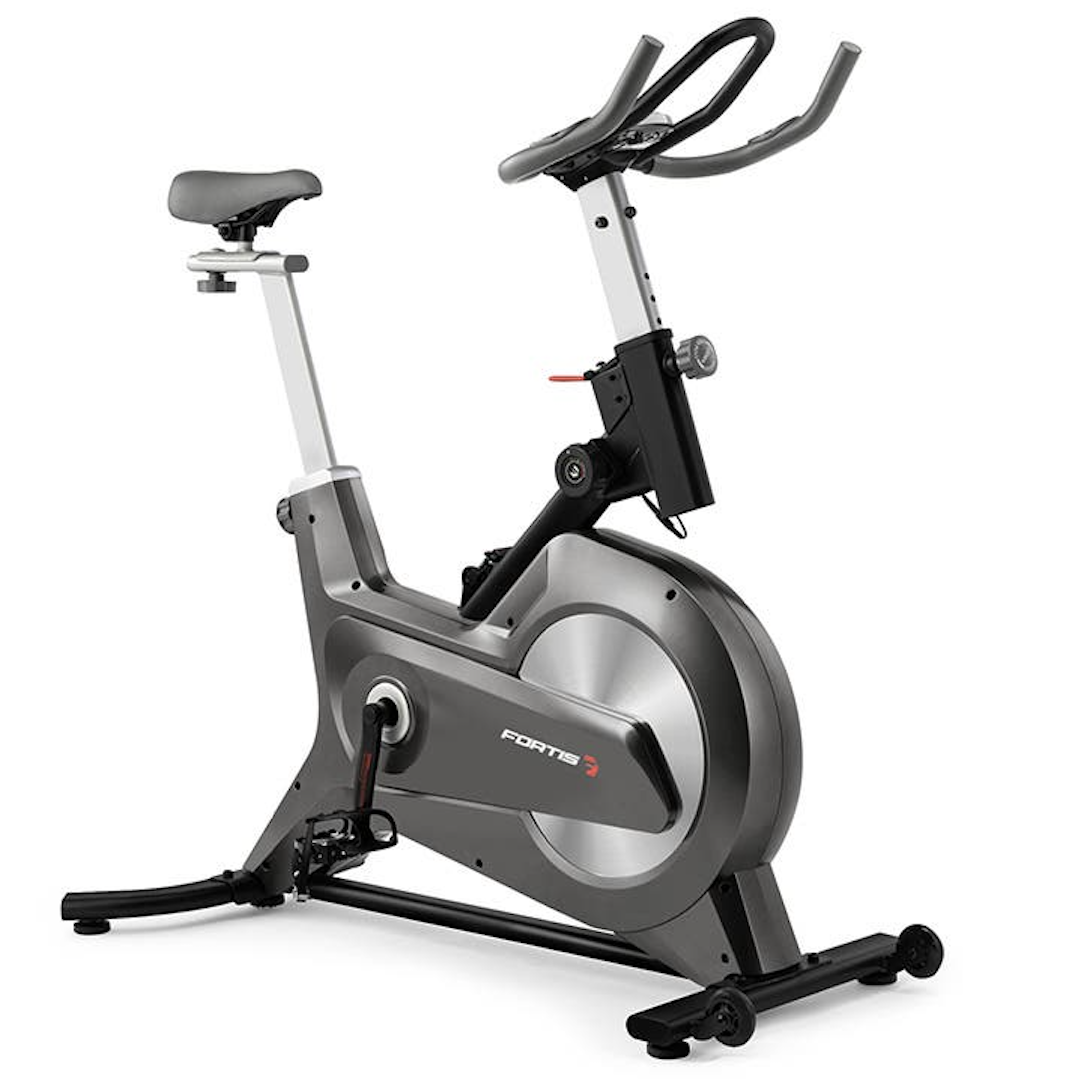
Suppose you have uploaded an image of your bike product. The Media record has the identifier spin-bike-home-hero, which you use in the following filter:
```liquid
{% assign image = all_media[‘spin-bike-home-hero’] %} ```
Or reference it inline:
```liquid
```
The image renders at its original size:
Rendering images in various sizes
Render an image at a preset size to keep page weight down and fit the image to your design.
:::warning Do not set an image size on hero or full-width banners. A sized image will not expand to 100% on very large screens. :::
Available image sizes include:
- massive: 2048px
- huge: 1024px
- large: 640px
- medium: 480px
- thumb: 240px
- small: 100px
- tiny: 50px
- icon: 32px
- pico: 16px
Example: the thumb size
```liquid
![{{ all_media['spin-bike-home-hero'].image.alt_text }}]({{ all_media['spin-bike-home-hero'].image.thumb_url }})
The output is a 240px-wide image.
Inserting videos
Insert any video from your store’s media library with a Liquid filter. Use it to embed a video inside page or article content, or in a theme template.
The input sample-video is the Media record identifier. The remaining inputs are optional.
```liquid
```
Embedding YouTube videos
The input MdAKrzOLQTg is the YouTube video ID.
```liquid
{{ “MdAKrzOLQTg” | youtube }} ```
This will load the video:
You can also specify the starting time, in seconds:
```liquid
{{ “MdAKrzOLQTg” | youtube, start_at: 10 }} ```
This will load the video and start it 10 seconds in.
Embedding Vimeo videos
The input 65107797 is the Vimeo video ID.
```liquid
{{ “65107797” | vimeo }} ```
This will load the video:
You can also specify the starting time, in seconds:
```liquid
{{ “65107797” | vimeo, start_at: 10 }} ```
This will load the video and start it 10 seconds in.
Inserting content blocks
Insert any content block with a Liquid filter.
The input main-image-overlay-block is the Content Block identifier.
```liquid
{{ all_content_blocks[“main-image-overlay-block”].render }} ```
The content block with that identifier renders in place.
Was this article helpful?
Thanks for your feedback! It helps us improve our docs.