

Special order holds and pickups
On this page
Use this process to hand over an order a customer has come in to collect. The Pickups list covers items placed on hold, special orders that have arrived, and orders placed online for in-store collection.
Orders paid for online and collected in store are commonly called Buy Online, Pickup In Store (BOPIS) or click and collect. An order a customer reserves online without paying, then pays for at the Take payment step below, is commonly called Reserve Online, Pickup In Store (ROPIS). See Omnichannel fulfillment models for how these compare to other fulfillment models.
Process a pickup
- At the POS register, open the Pickups list in the sidebar menu. The icon is a tray.
- Search, filter, or sort the list to locate the order.
-
Filter by order Status or Type to narrow the list further.
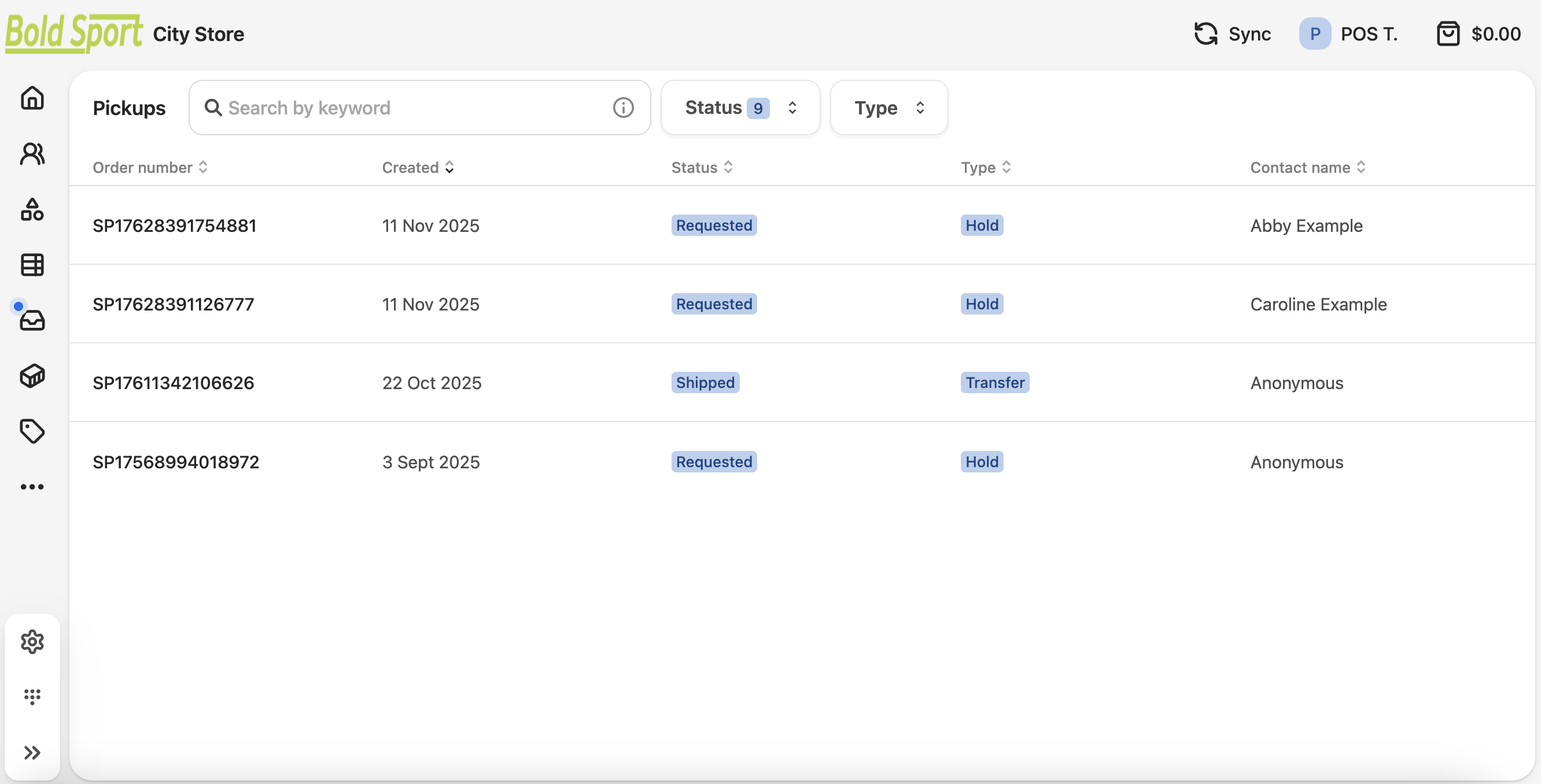
- Open the order and complete the transaction according to its status:
- Take payment for any outstanding balance.
- Provide the goods.
- Issue a receipt.
The fulfillment moves to a completed status and the order drops out of the Pickups list.
Was this article helpful?
Thanks for your feedback! It helps us improve our docs.