

Navigate the POS quicklist
On this page
The quicklist is the set of popular items shown on the POS dashboard, and it is usually the first thing staff see when they sign in. You can reach it from any screen.
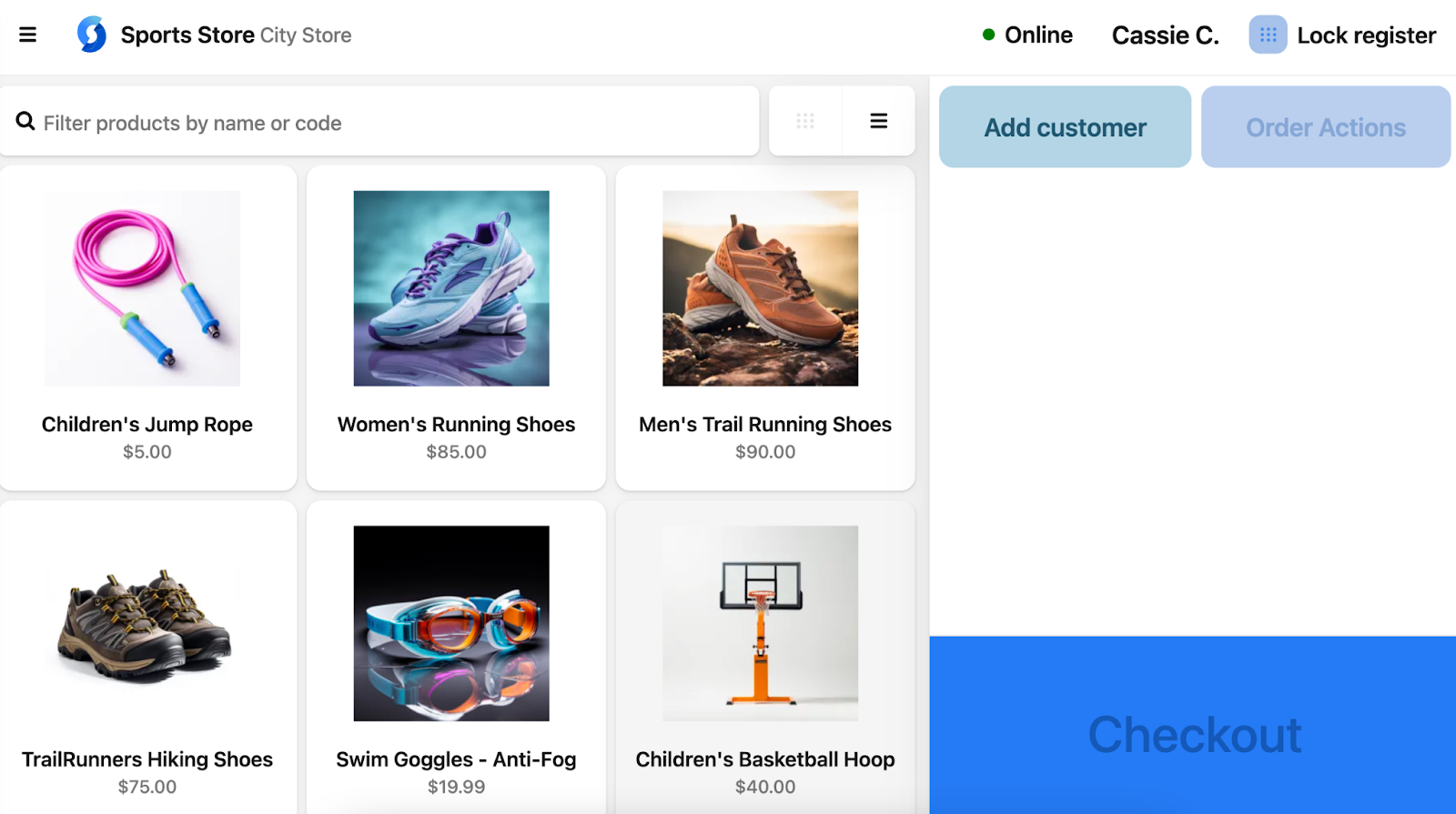
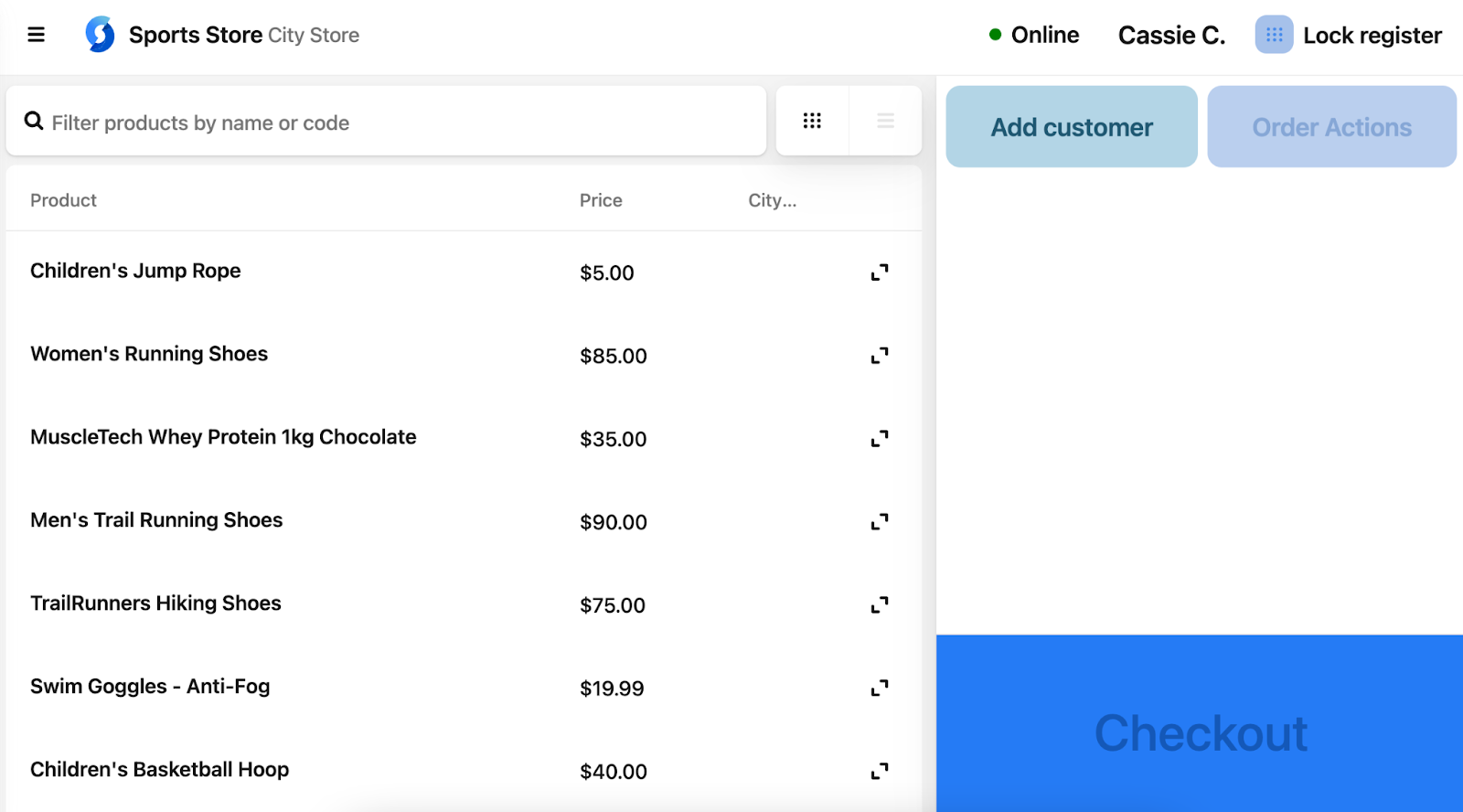
The quicklist appears either as a set of cards or as a list. Toggle between the two using the controls next to the search bar.
To choose which products appear here, see Set up the popular items quicklist.
Quicklist card view
Card view gives staff a fast, visual shortcut to frequently sold items.
Quicklist list view
List view fits more products on screen. Select the arrow at the right of a row to expand it and see details such as variants, stock levels, and location.
Was this article helpful?
Thanks for your feedback! It helps us improve our docs.