

Collect an item serial number at POS
On this page
Use this process to make staff record a serial number whenever an item is sold at POS. The requirement is set per product, so repeat it for each product you want to track.
Require a serial number for a product at POS
- Open the Product record in Salesforce.
- Select Edit.
-
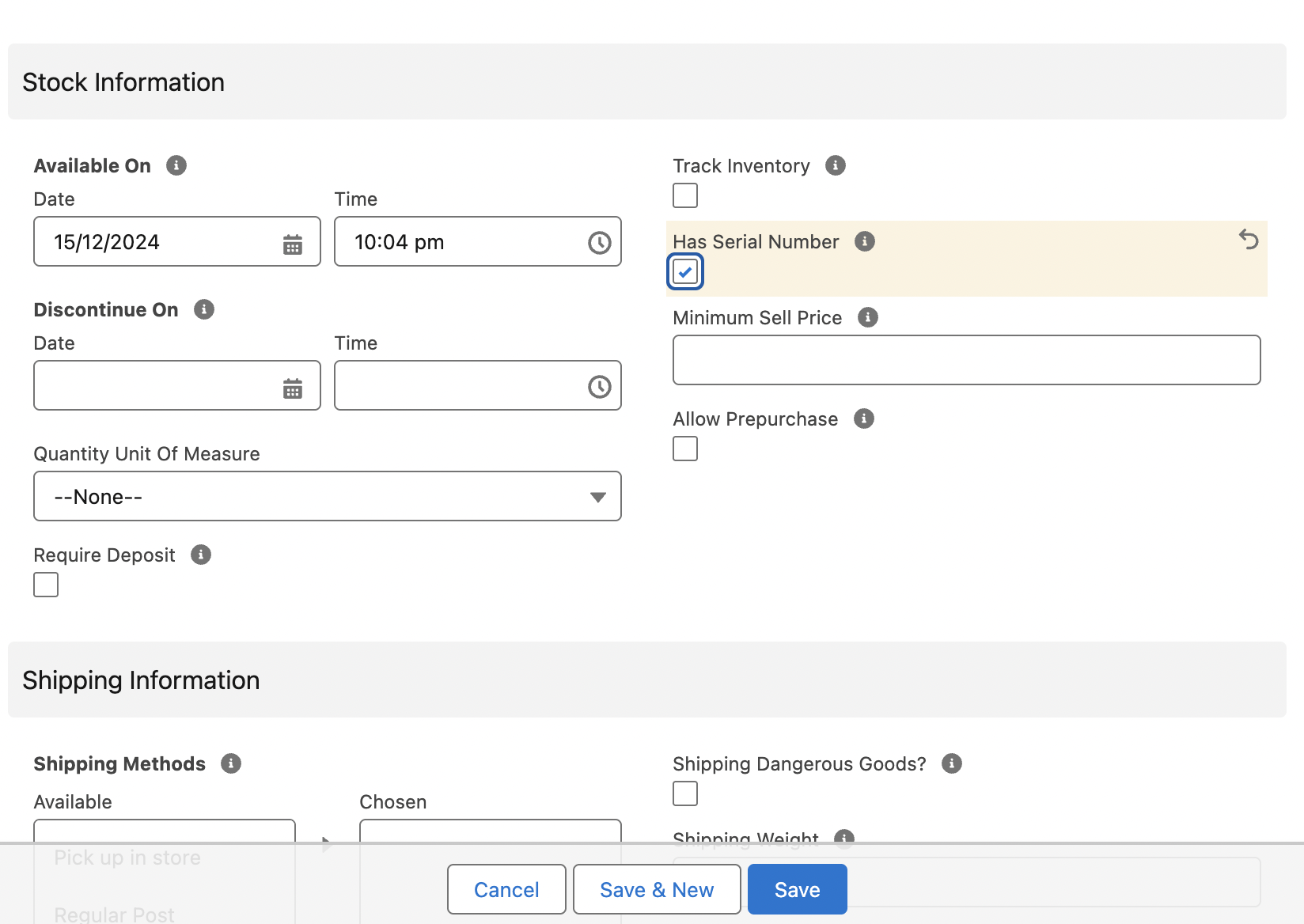
Scroll to the Stock Information section and switch on the Has Serial Number option.
- Select Save.
- Repeat for each product you want tracked by serial number.
The POS now prompts for a serial number whenever the product is added to a cart. See Add a product serial number at POS for what staff do at the register.
Was this article helpful?
Thanks for your feedback! It helps us improve our docs.