

Add a product serial number at POS
On this page
Use this process to capture a serial number against an item during a sale, so the unit can be traced later for a warranty claim or a return. Serial numbers are collected only for products where you have set the requirement on the Product record, not for every item at checkout.
Before you start
- The product is configured to require a serial number. See Enforce collection of a serial number at POS.
Record a product serial number at checkout
- At the POS register, add the product to the cart. The POS flags that a serial number is required.
- Select Add customer and enter the customer details, so the serial number can be traced back to them for a return or warranty claim.
- Back in the cart, select the product you are adding a serial number for.
-
Select + in the Serial number field and enter the number.
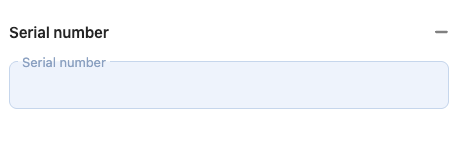
- Select Back to cart and complete the transaction.
The serial number is stored against the order item and appears on the order in Salesforce, where it can be looked up when the customer returns.
Was this article helpful?
Thanks for your feedback! It helps us improve our docs.