

Add a register to an outlet
On this page
A register is a trading position within an outlet. Creating one lets staff connect a device and process transactions. You can have multiple registers per outlet.
Before you start
- You need an outlet in which to set up the register. See Set up an outlet.
Add a register to an outlet
- In Salesforce, go to POS > POS Outlets.
- Open the outlet you are adding the register to.
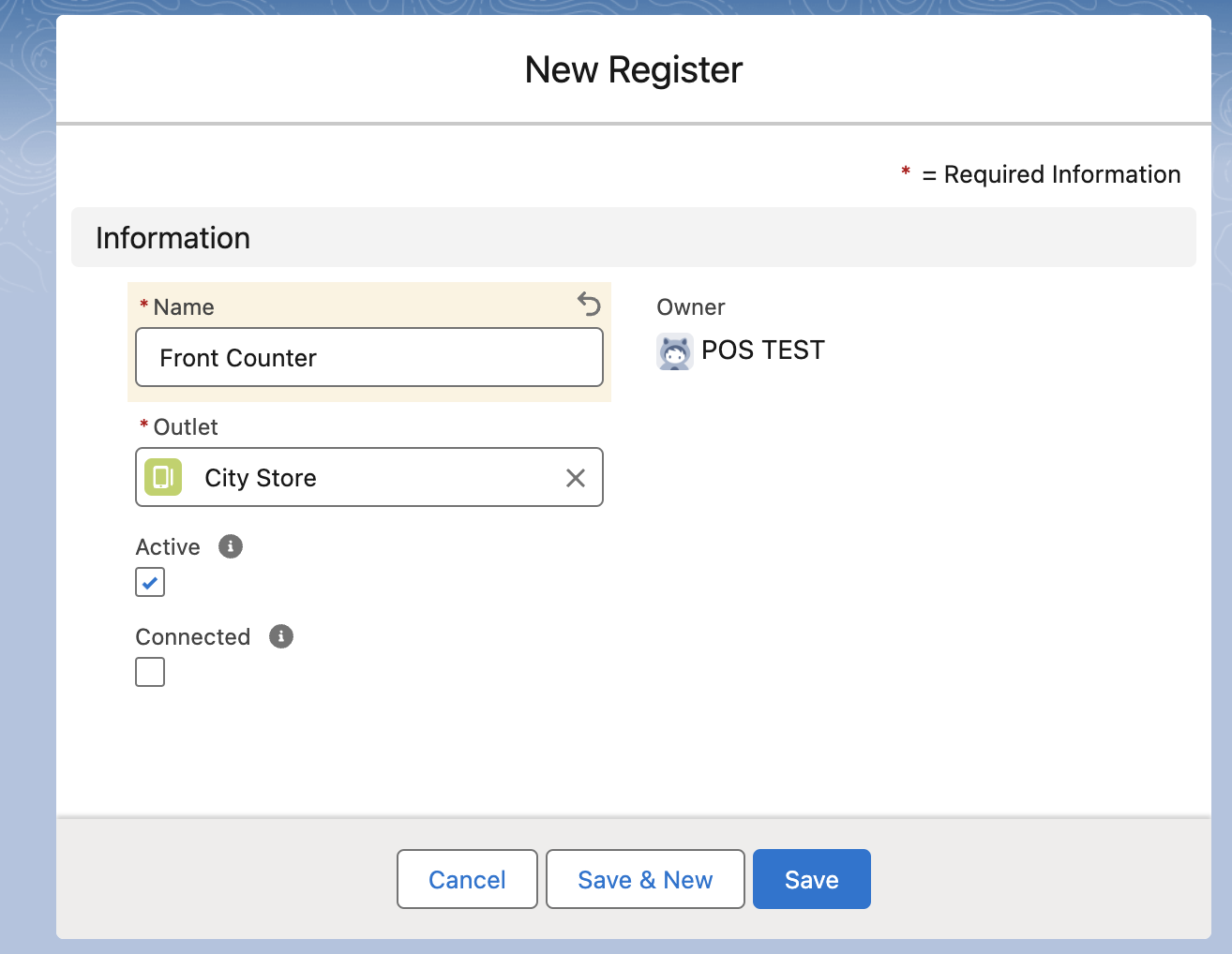
- In the Outlet Registers related list, select New. The New Register window opens.
- Enter a Name for the register and select the Outlet.
- Select the Active option, and leave Connected unchecked. The POS sets Connected itself when a device pairs with the register.
-
Select Save.
The register appears in the Outlet Registers related list and is available to select when a device connects. See Connect the POS register.
Was this article helpful?
Thanks for your feedback! It helps us improve our docs.