

Start a shift at POS
On this page
Use this process to open a register at the start of the trading day. A manager or authorized team member signs in and enters the opening float, which is the cash in the drawer before any sales are made.
Before you start
- The register is connected to the outlet. See Connect the POS register.
- You have a POS user with a PIN. See Create and set a PIN.
Video demo - start and end a shift at POS
Start a shift at POS
- Switch on and sign in to the outlet register.
- Select yourself from the list of users and enter your PIN.
-
Enter the float amount in the Set your opening float field.
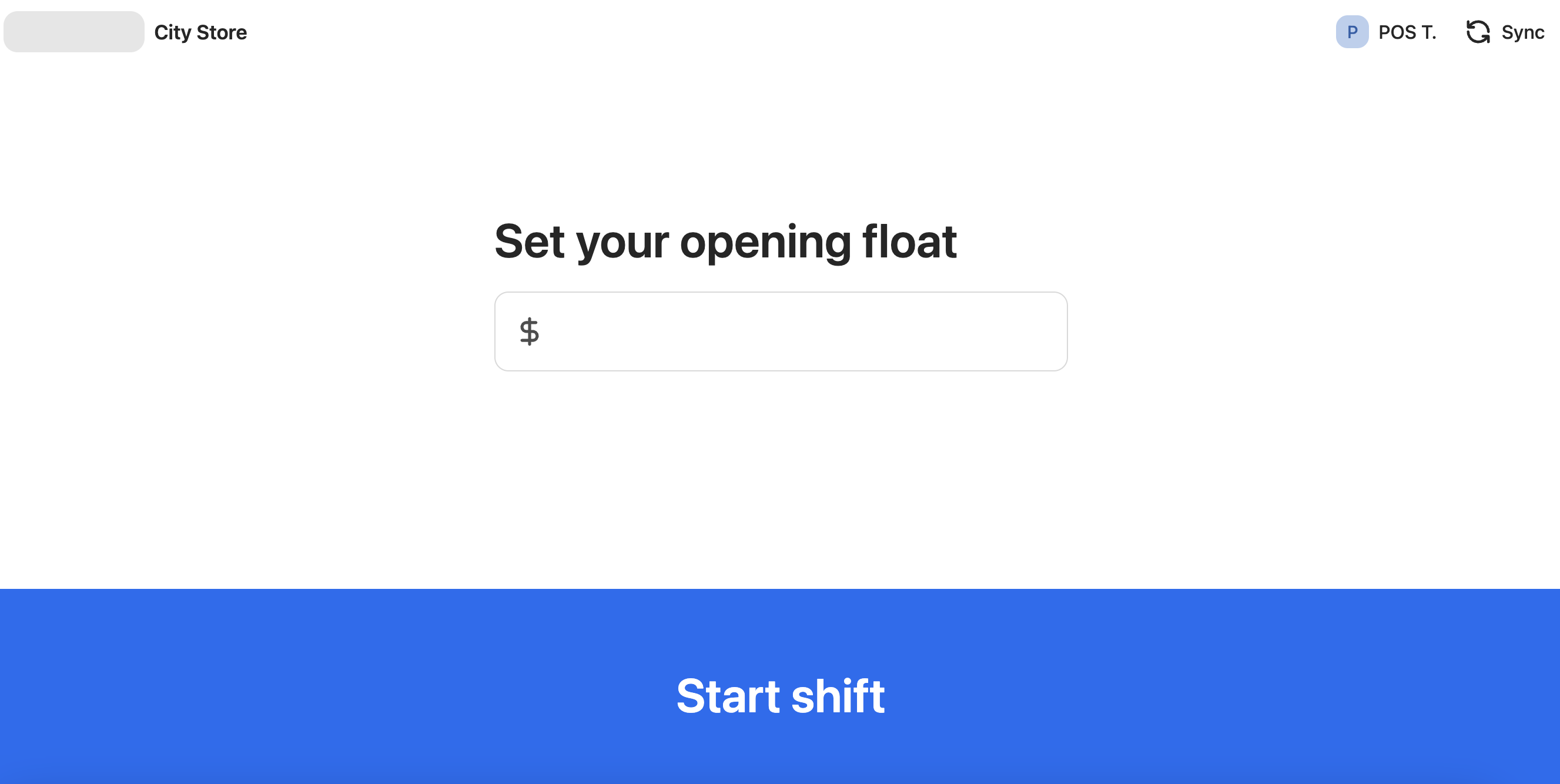
- Select Start shift.
The register opens on the POS dashboard with the shift active, and the opening float is recorded against the shift record.
Was this article helpful?
Thanks for your feedback! It helps us improve our docs.